VEMCO – VR100 Manual 28 May 2018 67
6.7 Time
The date and time are displayed on the VR100’s screen in the format YYYY MM DD HH:MM:SS. Both
the date and time can be manually set to any moment on any day, but as soon as the GPS locks the date and
time will be corrected to the local time based on the Coordinated Universal Time (UTC) and the offset
entered in the VR100 by the user.
The GPS system uses Coordinated Universal Time (UTC), the international time standard (see Glossary for
more information). The VR100 receiver will convert the UTC time to the local time as long as the correct
offset has been entered in the receiver (see steps listed below). The offset is the number of hours behind (a
negative value) or ahead (a positive value) of the UTC your local time zone is. For example, VEMCO is
located in the Atlantic Standard Time zone, which is four hours behind UTC. The offset value “– 4” must be
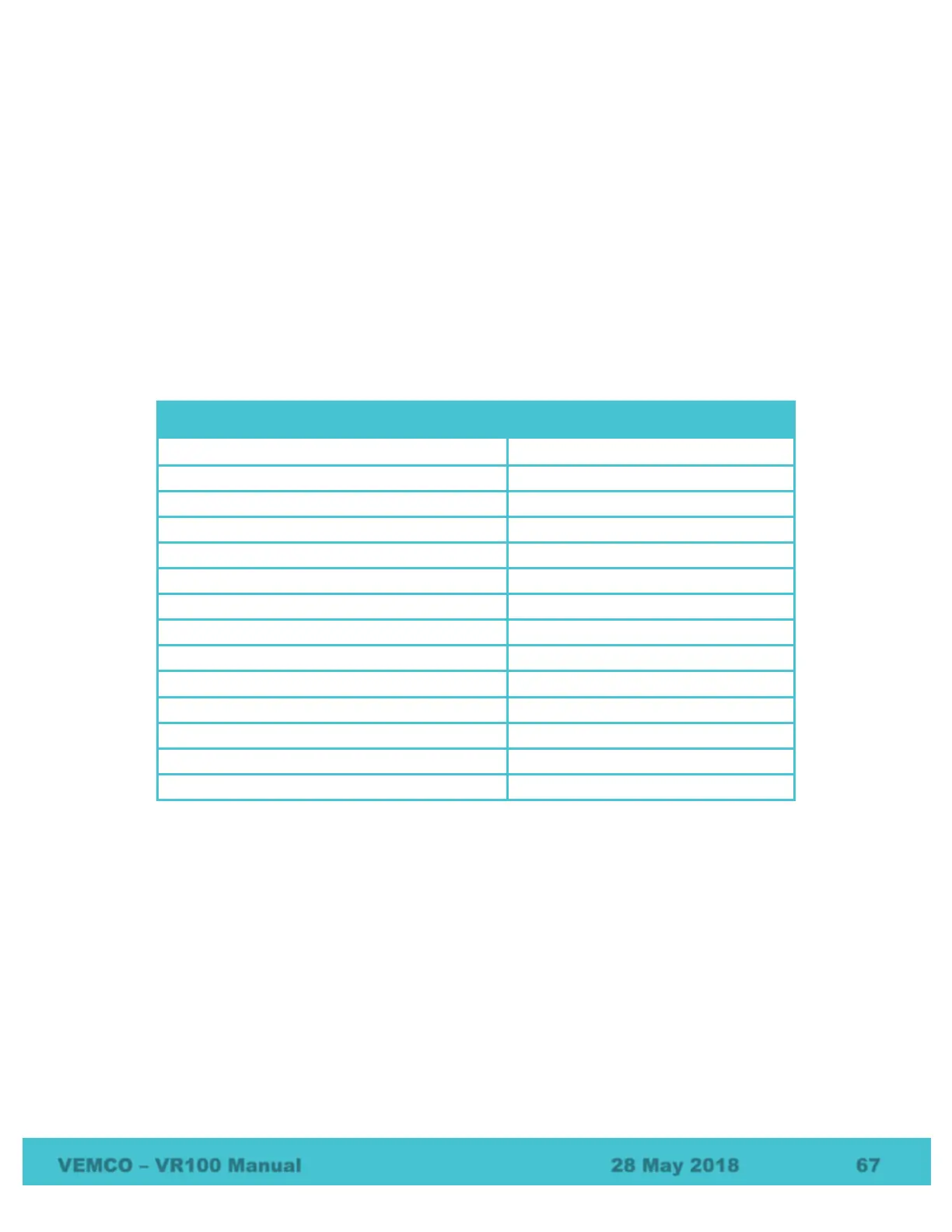
entered in the VR100 for the receiver to display the time at VEMCO. Samples of UTC conversions are listed
in the table below.
Conversions from UTC to Standard (winter) Local times
Australian Western Standard Time (China)
Japan/Korea Standard Time
Australian Eastern Standard Time
How to set the offset is explained in section 2.1.2.
The Set Local Time screen also displays the date the time was last set and by whom, either the user (USER),
the GPS (GPS), or the PC software (USB). If the display reads DFLT, then either the time has never been set
or the time was lost if the battery was fully drained of power and recharged. The time is maintained as long
as the battery is charged.



 To Next Page