VEMCO – VR100 Manual 28 May 2018 47
6.1.3 Transponding Menu Structure
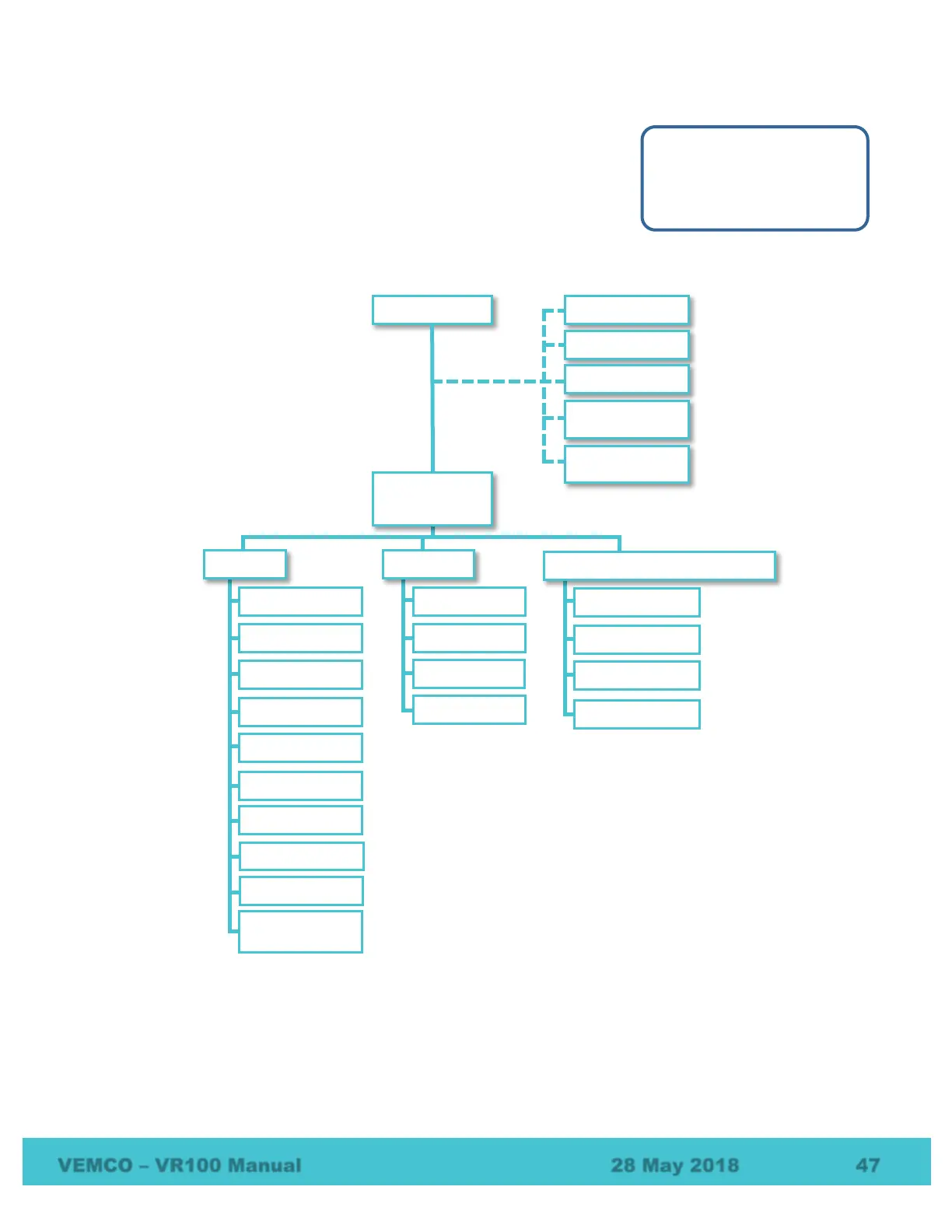
The menu structure within the Transponding section of the VR100-200 is
listed below with a brief explanation of each feature. Common transponding
tasks are explained in detail in section 4.4. Additional transponding tasks are
discussed in section 6.2.
NOTE: The Devices option (at right) only appears once devices exist in
your list of devices.
6.1.3.1 Initial options
Before accessing the Devices’ Transpond menu options, you must Scan for, or Add Devices to your list of
devices.
1. Auto Scan – Lets you enter the estimated number of devices and then scan for available devices in the
area.
2. Add Device… – Add a device to your list.
1 Status...
2 Settings...
3 Acoustic Release
Devices Select
Devices
3 Acoustic Release (VR2AR only)
0 Channel Status
(HR2 only)



 To Next Page