- 137 -
DX-120 Programming Manual BASIC CO LINE PROGRAMMING TASKS
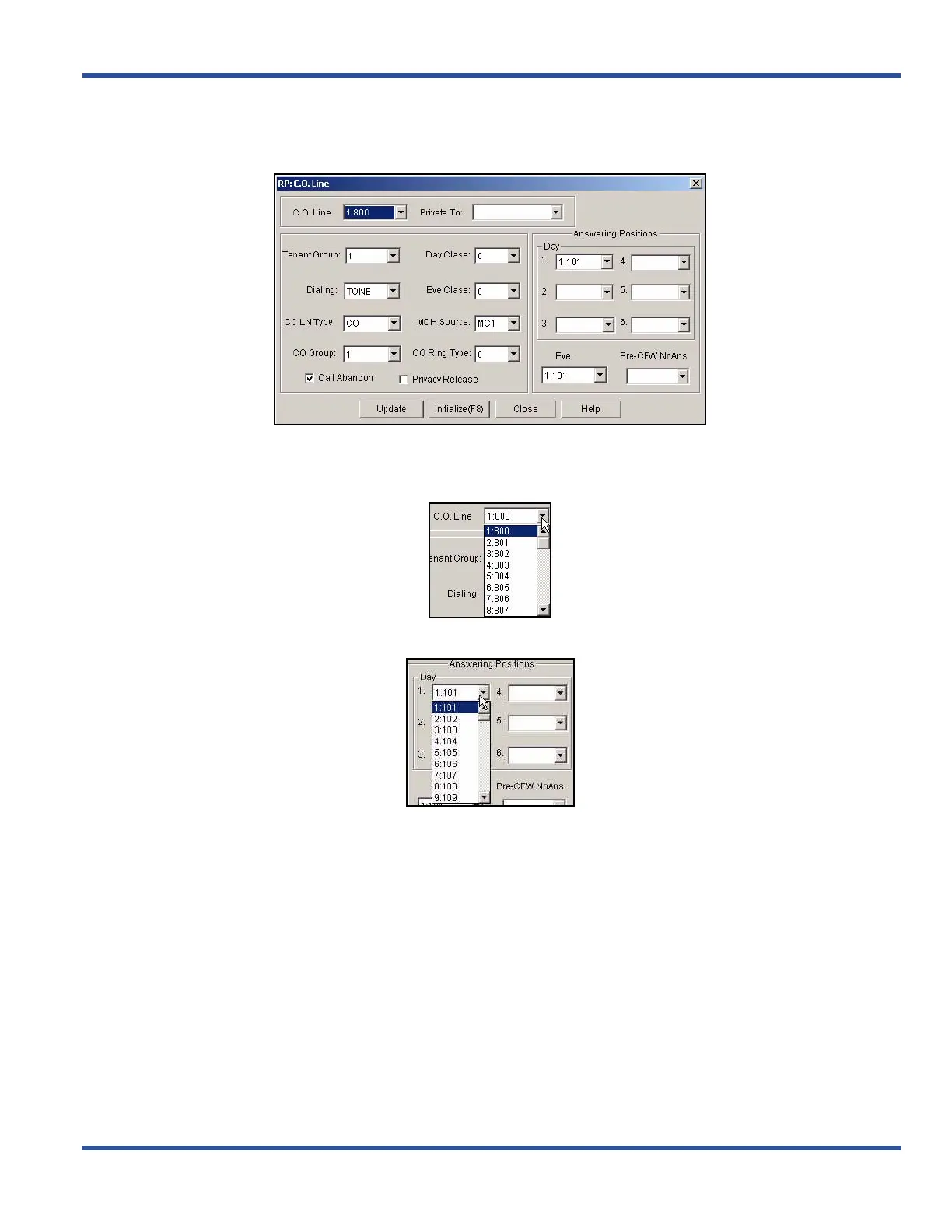
Setting the Answer Position for Day and Evening via PC-DBA (continued)
1) Go to ProgrammingXC. O. Line to display the C. O. Line screen.
2) Select the central office line you wish to assign.
• Available entries are 800 through 839.
• Entries 840 to 843 are for future use only.
3) Select the information for fields in this screen as shown below:
Setting the Answer Position for Day and Evening via PC-DBA (continued on next page)



 To Next Page