- 43 -
DX-120 Programming Manual BASIC SYSTEM PROGRAMMING TASKS
Assigning Attendants via PC-DBA (continued)
Assign the Alternate Attendant Extension
If you do not wish to assign an alternate attendant extension, leave the field blank and skip to step 8.
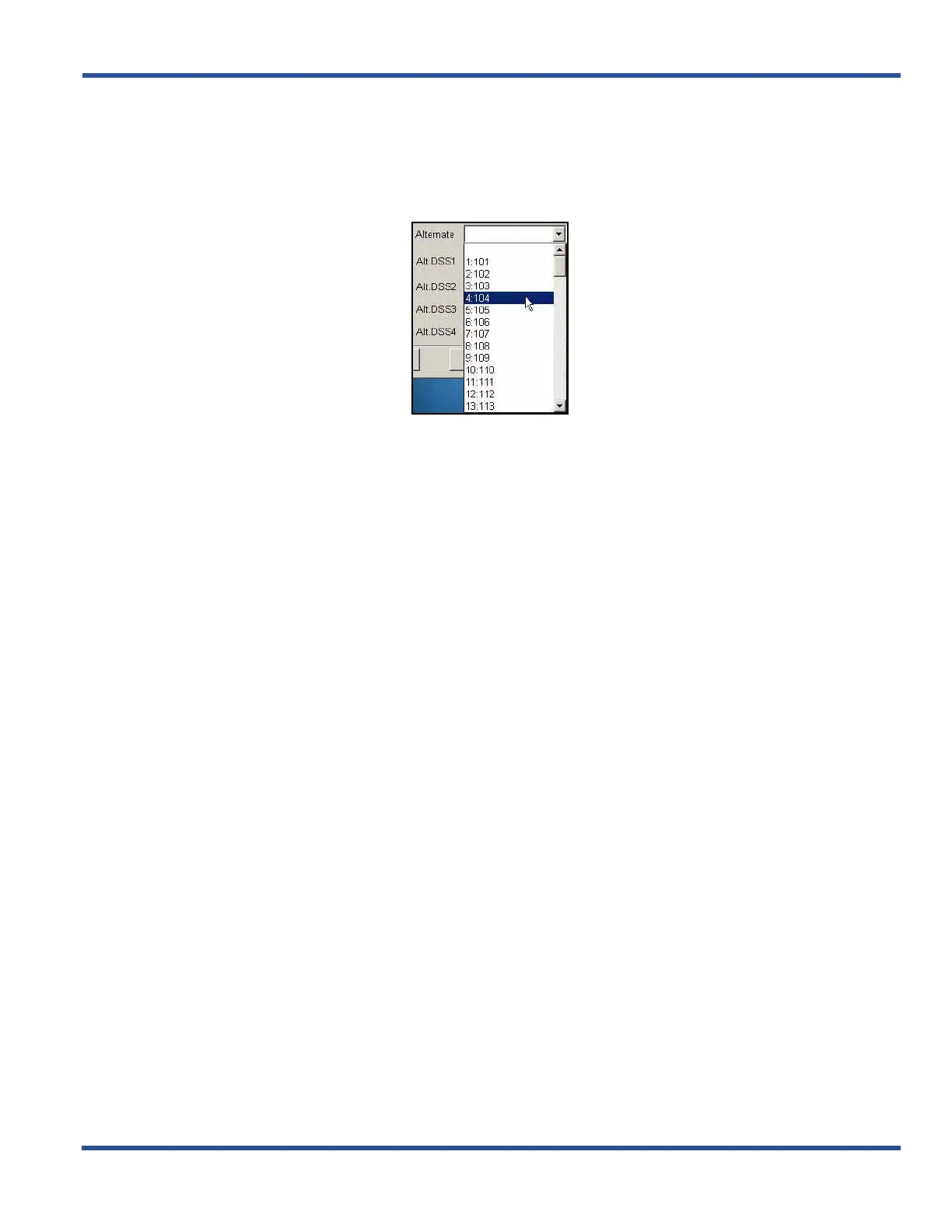
7) Click the down arrow next to the Alternate field to display the list of available extensions.
• Follow steps 4 through 6 as shown above to set the Alternate Attendant extension.
• Follow steps 2 through 6 to assign primary and alternate attendant extension numbers to other tenant
groups
When you have completed all entries:
8) Click the Update button to enter and save your settings into the database on your local disk.
9) Click the Close button to exit the current screen and return to the PC-DBA main screen.
Once all database changes have been completed:
10) Perform a SEND to copy your new database to the DX-120 switch system memory.
Attendant Extension (continued on next page)



 To Next Page