- 51 -
DX-120 Programming Manual BASIC SYSTEM PROGRAMMING TASKS
Setting the Hour Mode via PC-DBA (continued)
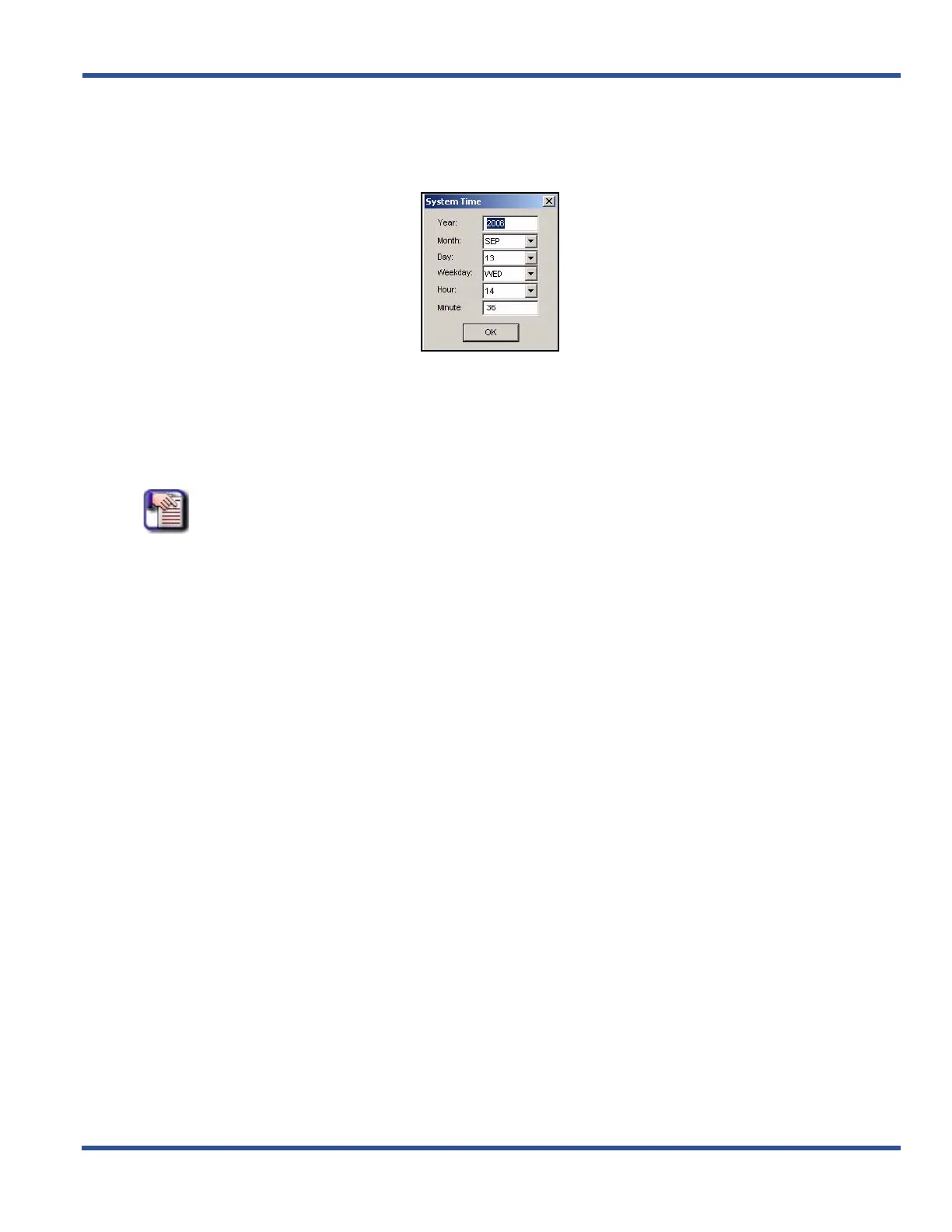
5) Go to ProgrammingXSystem ApplicationXSystem Time to display the System Application—System
Time screen.
6) Enter the current year.
7) Select the current month.
• The default is JAN.
8) Select the day of the month.
• The default is 1.
NOTE
As you select the day, the system automatically changes the Weekday field to reflect
the day of the week for the year, month, and day you entered.
9) Select the current hour.
• Remember that time on the DX-120 is entered and shown in military format (i.e., 00:00 to 24:00).
Therefore, valid choices are 1 to 23.
• The default is 0.
10) Enter the current minute.
• The default is 0.
11) Click the OK button to exit the System Time screen and return to the PC-DBA main screen.
When You have Finished All Programming Changes
12) Perform a SEND to copy the database changes to the DX-120 switch system memory.
• Be sure to check the System Time option.
Setting System Time, Date, and/or Hour Mode (continued on next page)



 To Next Page