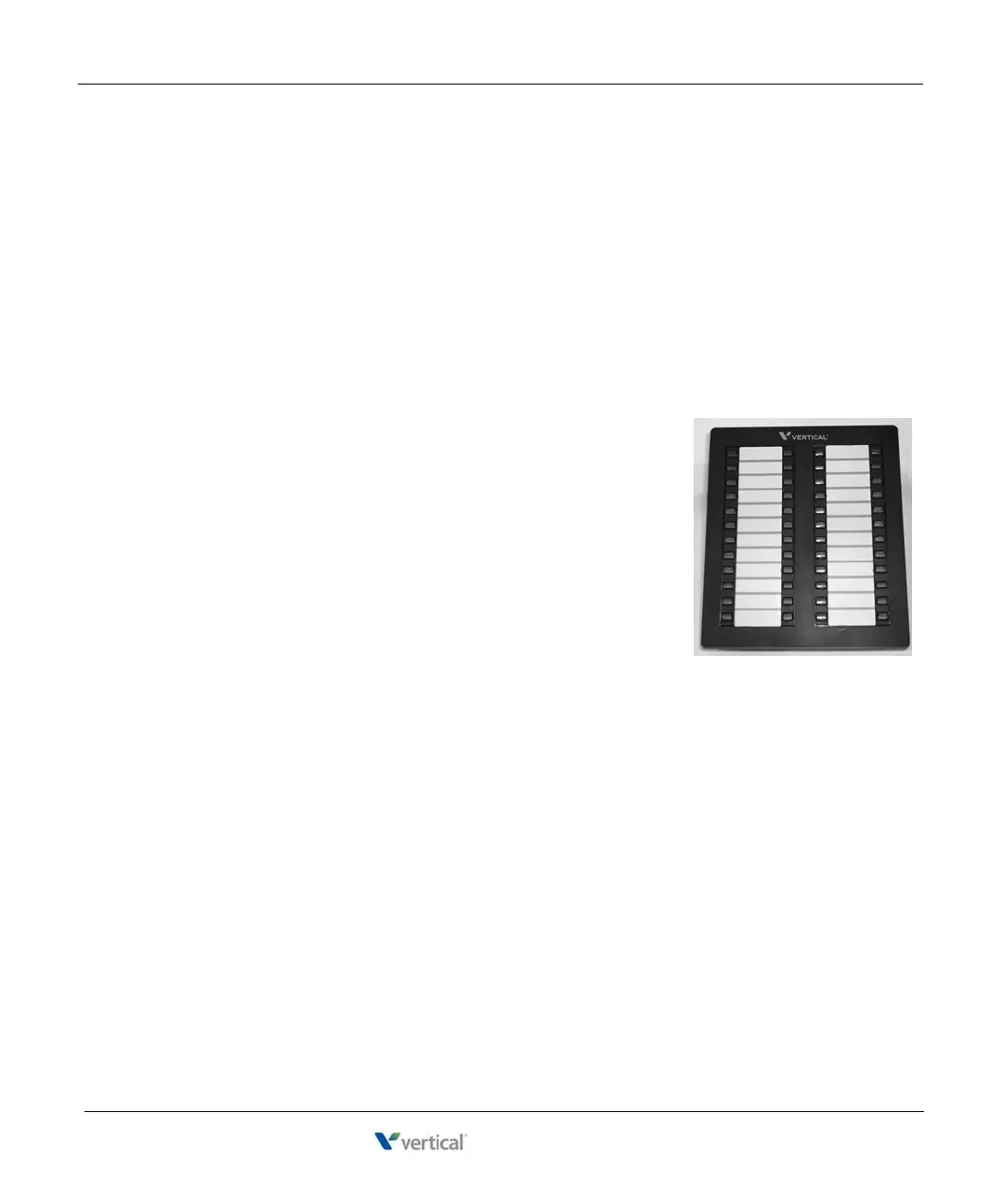
Edge 700 DSS Console - 48 Button 6-10
About Wave Digital Phones
Wave Phone User Guide
TO ENTER MENU OPTIONS MODE
While the phone is idle, press and hold the TRANS key for at least 4 seconds. The phone
will enter into the MENU options mode and the LCD will display the first options screen.
WHILE IN MENU OPTIONS MODE
• The Volume - key corresponds to the LEFT softkey.
• The TAP key corresponds to the CENTER softkey.
• The Volume + key corresponds to the RIGHT softkey.
Edge 700 DSS Console - 48 Button
A DSS console provides “switchboard” capability by expanding the
number of extension buttons available to a digital phone user.
The Edge 700 Direct Station Selection (DSS) 48-Button Console expands
a receptionist’s digital phone with 48 additional flexible buttons with LEDs
to connect to system endpoints such as user extensions. Up to 5 DSS
Consoles can be associated with a single digital phone, providing up to 240
additional buttons.
Your Wave system administrator can assign most of the same features to a
DSS Console button that can be assigned to a button on your digital phone.
Typically, a Line Appearance feature button is assigned for each extension
for which you will answer calls via this DSS console.










 To Next Page