Set Up and Installation 6-42
About Wave Digital Phones
Wave Phone User Guide
Set Up and Installation
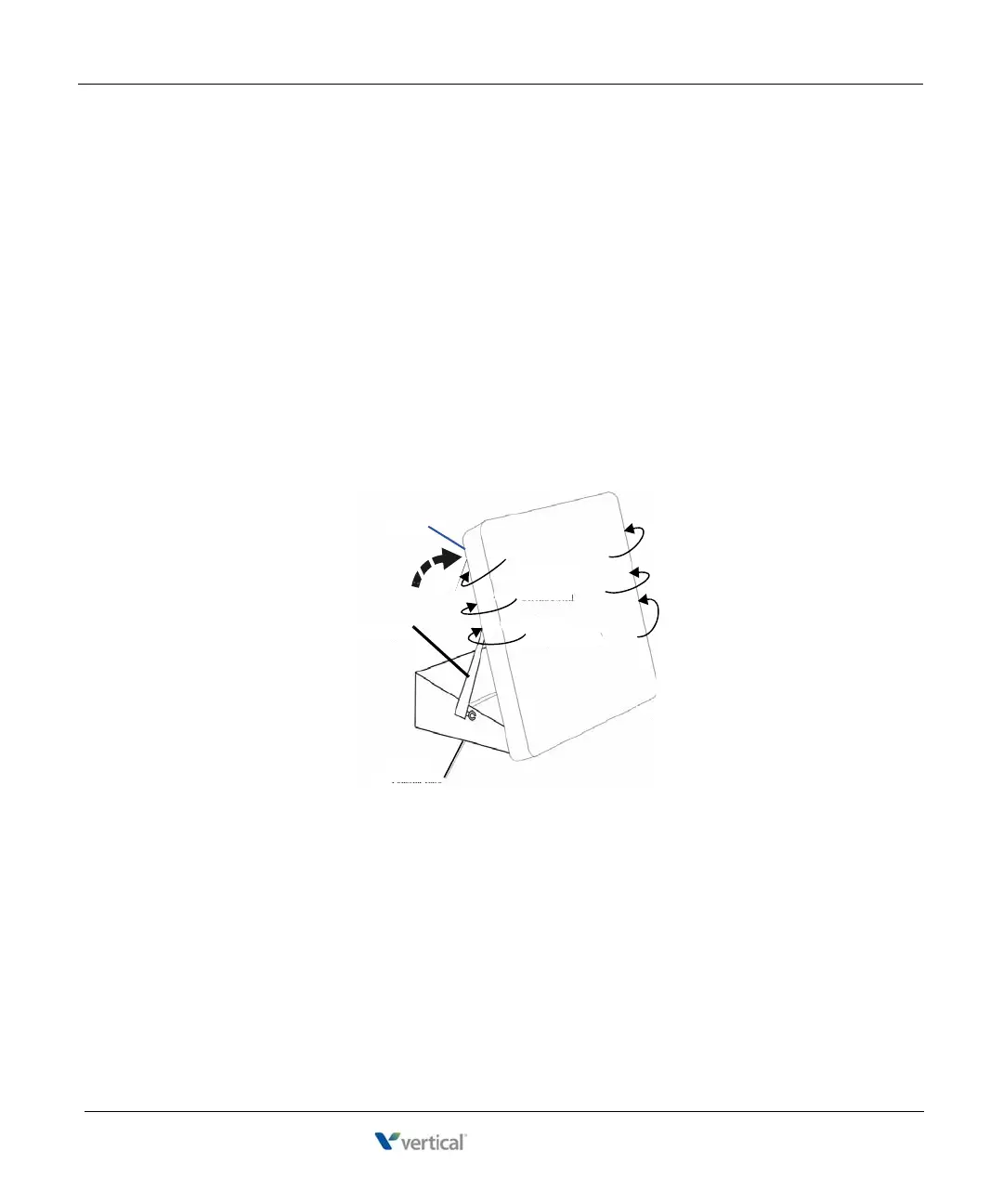
Adjusting the Pedestal (Edge 100 and Impact models only)
1. Firmly grasp the back of the pedestal base with one hand and lift the back portion
upward with your other hand.
2. Lift the front panel of the phone upward with one hand and, with the other hand,
raise the supporting arms.
3. Notice there are three sets of notches behind both sides of the front panel. Each
notch represents a different angle.
4. When the phone is at the desired height, select the closest pair of notches and
insert the supporting arms in the notches.
5. Press down gently on the front panel until you feel the supporting arms snap into
place.
telephone
supporting
arm
pedestal base
first notch
(lowest position)
second notch
(mid-position)
third notch
(highest position)










 To Next Page