Digital Phone Feature Codes 6-46
About Wave Digital Phones
Wave Phone User Guide
Digital Phone Feature Codes
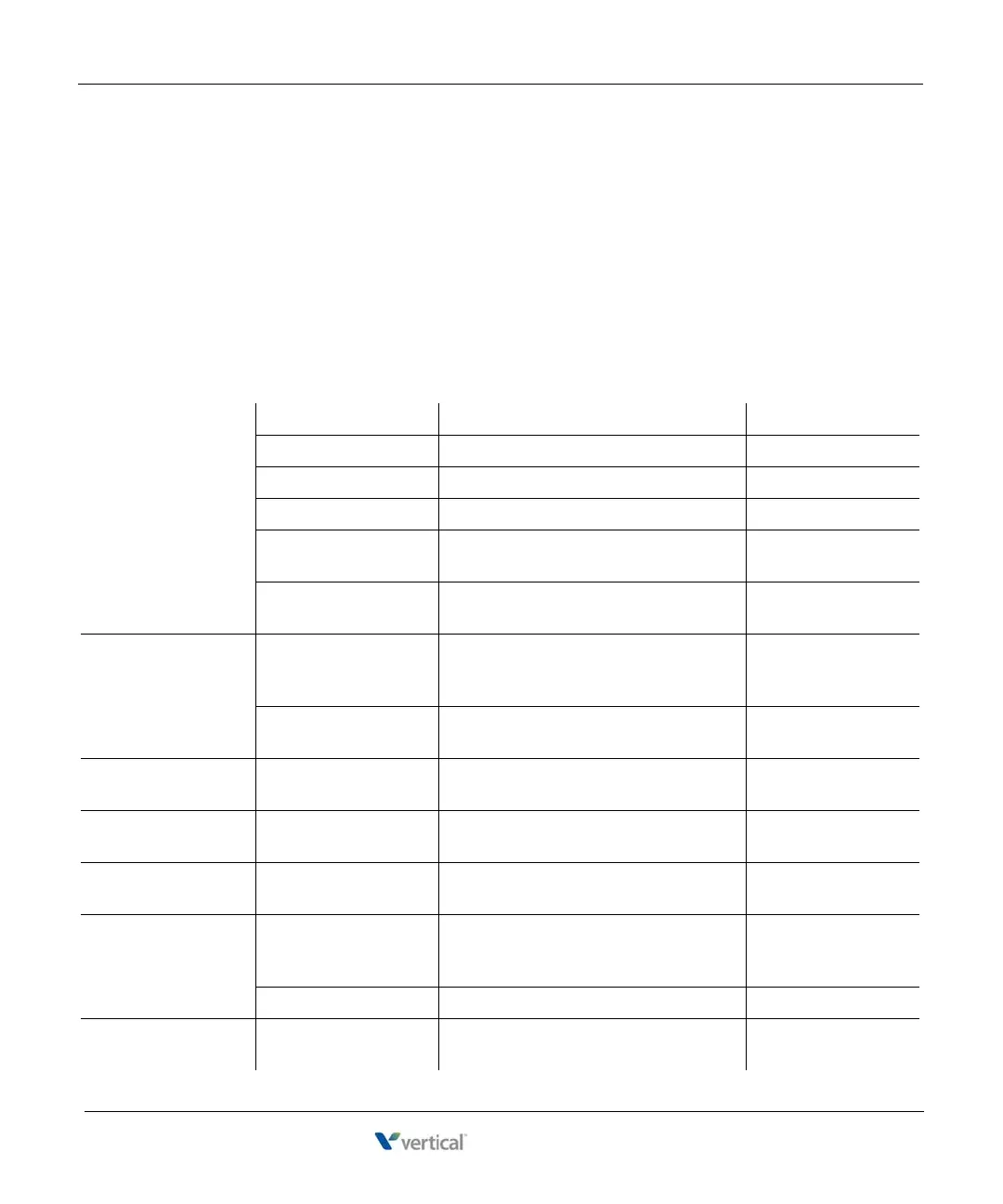
The following table lists the feature codes available from your digital phone. For other features,
you use the buttons on your phone. For details about a particular feature, see Chapter 3.
IMPORTANT: Each of the features described below may have a fixed or programmable button
that may be used instead of the Feature Code shown. Review the model descriptions on pages
6-4 to 6-37 to locate and find the fixed buttons available on the phone model you are using. In
addition, contact your System Administrator to find out what programmable buttons are
available on your phone model.
CALL PARK Directed Park Park call on another line. Flash + *66 + extension
Retrieval Retrieve direct-parked call. *65 + extension
Self Park Park call on your primary line. Flash + *64
Retrieval Retrieve self-parked call. *65 + extension or #
System Park Park call in one of 10 parking slots on
another line for retrieval from another phone.
Flash + *62
Retrieval Retrieve system-parked call from another
extension.
*63 + slot number
CALL PICKUP Extension Pickup Answer any ringing extension in your call
pickup group, specifying which ext to
answer.
*75 + extension
Group Pickup Answer any ringing extension in your call
pickup group.
*74
CALL RETURN Callback Call back the extension or phone number of
the last answered call on your primary line.
*69
CALL WAITING Deactivate Disable Call Waiting for the next call. *70 + extension or
phone number to dial
CALLER ID Dial number Block Caller ID for the next call. *67 + extension or
number to dial
CAMP-ON Callback Automatically call back an extension that is
busy, does not answer, or forwards you to
Vo i c e ma i l .
Flash + *76
Cancel Cancel Camp-on mode. *77
CENTREX
FEATURES
Access features You can use Centrex features, only if they are
allowed on your system.
Flash + *80 + Centrex
feature code










 To Next Page