Using a Digital Phone 6-41
About Wave Digital Phones
Wave Phone User Guide
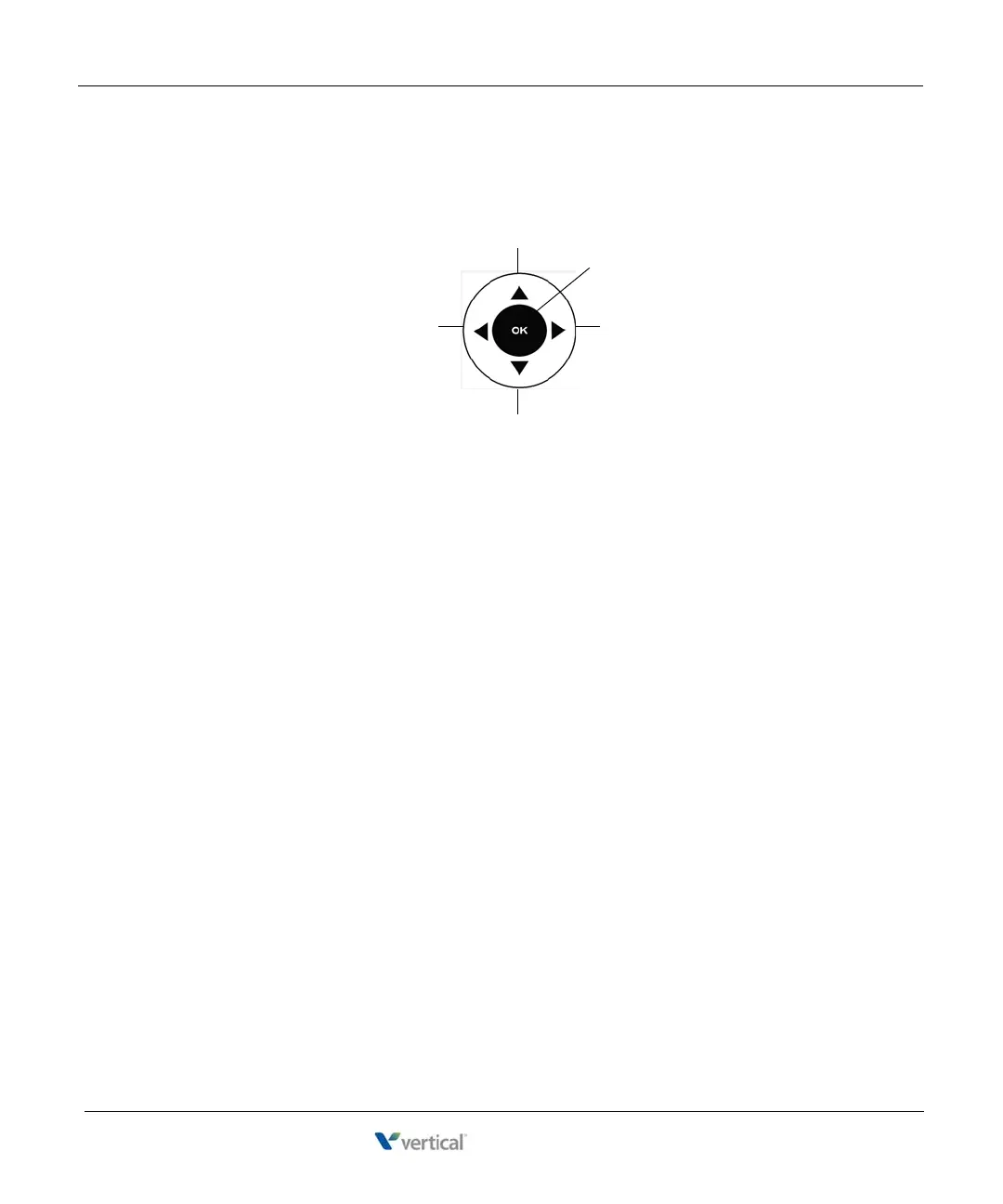
Scroll and Select Button (Edge 700 Phone - 24 Button Only)
The Scroll and Select button is used to navigate through display lists and to select options (see
page 6-11 for location of this button).
Program Button
If your phone has this optional feature button, you can use it to access the programming features
that appear on your display. Pressing this button takes you to the same place on the display as if
you press the following softkeys:
MENU, then NEXT until PROG appears; thus, allowing you
to program certain feature buttons on your phone (see User Programmable Keys on page 3-68).
Scroll DOWN
See NEXT item(s)See PREVIOUS item(s)
Scroll UP
SELECT










 To Next Page