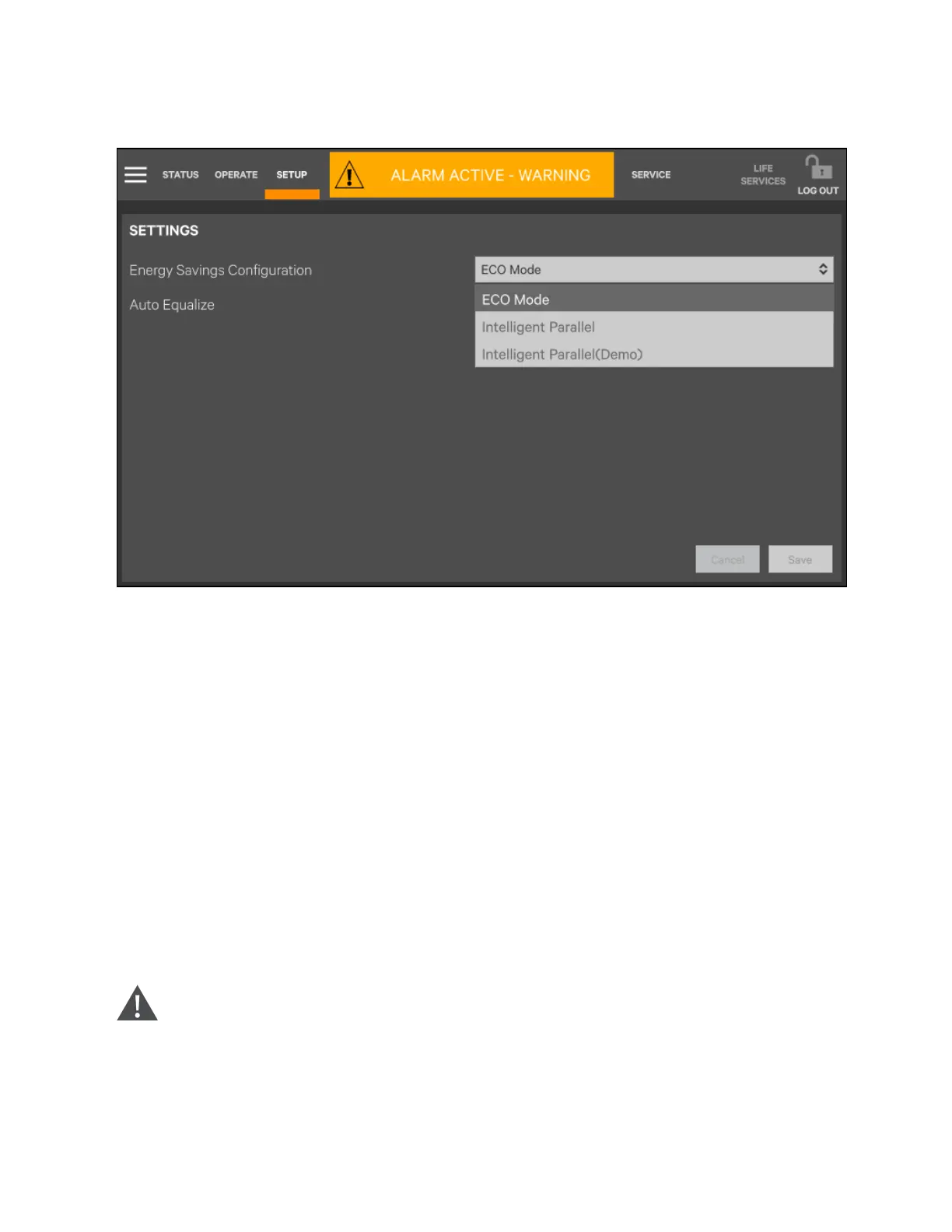
Figure 6.14 Setting ECO Mode
7. When the rectifier is started, start the system according to Startup Procedures in Normal Mode (UPS Startup
Procedures on page102).
After the inverter runs normally, if the bypass voltage is within the range of ECO power supply, then the system
works in ECO mode; otherwise the system will transfer to inverter. The system will automatically work in ECO
mode after the bypass voltage is within the range of ECO power supply and lasts for five minutes.
6.2.3 Startup procedures in battery mode (battery cold start)
NOTE: Press and hold the battery cold start button for 1 second to perform the above procedures.
NOTE: Do not press the battery cold start button before switching on the BCB.
1. Verify that the battery has been connected, close the battery loop switch, and the battery voltage is transferred
to the input terminal of the battery.
2. Wait for 30 seconds after the battery path switch is closed.
3. Press the battery cold start button (see Figure 6.15 on the next page for its position) of any module.
4. When the rectifier starts, start the system according to steps 4 to 6 in Section Startup procedures in normal
mode on page102.
WARNING! Start the UPS strictly following the above procedures. Failure to do so can cause the device to
malfunction.
Press and hold the battery cold start button for 1 sec to perform the above procedures.
Do not press the battery cold start button before switching on the BCB.
6 Single UPS Operation Proprietary and Confidential ©2023 Vertiv Group Corp. 111
Vertiv™ Liebert® APM2 30 to 120 kVA Modular UPS User Manual















 To Next Page