For further description and installation of the IS-UNITY-DP card, refer to Vertiv™ Liebert® IntelliSlot™ Unity Card User Manual
Web, SNMP, Modbus, BACnet, YDN23.
The installation method of the IS-UNITY-DP card is the same as that of the SIC card described in SIC card below.
9.2.5 IS-UNITY-LIFE card
IMPORTANT! We recommend using the shielded cables to enhance the Electromagnetic Compatibility (EMC).
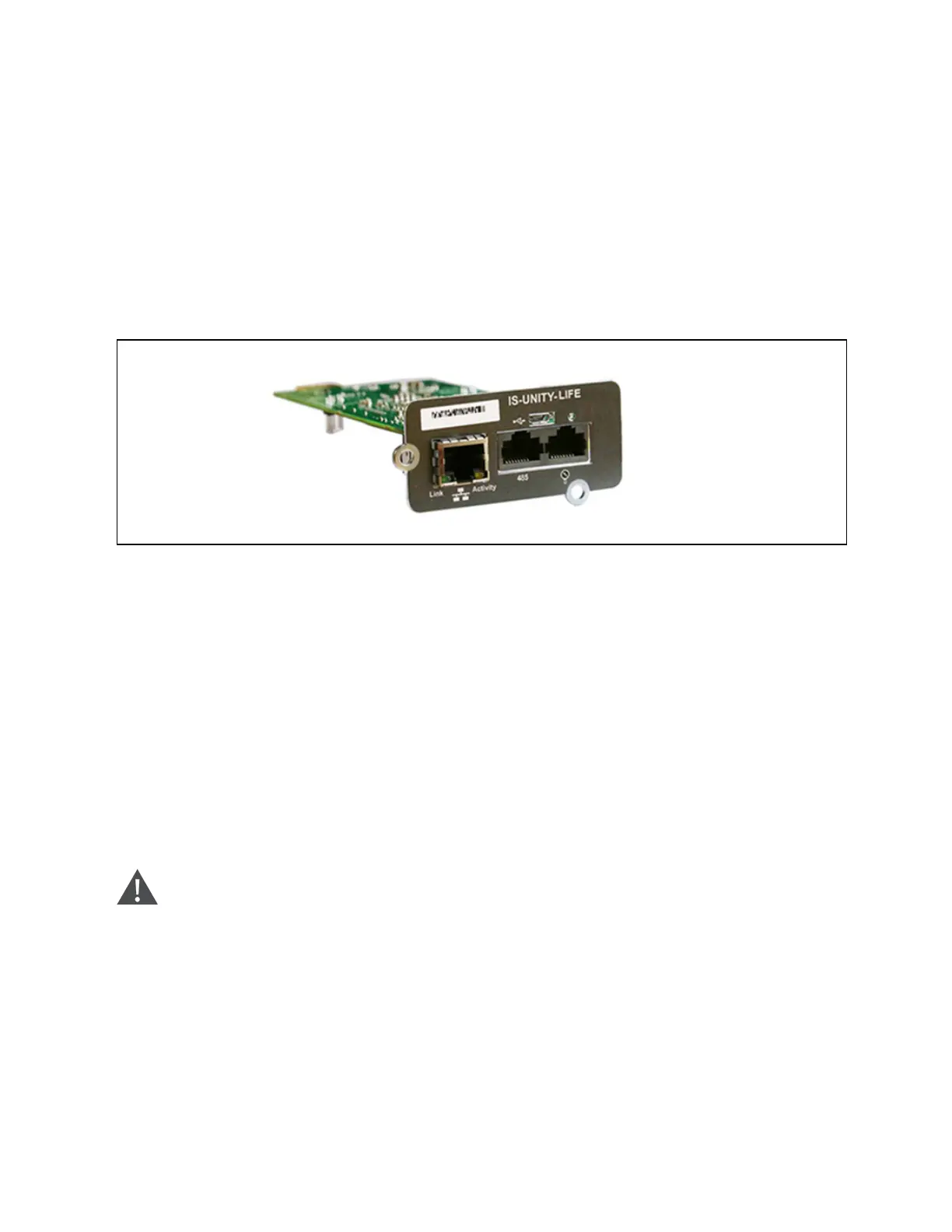
The appearance of the IS-UNITY-LIFE card is shown in Figure 9.4 below.
Figure 9.4 IS-UNITY-LIFE Card
For further description of the IS-UNITY-LIFE card, refer to Liebert® IntelliSlot™ Unity Card User Manual Web, SNMP, Modbus,
BACnet, YDN23.
The installation method of the IS-UNITY-LIFE card is the same as that of the SIC card described in SIC card below.
9.2.6 SIC card
The SIC card shown in Figure 9.5 on the next page is a network management card. It enables the network communication
capability for the Vertiv™ Liebert® APM2 UPS. It can also support IRM series sensor to monitor the environment. When the
intelligent equipment generates an alarm, the SIC card can notify the user by recording the log, sending trap information, and
sending an e-mail. SIC card also supports Modbus RTU protocol.
NOTE: Keep the installation materials, including SIC card and one cross head screwdriver, handy before starting the
installation.
NOTE: There is no need to shutdown the UPS during SIC card installation because the SIC card is hot pluggable.
WARNING! Some electron components in SIC card are sensitive to static, therefore, do not touch the electron
components or circuit in SIC card by hand or other conductive materials, to protect the SIC card against
static shock. Hold the side edge of the card to remove or install the SIC card.
9 Vertiv™ Liebert® APM2 Option
Configurations
Proprietary and Confidential ©2023 Vertiv Group Corp. 159
Vertiv™ Liebert® APM2 30 to 120 kVA Modular UPS User Manual















 To Next Page