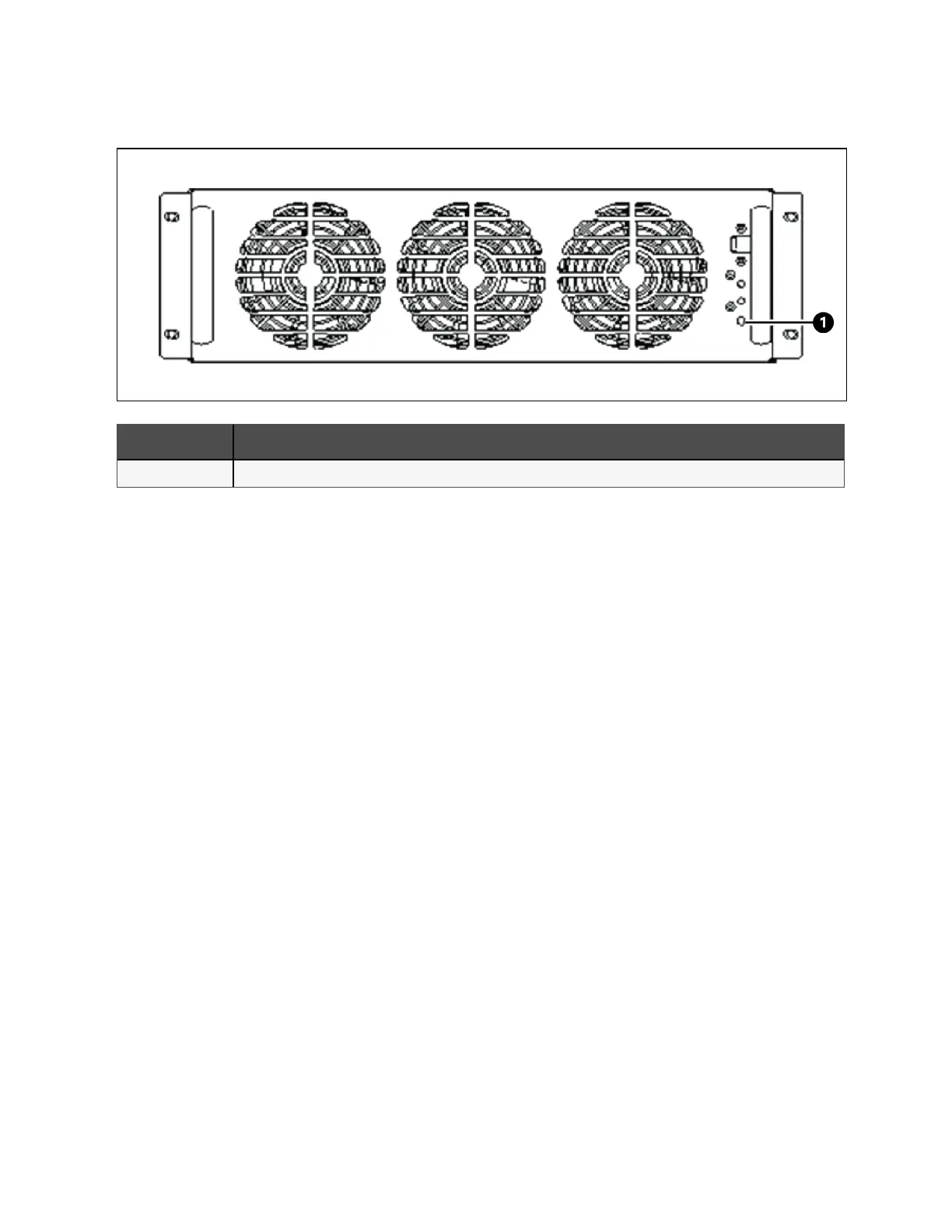
Figure 6.15 Battery Cold Start Button
Item Description
1 Battery cold start button
6.3 Procedures for Transfer Between Operation Modes
6.3.1 Transfer from normal mode to battery mode
Open the external power switch to isolate the mains power and initiate the UPS on battery mode. To transfer the UPS back to
normal mode, close the external power switch to reconnect the mains power to the UPS. The rectifier restarts automatically in
about 10 seconds and the UPS works in normal mode.
6.3.2 Transfer from normal mode to bypass mode
Procedure to transfer the load from the normal mode to the bypass mode.
1. Activate the system and log in to the system.
2. Touch the Operate tab.
3. Touch the Off button next to the Inverter Off. See Figure 6.16 on the facing page, and the UPS will transfer to
bypass mode.
112 Proprietary and Confidential ©2023 Vertiv Group Corp. 6 Single UPS Operation
Vertiv™ Liebert® APM2 30 to 120 kVA Modular UPS User Manual















 To Next Page