6.10 Changing Current Date and Time
To change the system date and time, follow the below procedure:
1. Activate the system and log in to the system.
2. Click the icon .
3. Click the icon .
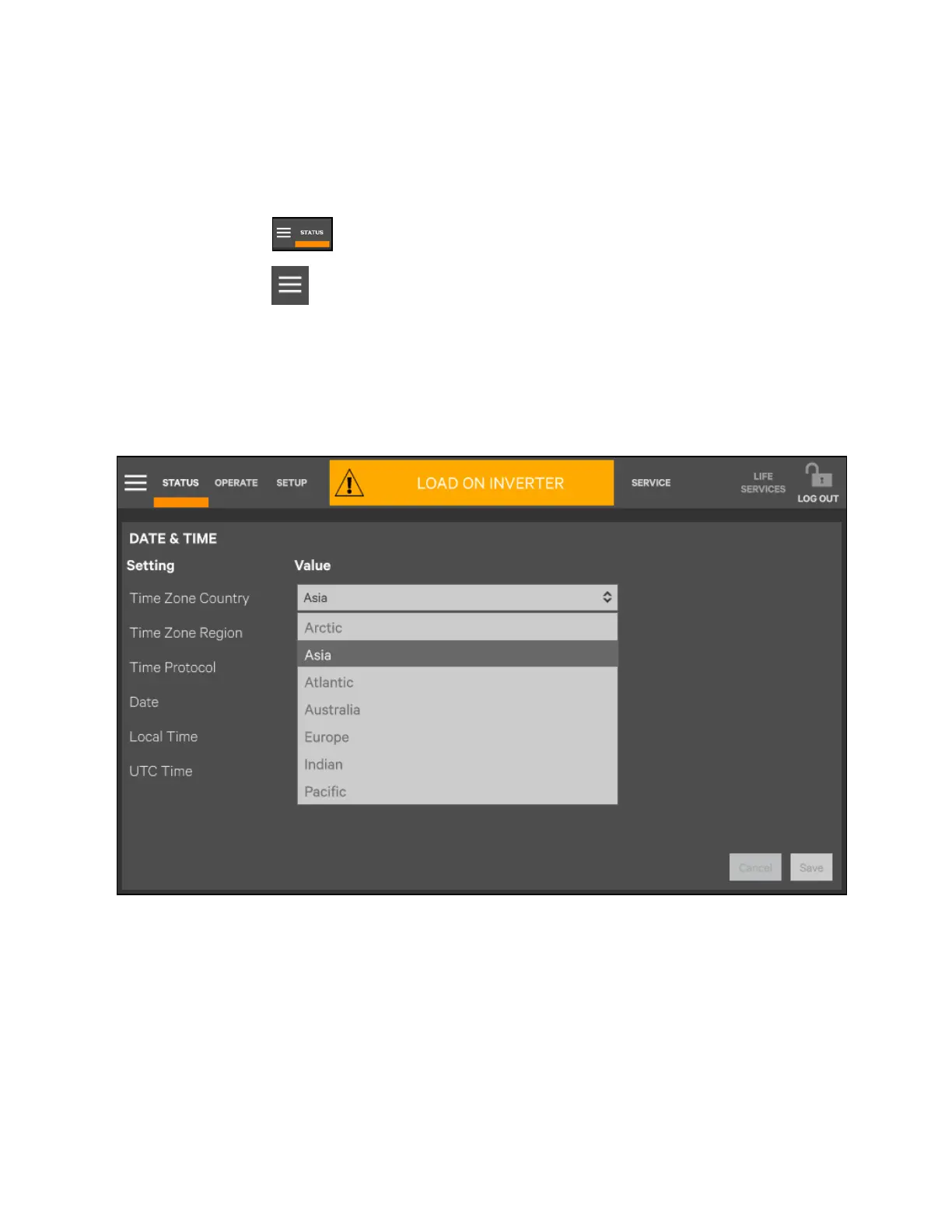
4. Click the item of Display.
5. Click Date & Time.
6. See Figure 6.20 below.
7. Click Save.
Figure 6.20 Setting Date and Time
120 Proprietary and Confidential ©2023 Vertiv Group Corp. 6 Single UPS Operation
Vertiv™ Liebert® APM2 30 to 120 kVA Modular UPS User Manual















 To Next Page