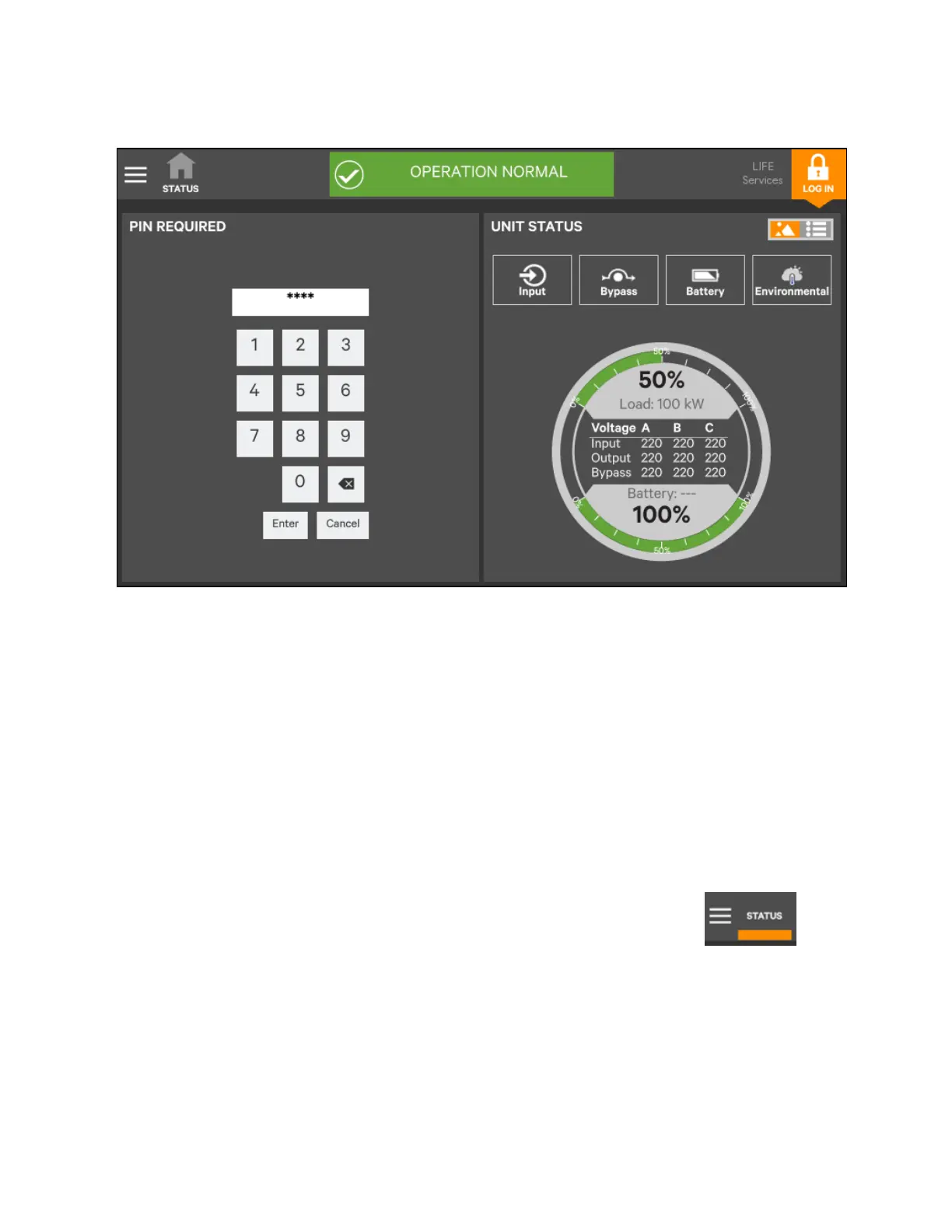
Figure 5.10 Login Screen
5.3.2 Customizing the display
The Vertiv™ Liebert® APM2 touchscreen control panel’s default appearance is adequate for most installations, but the Status
panels can be altered to show additional or different data. Layouts may be chosen by a user with Operator, Administrator, or
Serivce access. The layout chosen is applied to all users. Layouts may be created or altered only with Administrator or Service
Access.
NOTE: The original configuration, Default View 1, cannot be deleted. New views can be created by customizing the
appearance using the instructions provided below. The Default View 1 can be modified with the Edit icon shown in the
upper right of the display (see Using the Edit Icon to Customize Layout on page65).
To customize the display’s appearance:
1. Login to the Liebert® APM2 touchscreen control panel as Administrator or Service detailed in Login to the
Vertiv™ Liebert® APM2 touchscreen control panel on the previous page.
2. In the STATUS view, touch the Context Menu icon in the top left corner (shown at right).
3. In Display options, select Customize layout and then edit or create view touch Edit a view.
4. Touch a view to highlight it or touch Edit to change that view. Create a View.
5. Touch the New button to create a view.
62 Proprietary and Confidential ©2023 Vertiv Group Corp.
5 Operator Control and Display
Panel
Vertiv™ Liebert® APM2 30 to 120 kVA Modular UPS User Manual















 To Next Page