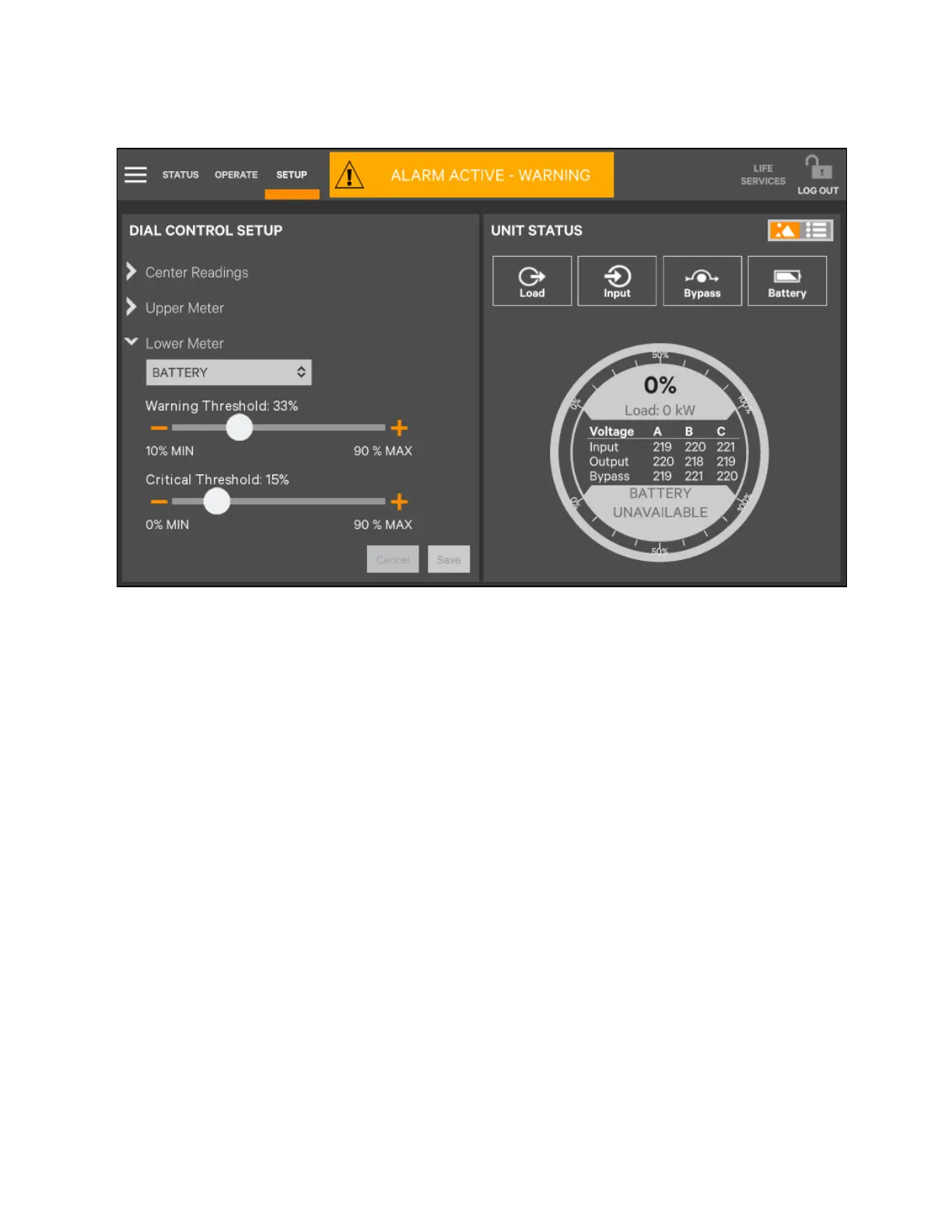
Figure 5.28 Status Gauge Setting Options_3
5.4.2 Viewing UPS data with the status panel
More detailed information about the UPS status is readily available through the Status panel. Touching a component in the
graphic screen display brings up data about the component on another pane. Touching a parameter icon on the Unit Status
pane shows details about that parameter.
The same data can be viewed by switching to the text view. The length of the lists and order of the details may require
scrolling to find the desired data.
NOTE: A parameter must be visible on the graphic view of the Unit Status screen for details to be viewed, even in the
text view.
5 Operator Control and Display
Panel
Proprietary and Confidential ©2023 Vertiv Group Corp. 79
Vertiv™ Liebert® APM2 30 to 120 kVA Modular UPS User Manual















 To Next Page