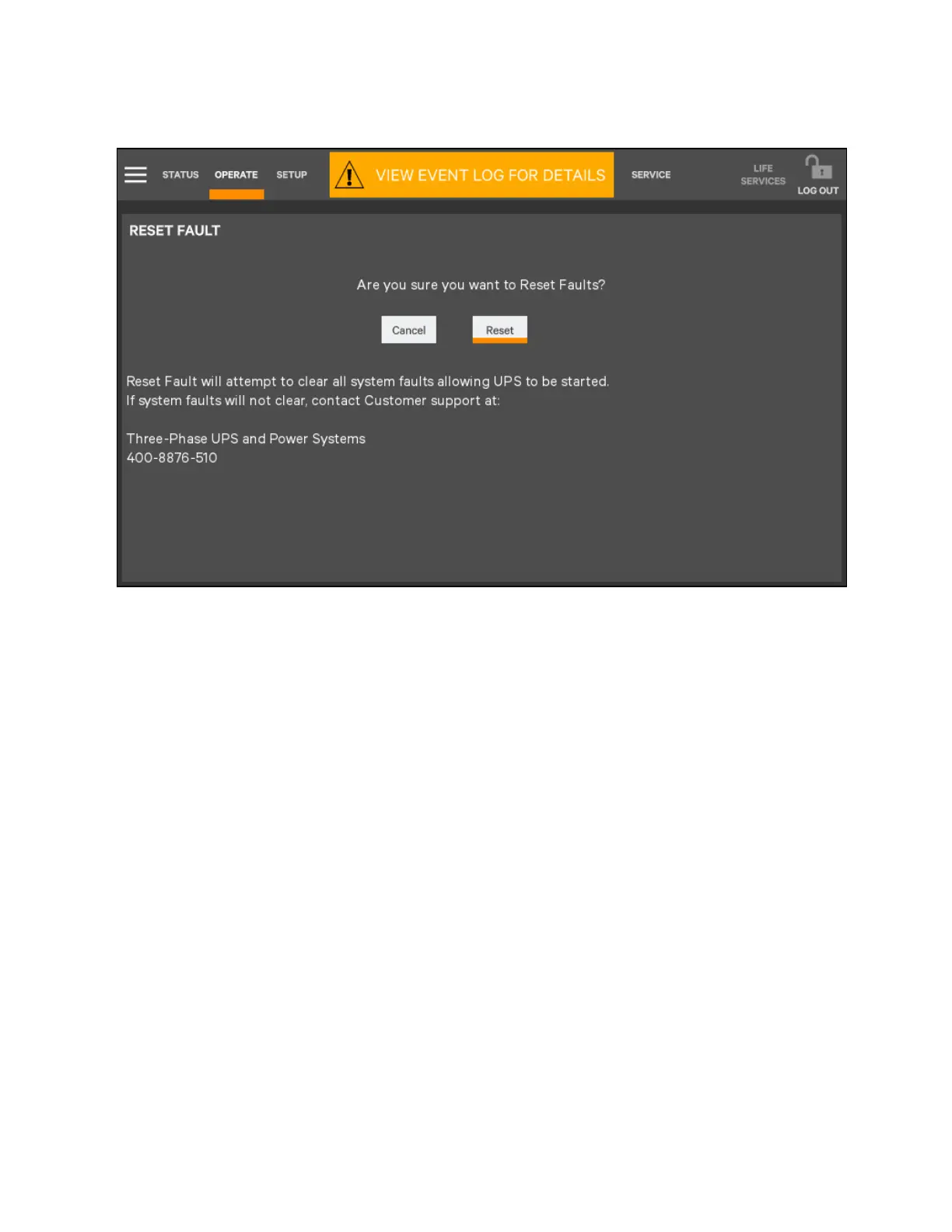
Figure 5.19 Reset Fault Screen
Suspended Time Remaining
The Suspended Time Remaining box is not configurable. It is the time remaining when energy savings mode is suspended. It
is active when energy saving mode has been going active and inactive too much and the system will suspend its activation for
a period.
Module Redundancy Status
Module redundancy is usually chosen during system setup. Redundancy may be enabled only with Administrator or Service
permissions. Proper operation requires the presence of at least a second module, but the system may encompass more
modules.
To enable module redundancy:
1. Log in with Administrator or Setup permissions.
2. Touch the SETUP tab.
3. Touch the Context Menu icon and select Settings.
4. In the Module Redundancy drop down menu, touch Enable.
5. Touch the Save button to save the new setting or touch Cancel to exit without saving.
72 Proprietary and Confidential ©2023 Vertiv Group Corp.
5 Operator Control and Display
Panel
Vertiv™ Liebert® APM2 30 to 120 kVA Modular UPS User Manual















 To Next Page