Vertiv™ | Liebert
®
STS2
™
100-1000A, 50/60Hz User Manual | Rev. 12 | 11/2017 74
12.1.1 Connecting and Using a Terminal
An RS-232 connection can be used to connect the Liebert STS2 to either a terminal or a PC running terminal
emulation software. If you are unsure of the cable pin out, see 15.2.10 - Terminal Port Connections.
1. Connect the terminal to the Liebert STS2 by plugging the cable from the terminal into the RS-232 port.
This connection can be made at any time.
2. After making the connection, verify the communications link by pressing <ENTER> on the terminal keyboard.
The interface communications system responds as indicated below:
The SVTP-Control > prompt indicates that RS-232 communications are established.
• If you receive no response or prompt, verify that the connector is properly plugged into the port and the PC or terminal
serial interface is working properly.
3. Enter the desired commands, as listed in Table 6.
For additional help type <?> <command> or <HELP?> <command>
Refer to the corresponding menu options in 13.0 - Liebert STS2 Touchscreen Display for more details about
the commands.
Some terminal commands require a password to function. Use the PWD command and a valid password to gain
access.
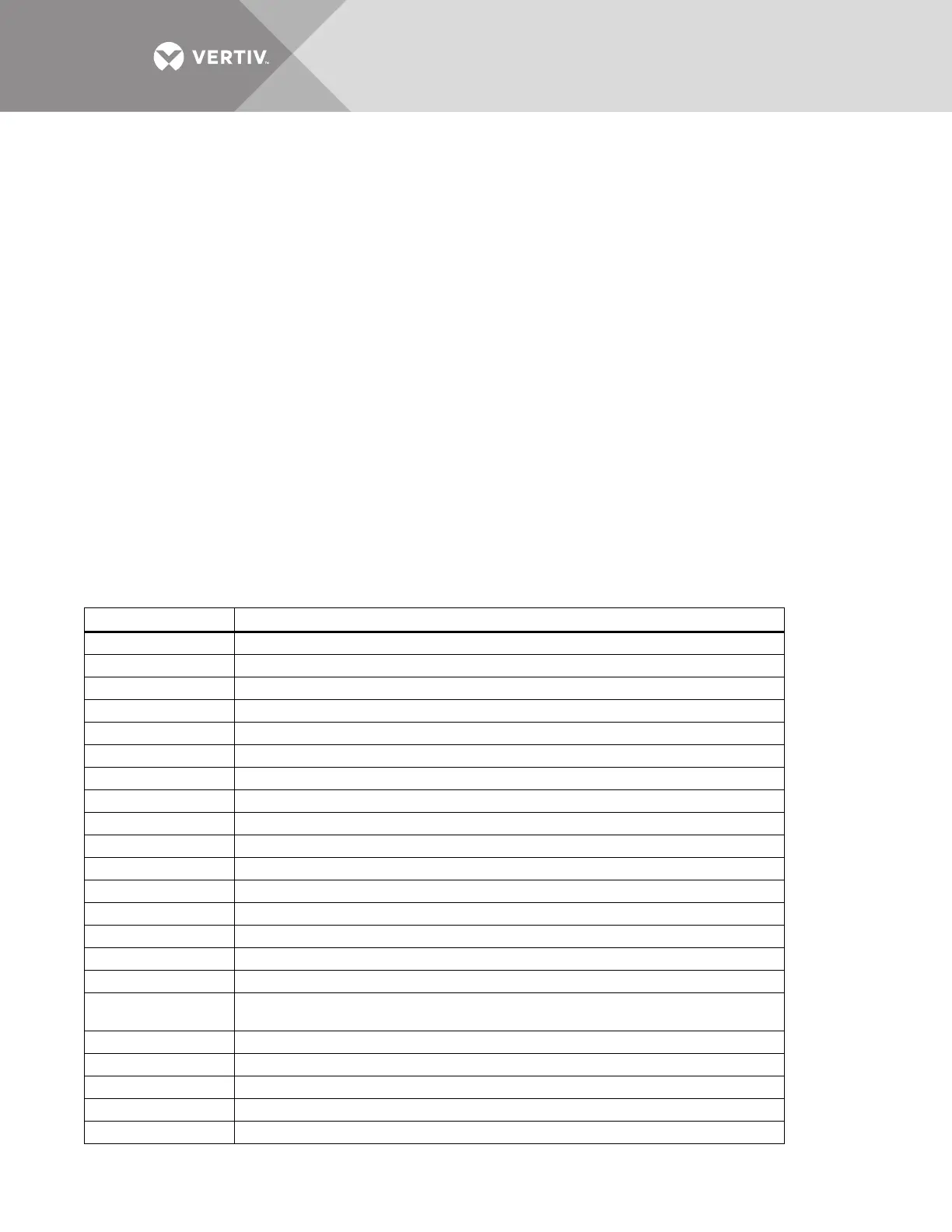
Table 6 Terminal commands
Keys Function
? Displays this help menu or specific help with a command
AA? Displays active alarms
AF? Displays active faults
CEL Clears the event log
CHL Clears the history logs
DATE? Displays current system date
DATE Sets system date
EL? Displays the entire event log
HELP? Displays this help menu or specific help with a command
HLn? Displays the history log #n, if frozen
LOGOUT Logs user out of unprotected mode
PS? Displays the preferred source
PS n Sets the preferred source to #n
PWD Allows users to access protected commands
SH Silences the horn
SPT? Displays all current setpoints
SPTx
Displays current setpoints for group x. See 12.1.2 - Configuring the Liebert STS2 via the Terminal
for a description of groups.
SR? Displays status reports
TIME? Displays current system time
TIME Sets system time
UPMDR? Displays metering data
VER? Displays firmware versions
Repeating command -->
Illegal command!
<?> or <HELP?> displays the RS-232 command set
<?> <command> or <HELP?> <command> displays specific help for the command
SVTP-Control >



 To Next Page