Vertiv™ NetSure™ Control Unit (NCU) User Manual
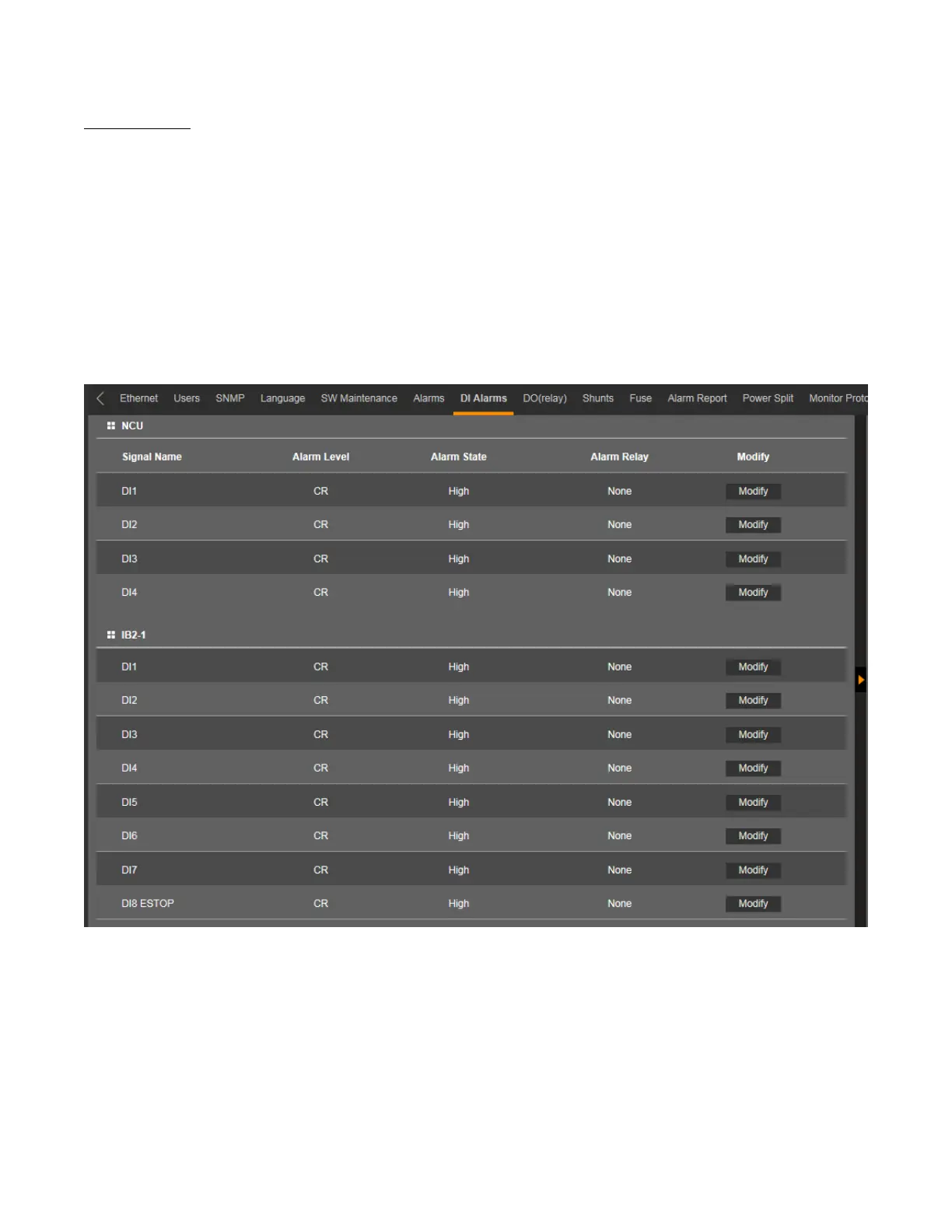
DI Alarms Tab
• Allows you to change the digital input alarm signal full name (name displayed in the Web Interface menus).
• Allows you to change the digital input alarm signal abbreviation name (name displayed in the local display menus).
• Allows you to define the alarm level for each digital input alarm. (See also Table 1.1 on page 3.)
• Allows you to map the digital input alarms to the alarm relays.
• Allows you to set the alarm state for the digital inputs (high or low).
Figure 5.71 DI Alarm Tab



 To Next Page