Vertiv™ NetSure™ Control Unit (NCU) User Manual
Procedure
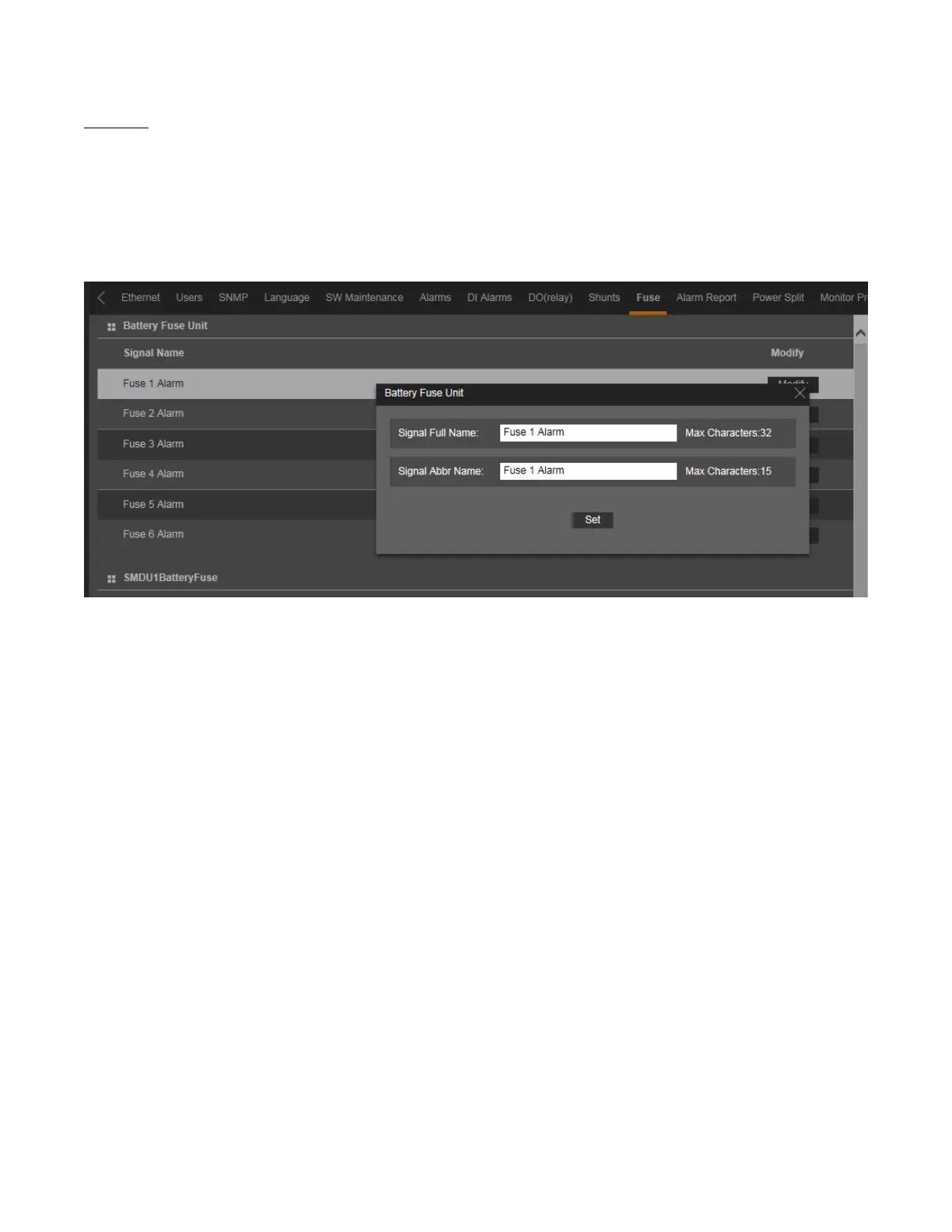
1. To change the fuse name, click on the “Modify” button for that fuse.
2. The following window opens.
Figure 5.84 Changing Fuse Names
3. Change the following parameters as desired and click on “Set”.
• Signal Full Name: Name displayed in the Web Interface menus.
• Signal Abbr Name: Name displayed in the local display menus.



 To Next Page