23
Turbine Station Conguration Guide
A100K11194
4 Starting Up the Station
The Turbine Station features an embedded web interface, which allows users to log in via a standard
web browser.
To start up the station, your PC and the IP station have to be connected together via a PoE switch
using network cables:
1. Connect the PC to the PoE switch
2. Connect the PoE port on the IP station to the PoE switch
When the Turbine Station is connected to the network, the IP address of the station is automatically
obtained in one of two ways:
1. An IP address is obtained from a DHCP server if there is one.
2. If there is no DHCP server, an IP address in the range 169.254.x.x will be assigned.
To make the station speak its IP address:
● Press the call key, number keys or DAKs on the station
- when the station is not yet registered
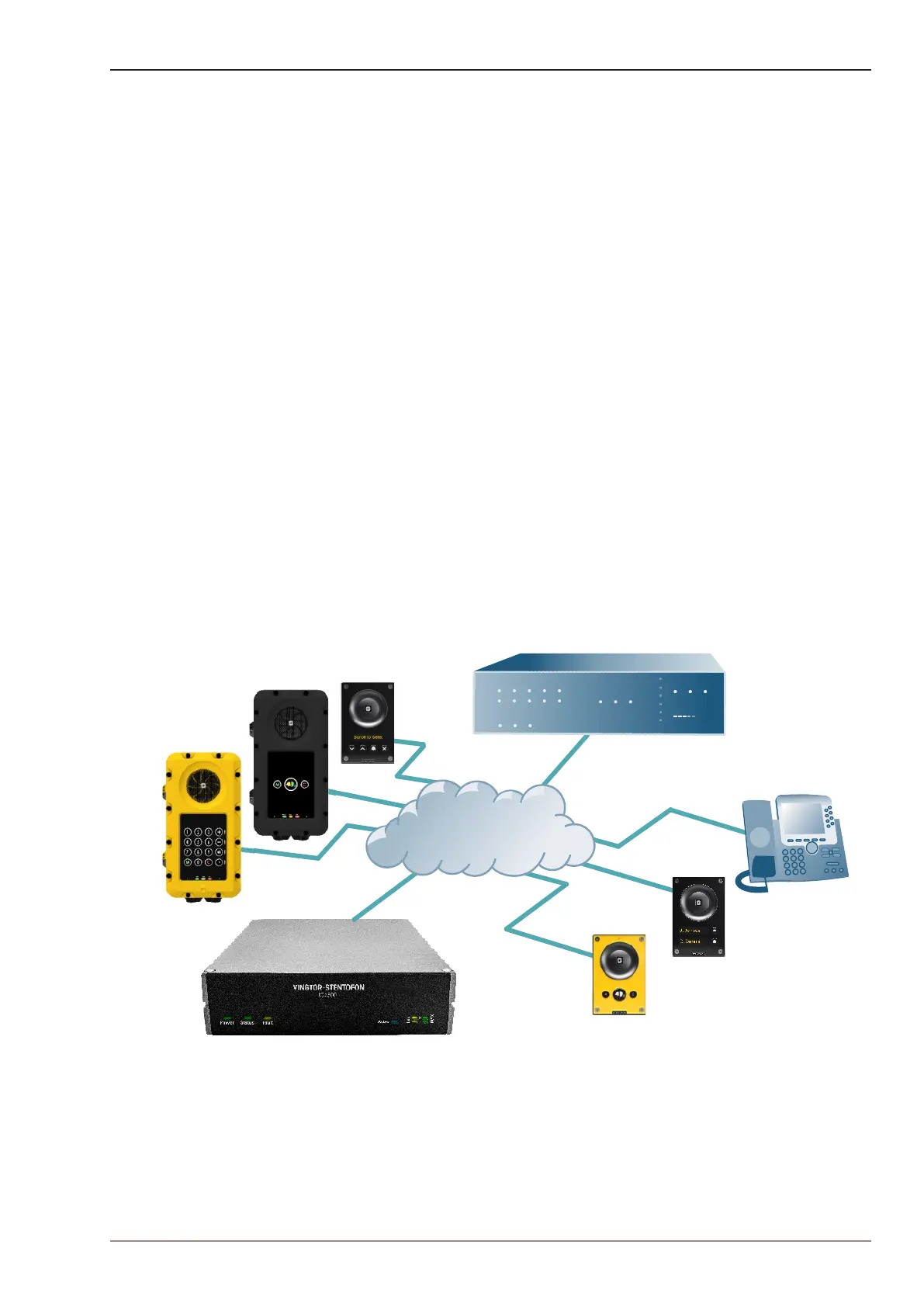
At commissioning, the IP station needs to be congured to enable it to be used as:
● Station subscribed to an ICX-500 Intelligent Communication Gateway or AlphaCom XE server
● SIP station
● IC-EDGE station
IP Network
ICX-500 Intelligent Communication Gateway
TCIS-1
TCIS-5
iPBX (SIP domain)
SIP phone
TCIS-6
TFIE-1
TFIX-3








 To Next Page