31
Turbine Station Conguration Guide
A100K11194
Download or View Address Book
● DOWNLOAD or VIEW the address book
Upload Address Book
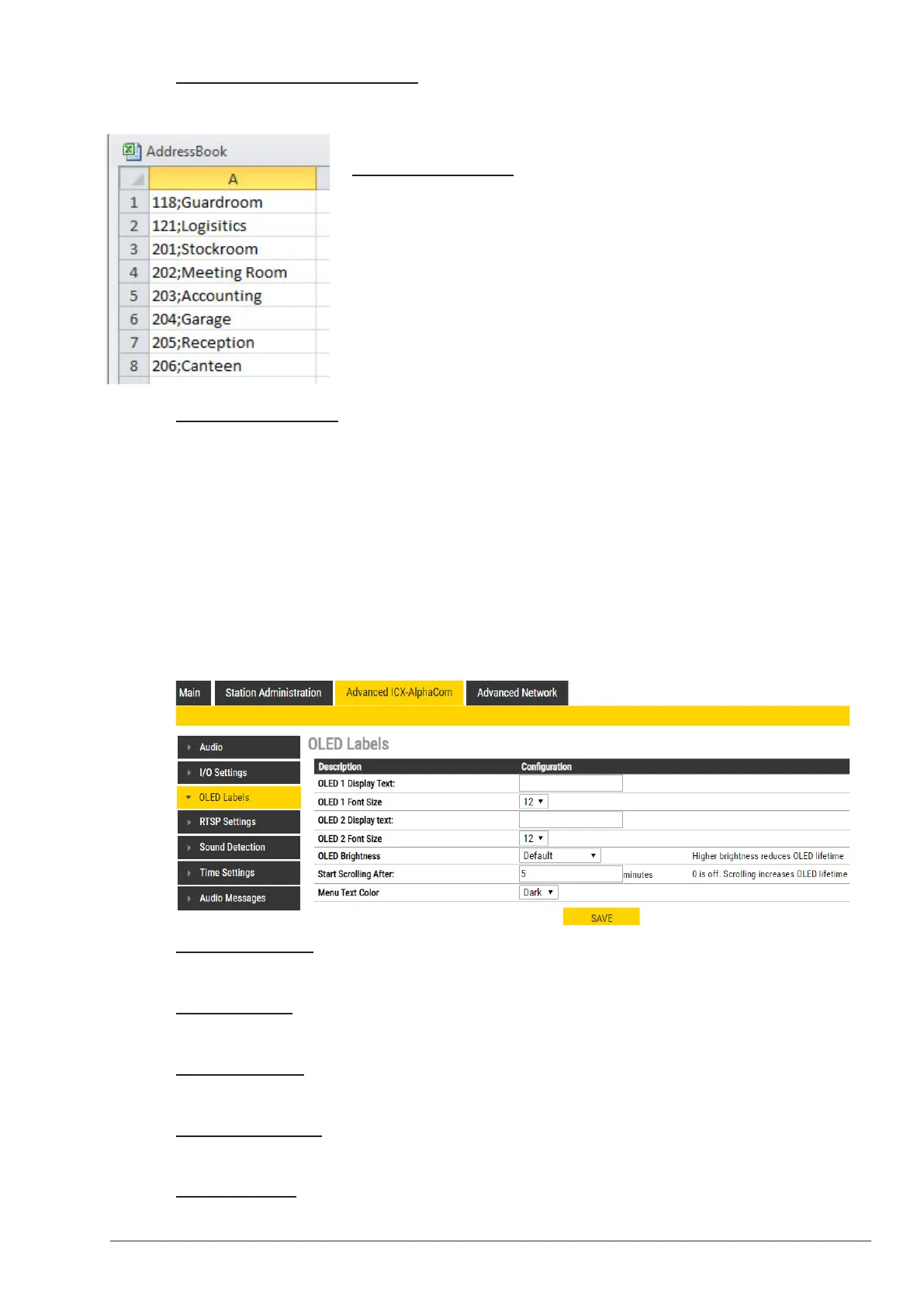
A CSV le consisting of directory numbers and display text with the semi-
colon character (;) as delimiter may be uploaded.
● Click Choose File to upload a CSV le
Address Book Entries
● Fill in the Number and Name for each entry and click ADD
Up to 50 entries may be added.
5.6 OLED Labels
L Note that only Turbine Compact stations congured with OLED Labels (TCIS-4, TCIS-5) under Main
Settings will have this menu option.
● Select Advanced ICX-AlphaCom > OLED Labels
OLED Display Text
● Enter display text in the relevant elds for OLED 1 and OLED 2.
OLED Font Size
● The font size can be either 12 or 16
OLED Brightness
● Select Brightness levels: Extra Dim, Dim, Default, Bright, Extra Bright, Max Brightness
Start Scrolling After
● Set the time in minutes, after which horizontal scrolling of the display text should start.
Menu Text Color
● The text color can be either Dark or Light








 To Next Page