32
A100K11194
Turbine Station Conguration Guide
5.7 Sound Detection
● Select Advanced ICX-AlphaCom > Sound Detection from the menu
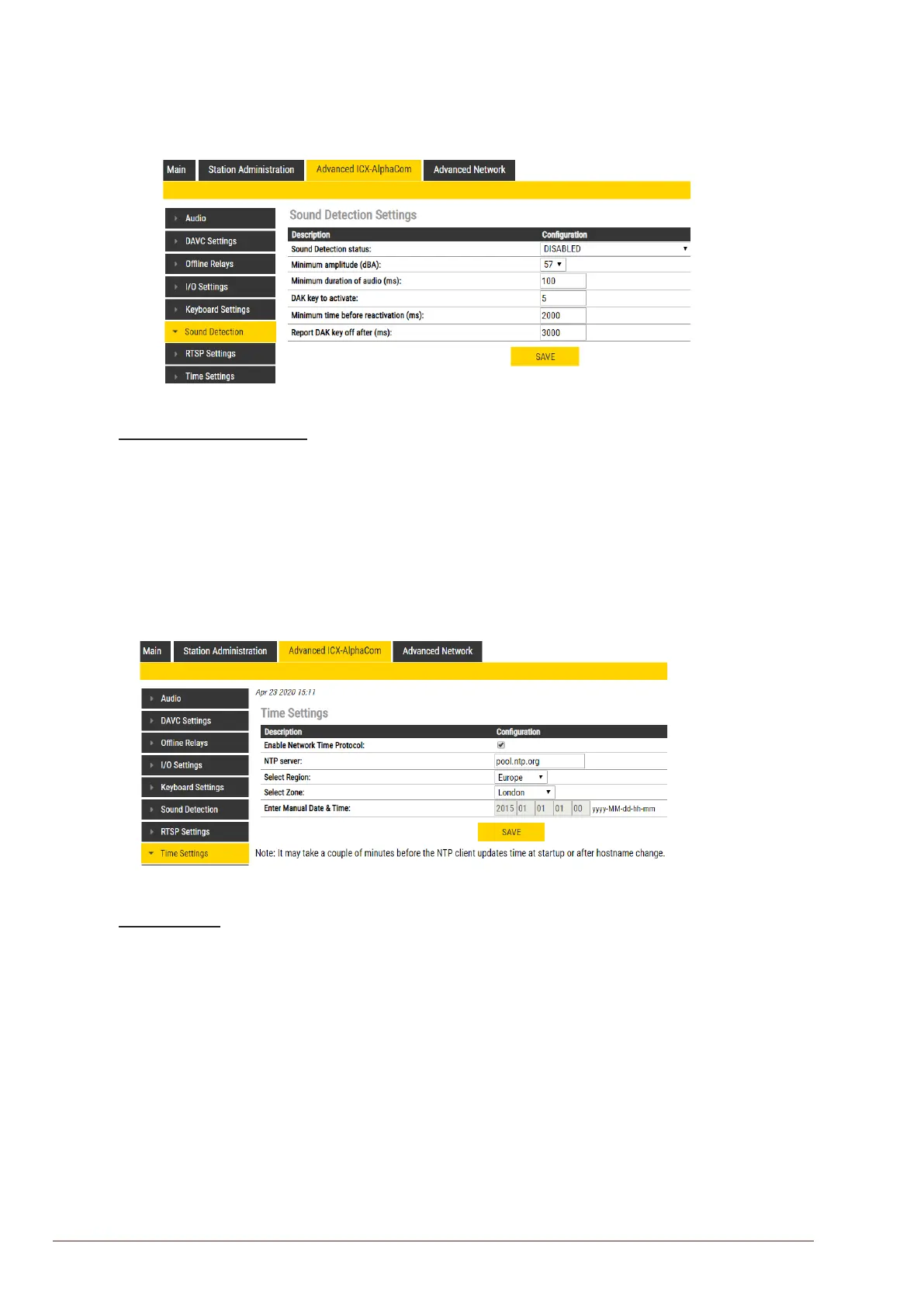
Sound Detection Settings
Here you can set the minimum amplitude and duration of the audio, the DAK to activate, etc.
5.8 Time Settings
● Select Advanced ICX-AlphaCom > Time Settings from the menu
Time Settings
You can enable Network Time Protocol, and select the region and time zone. You can also enter the
date and time manually.








 To Next Page