45
Turbine Station Conguration Guide
A100K11194
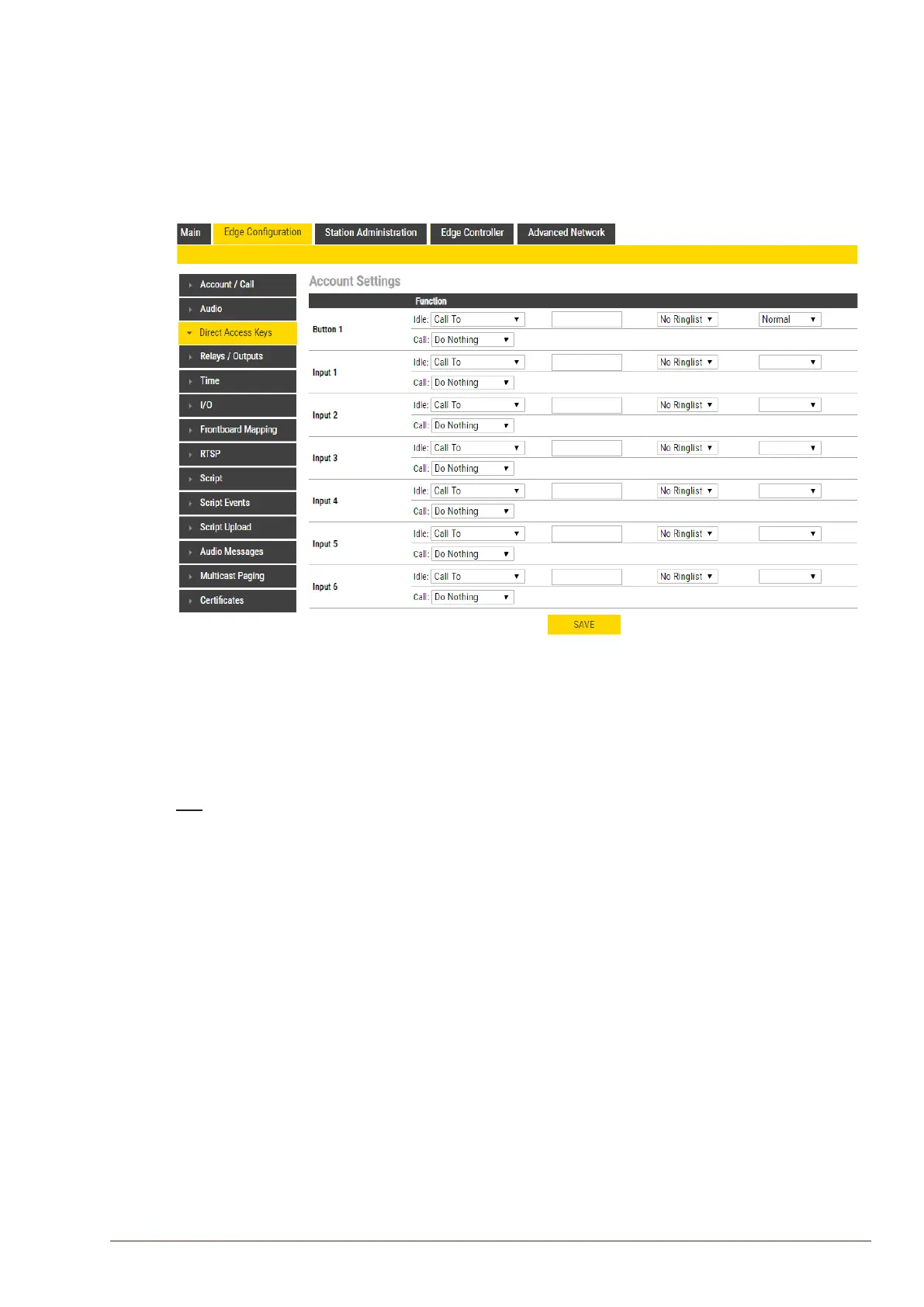
6.12 Direct Access Key & Ringlist Settings
There are two ways of conguring DAKs, Inputs and Ring List functions.
1. Via the Edge Controller whereby all stations in the system can be congured:
● Select Edge Controller > SystemConguration > Direct Access Keys
2. Via each individual station as describe below:
● Select EdgeConguration > Direct Access Keys
L Note that the availability of these parameters and the number of keys depend on the Turbine station type
selected under Main Settings.
DAKs and Inputs have two states:
Idle: There is no active call on the station.
Call: There is an incoming, outgoing or active call on the station.
Idle
In Idle state the following options are available (avaliable options will depend on the station type):
Call To: Enter the directory number to call when the DAK/Input is pressed. Extended call options
(parallel ringing, call escalation, etc.) are available if the call is routed via the Ringlist.
Forward Call: Forward calls to the congured destination. Forwarding will be toggled On/O every
time the DAK key is pressed. Forwarding status is shown on DAK keys LEDs (ECPIR panel). Red
LED indicates that Forwarding is turned on. The Forwarding function is not available on INCA
stations, Substations and Kits.
Group Call: Enter the directory number of the Group Call to call when the DAK/Input is pressed. Two
modes of operation are available:
● Open (No M-key): When the DAK key is activated, the microphone is open, and the user can
talk handsfree
● PTT (M-key): When the DAK key is activated, the user must activate the microphone by
pressing and holding the M-key (PTT key)
Conversation Mode: The station will toggle between Simplex mode (PTT - Press To Talk) and
duplex mode (handsfree) every time the DAK is pressed. The selected mode is permanently stored.
This function works in idle as well as during a call.
Volume Control: Change speaker volume by 1 point (+/- 4 dB). This function works in idle as well as
during a call. There are two options:
● Down: decrease speaker volume by 1 point
● Up: increase speaker volume by 1 point








 To Next Page