50
A100K11194
Turbine Station Conguration Guide
6.13 Script Settings
Script (Virtual I/O) is a feature for activating scripts on station events.
These scripts can be uploaded and congured via the menu options:
● Script Upload
● Script
● Script Events
The Turbine station should be operating in Edge mode.
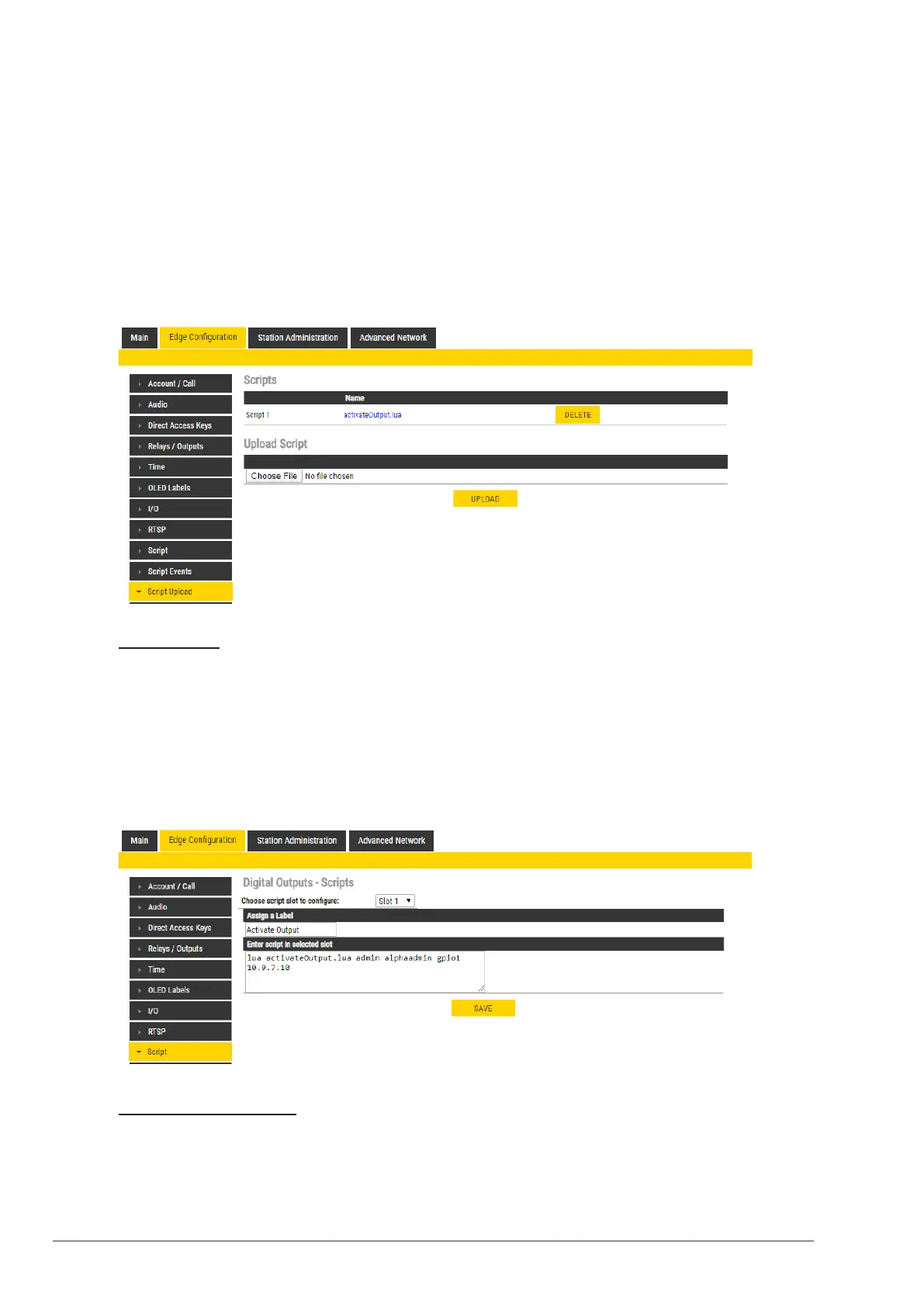
6.13.1 Script Upload
● Select EdgeConguration > Script Upload
Upload Script
● Click Choose File to select the desired script
● Click UPLOAD to upload the desired script
6.13.2 ScriptConguration
● Select EdgeConguration > Script
Digital Outputs - Scripts
● Select the script Slot 1 - Slot 10 to congure
● Assign a logical name to the script in the Assign a Label eld
● Enter the script to activate and add parameters in the text eld under the Enter script in
selected slot eld








 To Next Page