51
Turbine Station Conguration Guide
A100K11194
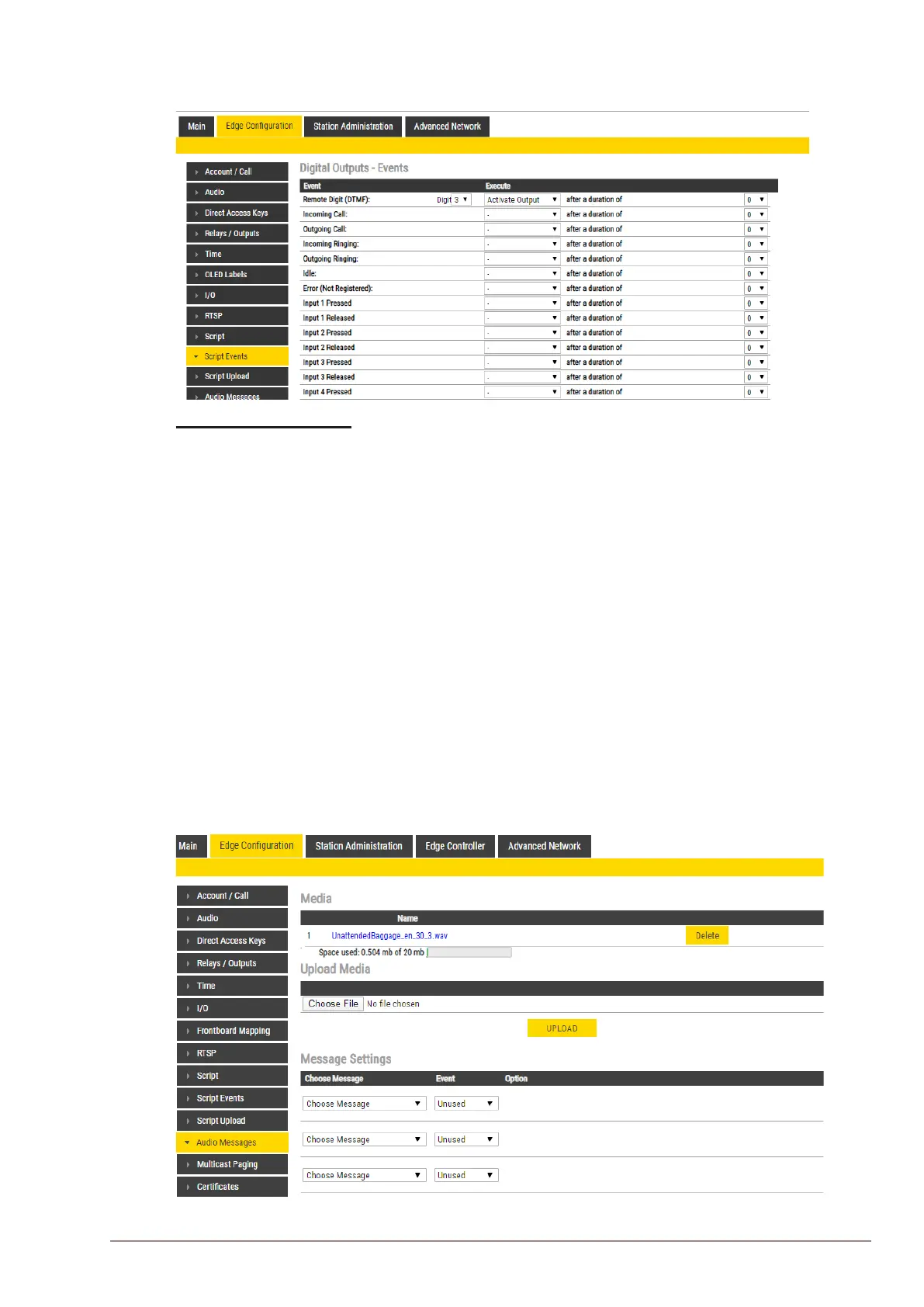
6.13.3 Script Events
● Select EdgeConguration > Script Events
Digital Outputs - Events
● Set the Digit for the Event to Execute
6.14 Audio Messaging
Prerecorded audio messages can be uploaded to a Turbine which can be triggered by various events
occurring on the station. The audio message playback can be triggered by 3 main events: DTMF,
Call, Relay.
There are two ways of conguring audio messages.
1. Via the Edge Controller whereby all stations in the system can be congured:
● Select Edge Controller > SystemConguration > Special Settings
2. Via each individual station as describe below:
● Select EdgeConguration > Audio Messages
6.14.1 Uploading Audio Files
● Select EdgeConguration > Audio Messages








 To Next Page