52
A100K11194
Turbine Station Conguration Guide
Under Upload Media:
● Click Choose File to browse to the desired audio le
● Click UPLOAD
The le will now appear in the list of audio les under Media.
After the upload, the amount of space left of the maximum of 20 MB is displayed.
It is possible to delete audio les to free up more space by clicking Delete.
6.14.2 Play Message on DTMF Event
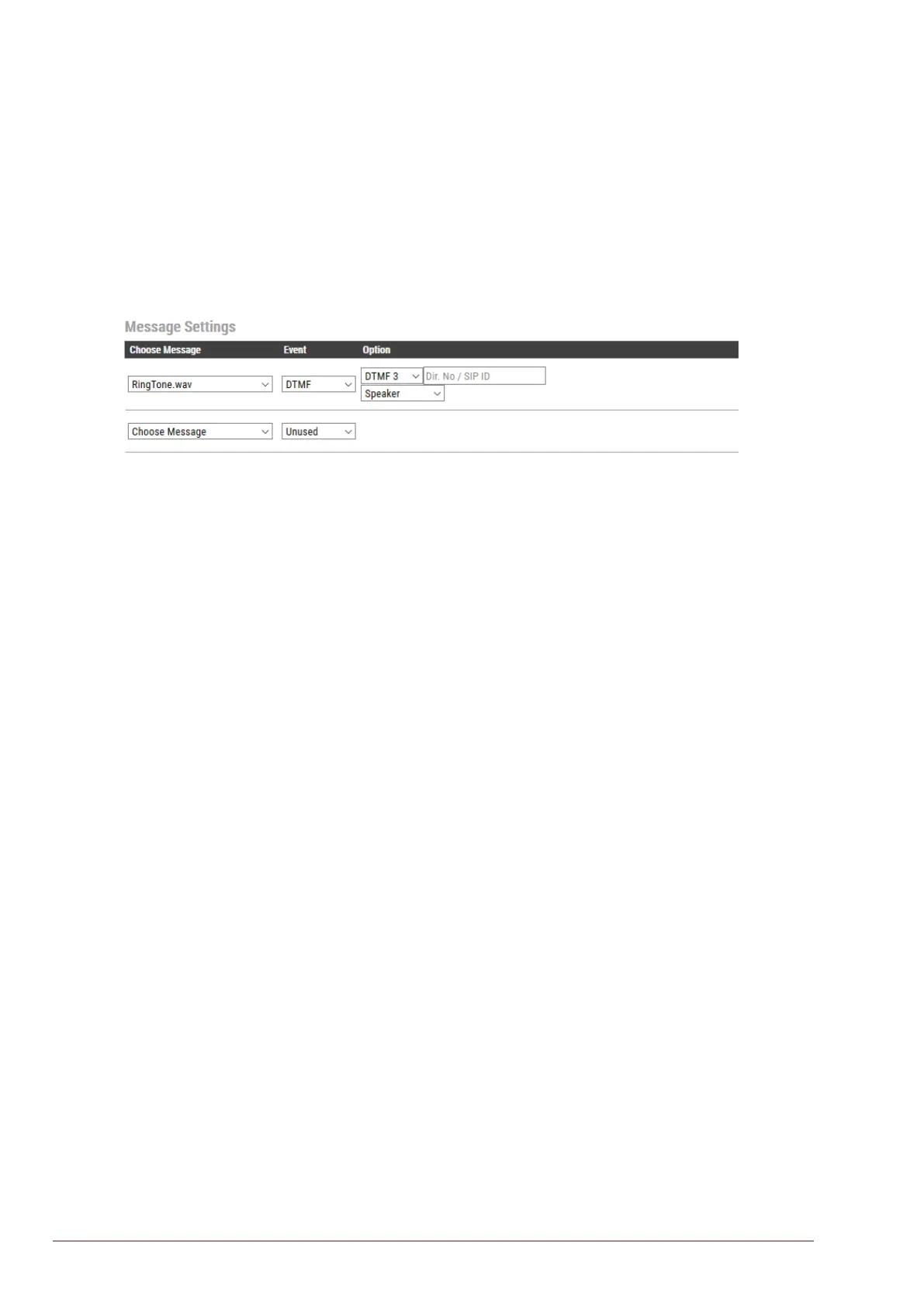
An audio message can be played on receivingd DTMF tones during a call. Valid digits are DTMF 0 -
9, *, #. The event can be ltered by directory number (SIP ID).
In the conguration example above, the audio le “ringcd.wav” will be played when the station
receives DTMF 3 during a call (i.e. the other party in the conversation presses digit 3 on his keypad).
Note that the call must be established before the DTMF digit is sent, otherwise the message will not
be triggered. The message will be played once, and mixed with the conversation audio.
6.14.3 Play Message On Call Event
An audio message can be played on Incoming/Outgoing, Incoming, Outgoing call direction. It can
in addition be ltered by directory number (SIP ID). The following call events are supported:
Call Ringing: Incoming/Outgoing call on the station (no auto-answer)
Call Queued: Outgoing call from the station has been queued on the master station
Call Accepted: Incoming/Outgoing call on the station has been accepted/answered
Group Accepted: Outgoing Group Call from the station has been established
Call Ended: Incoming/Outgoing call on the station has been ended/hung-up/cancelled
On Hold: A call from the station has been put on hold by remote master station
Transferred: A call from the station has been transferred by remote master station to a third station,
and the station is ringing (no auto-answer). “Your call has been transferred, please wait...” message
will be played on the station. The event will not be triggered on the master station that initiated the
transfer.
You can choose whether the message should be played once, or be repeated until the Call Event is
ended:
One Time: The audio message will be played once.
Repeat: The message will be repeated with a time interval set in Pause until the call event is ended.
File Then Tone: The audio message will be played once, followed by the standard ringing tone.
The example below shows a setting where a reassurance message (e.g. “Your call has been
registered, please wait”) will be played to the caller while waiting for the receiving station to answer:








 To Next Page