Chapter 6, Using Vitals Mobile-HC (HC-100 Controller): Starting Vitals Mobile
E.H. Wachs Part No. 79-MAN-04, Rev. I 95
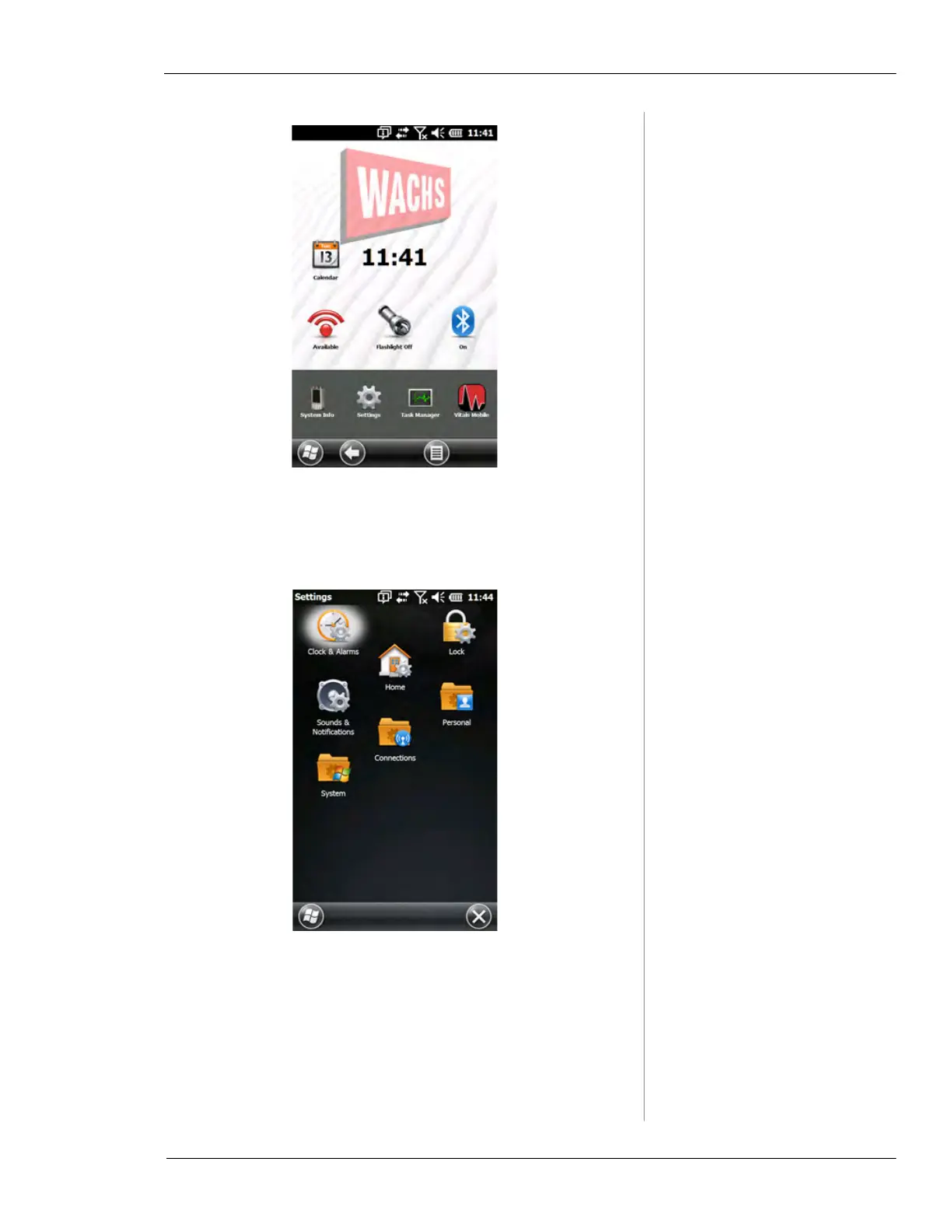
Figure 6-19. Tap the Settings button.
2.
The Settings screen appears. Tap the Connections
folder icon.
Figure 6-20.
3.
The Connections screen appears. Tap the Bluetooth
icon.



 To Next Page