Vitals Reference Manual
188 Part No. 79-MAN-04, Rev. I E.H. Wachs
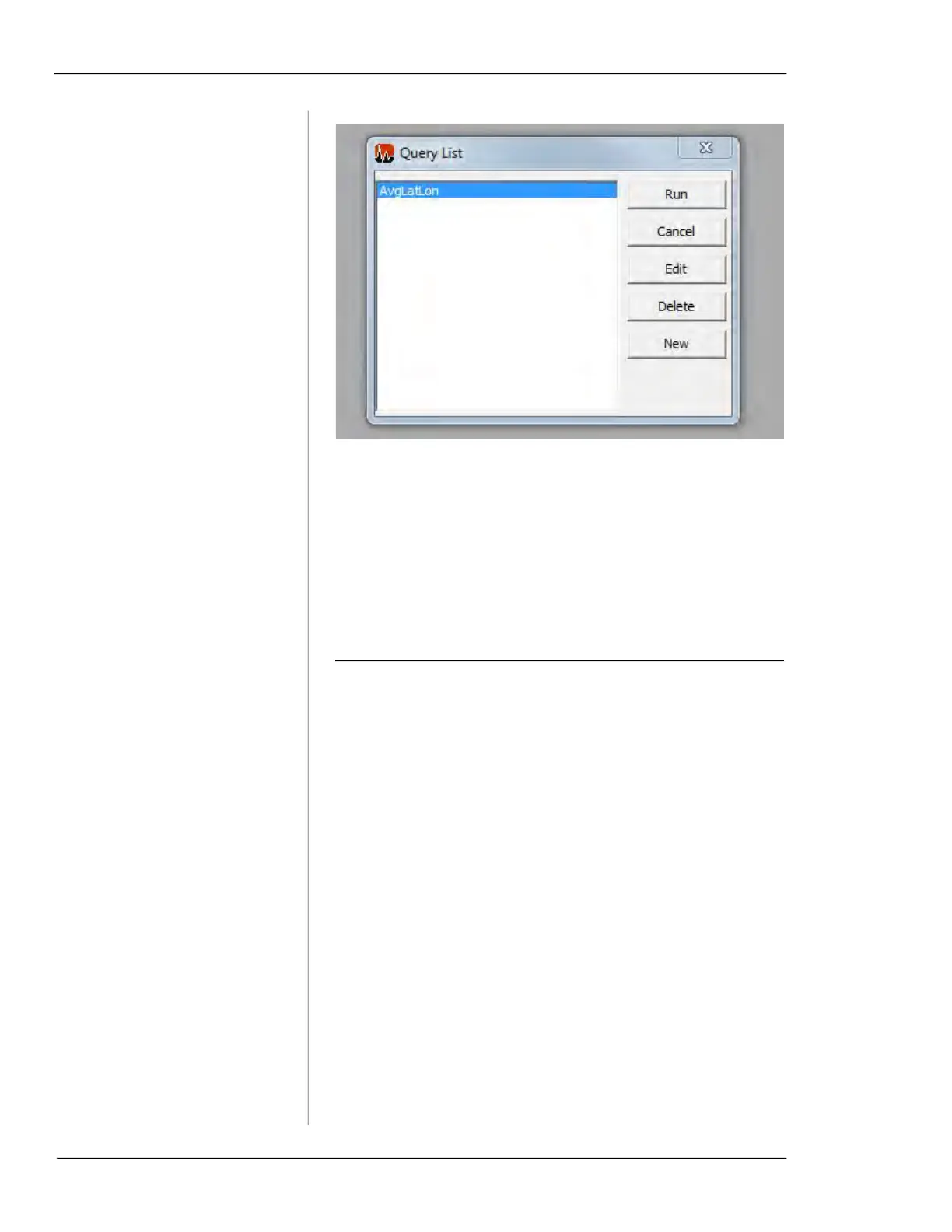
Figure 7-62. Query List
• Click the
Run button to perform the highlighted query
statement. This will return the valve or activity informa-
tion specified in the query.
• Click the
Edit button to edit the highlighted query.
• Click the
Delete button to delete the highlighted query.
• Click the
New button to create a new query using SQL.
SETTINGS
The Settings menu lets you configure Vitals Desktop
options.



 To Next Page