Chapter 6, Using Vitals Mobile-HC (HC-100 Controller): Vitals Mobile Controller Operation
E.H. Wachs Part No. 79-MAN-04, Rev. I 117
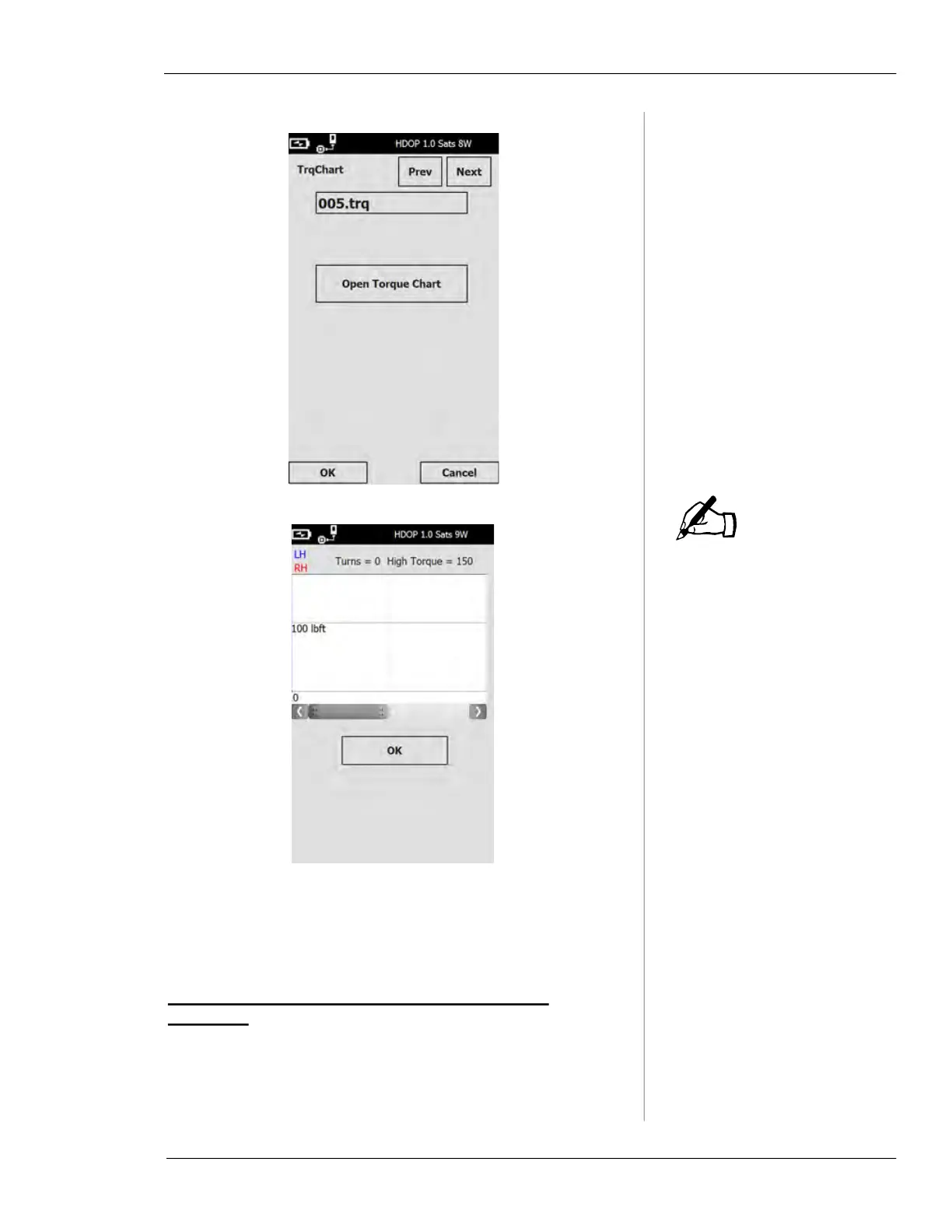
Vitals Mobile will only save
999 torque charts. If 999
torque charts are saved and
you start a new activity, you
will get a message saying
that no torque chart will be
saved. You can still perform
the activity. To record more
torque charts, download
saved activities to Vitals
Desktop.
6.
Tap the OK button to exit the Saved Activities screen.
Enabling and Using GPS
GPS Status Bar Statements and Enabling GPS
Receivers
You can automatically detect and log valve positions using
the GPS receiver installed in the HC-100. Enable the GPS
NOTE



 To Next Page