Chapter 6, Using Vitals Mobile-HC (HC-100 Controller): Vitals Mobile Diagnostics
E.H. Wachs Part No. 79-MAN-04, Rev. I 131
4.
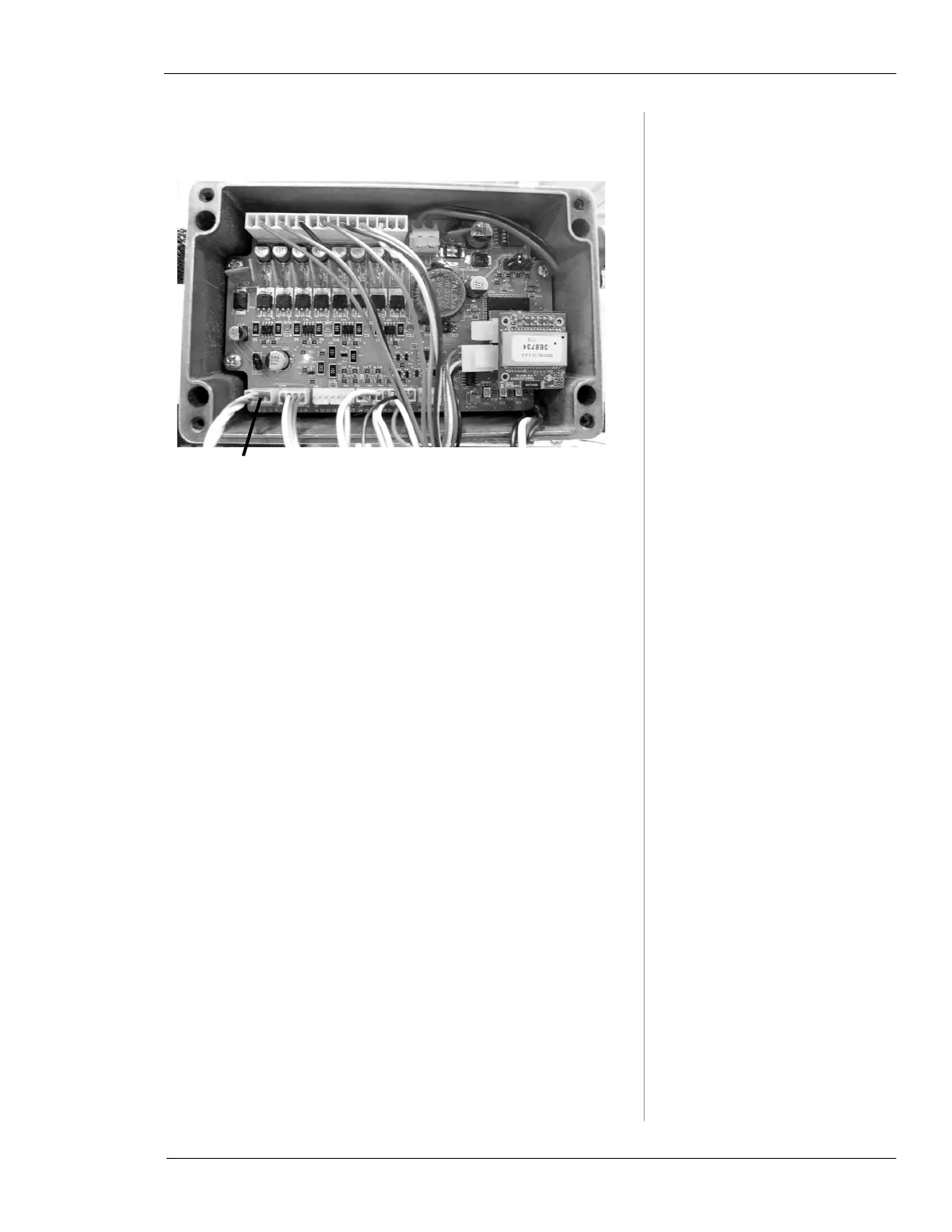
Plug the diagnostics cable into the circuit board where
you removed the internal cable.
Figure 6-33. Plug the diagnostics cable directly into
the circuit board in the valve operator control box.
5.
Perform the diagnostics as described earlier in this
section.
6.
When finished, reconnect the internal cable and
replace the control box cover.
Diagnostics Logs
Vitals Mobile creates a log file any time Vitals Diagnostics
is run, or any errors are detected while using Vitals Mobile.
Error logs are transferred to the Vitals Desktop folder
during a data transfer.
The log file is named
log.txt. Log files are stored on the
Vitals Desktop PC in the following location:
• C:\Program Files\Vitals Desktop\import
Email this log file to Tech Support when requested.
Remove the internal cable from the circuit
board, and plug in the diagnostics cable



 To Next Page