Vitals Reference Manual
190 Part No. 79-MAN-04, Rev. I E.H. Wachs
• Set Language displays the Language screen, which
allows you to select the default language. The selected
language will be automatically configured on Vitals
Mobile during the next data transfer.
•
Set Custom Color displays a color dialog, allowing you to
choose a custom color in which to display the currently
open database.
•
Set Notifications lets you configure how Vitals Mobile
notifies you of valve activities that have not been trans-
ferred to Vitals Desktop. See the following section.
Notifications
Vitals 3.8 no longer includes the Notifications feature in
earlier versions of the software. (Explain why? Alternative
required or not?)
HELP OPTIONS
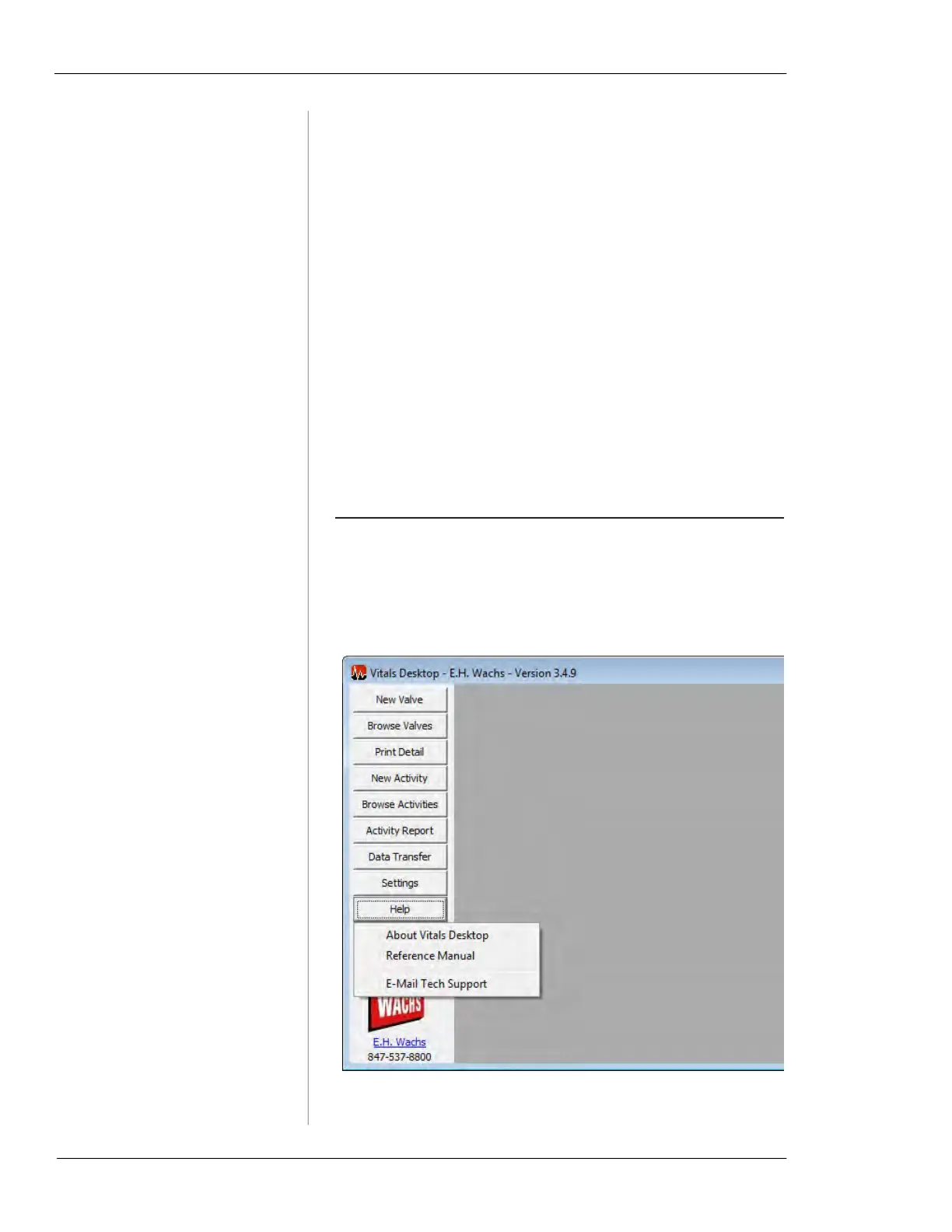
This section describes the options available through the help
dropdown menu in Vitals Desktop 3.8.1.
Figure 7-63. Help Options



 To Next Page