Chapter 7, Using Vitals Desktop: Transferring Data Between Vitals Desktop and Vitals Mobile
E.H. Wachs Part No. 79-MAN-04, Rev. I 177
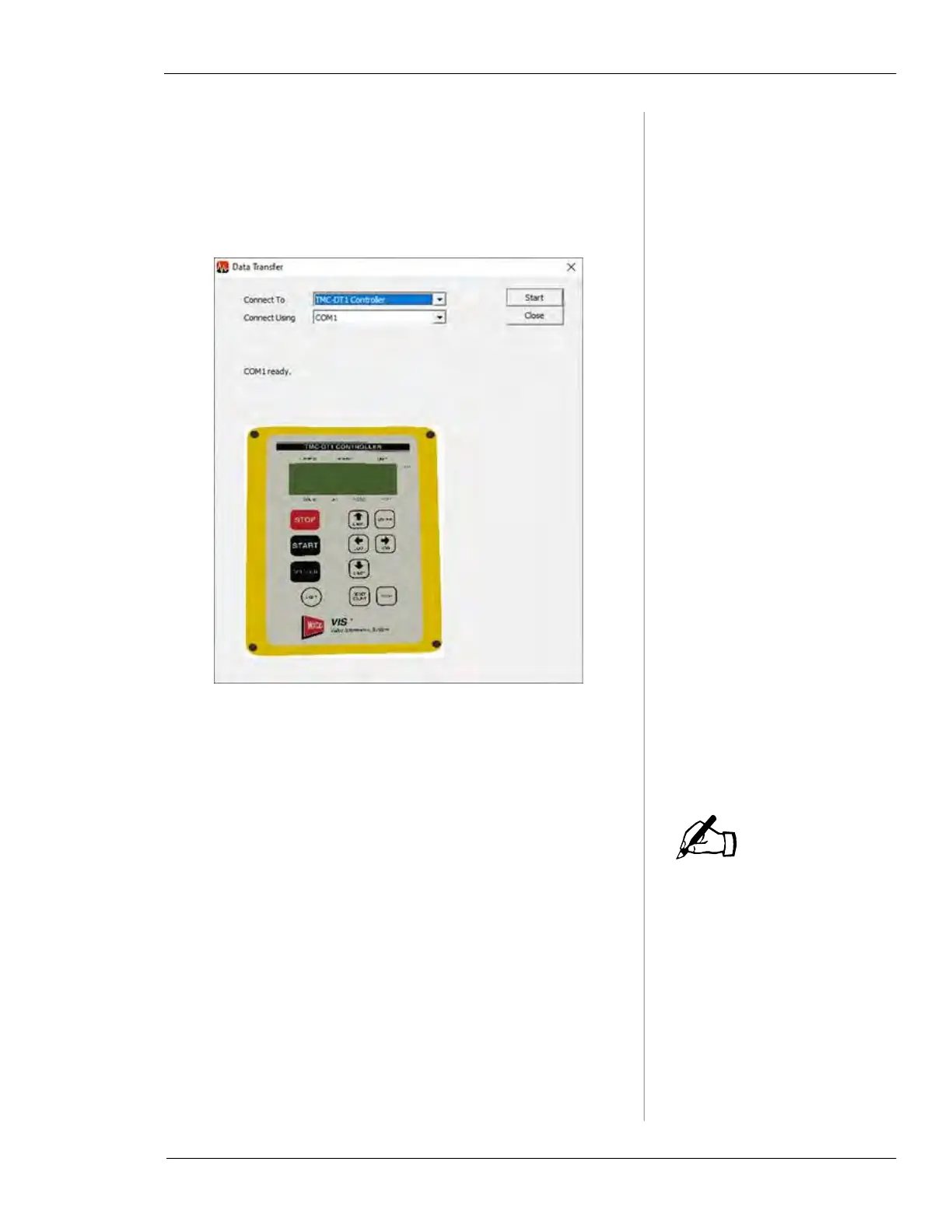
• If connecting to a Yellow Box controller, connect the
Yellow Box cable connection to the Yellow Box con-
troller and the RS232 connection to an RS232 port on
your PC. In the
Connect To dropdown box, select TMC-
DT1
Controller. In the Connect Using dropdown box,
select the COM port associated with your controller.
Figure 7-51. Data Transfer Start Screen for Yellow
TMC-DT1 Controller.
Data Transfer Review
If you are transferring data
from a Yellow TMC-DT1 or
Silver Box Controller, the
Data Transfer Review and
Database Mismatch steps
are not applicable.
When you transfer activities into the Vitals Desktop data-
base, the
Data Import screen displays the activity records.
NOTE



 To Next Page