Chapter 6, Using Vitals Mobile-HC (HC-100 Controller): Vitals Mobile Diagnostics
E.H. Wachs Part No. 79-MAN-04, Rev. I 119
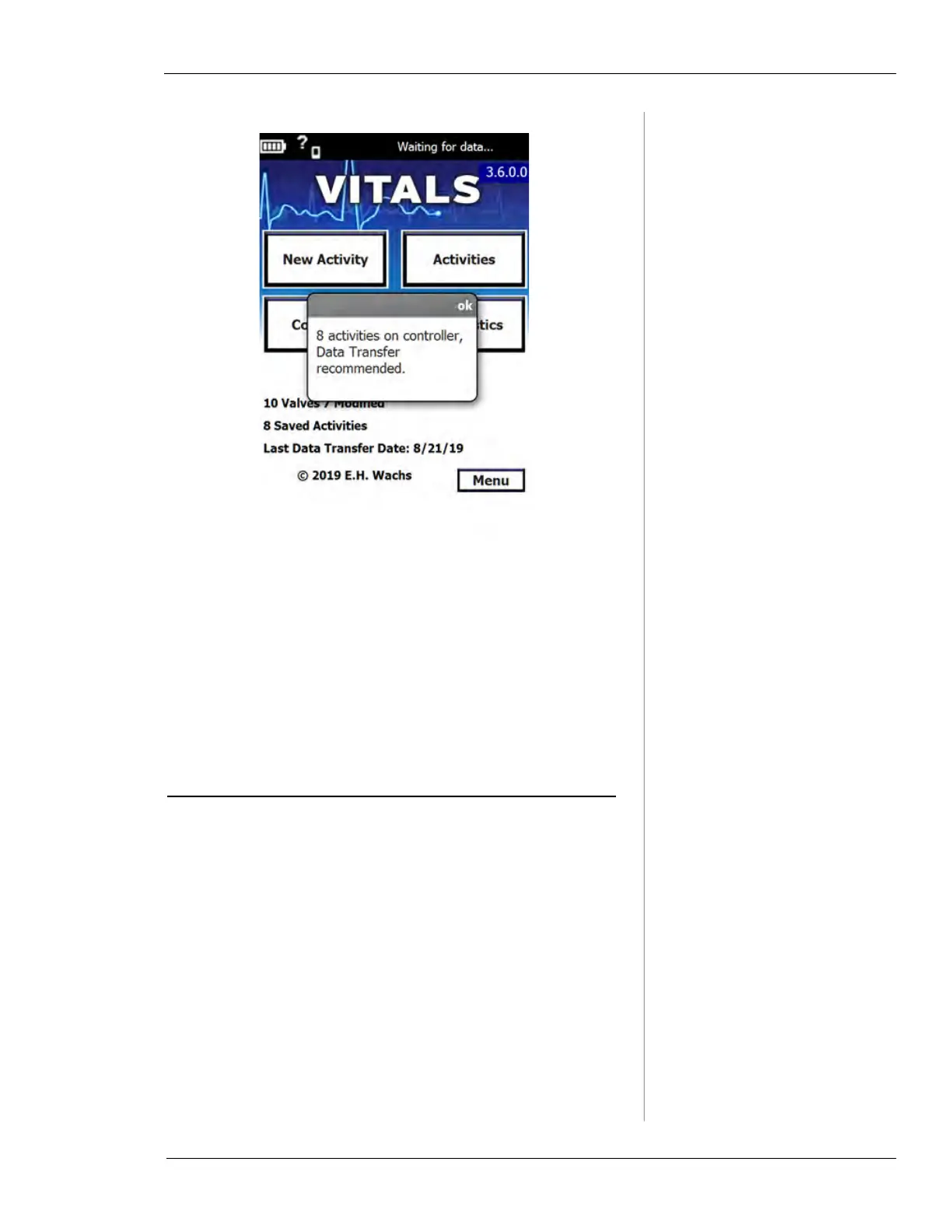
Tap ok to close the notification window. See “Transferring
Data Between Vitals Desktop and Vitals Mobile” in Chap-
ter 6 to transfer the activities.
You can edit the notification settings or turn this notifica-
tion off within Vitals Desktop. See “Notifications” on
page 190.
VITALS MOBILE DIAGNOSTICS
Use the Vitals Mobile Diagnostics program to identify
problems with the valve operator or GPS function.
Vitals Diagnostics operates the valve operator; use the
same safety precautions and procedures that you use
when performing valve operations.
Do not use Vitals Diagnostics with the valve operator
installed on a valve. Run Diagnostics only in the following
circumstances:



 To Next Page