Vitals Reference Manual
134 Part No. 79-MAN-04, Rev. I E.H. Wachs
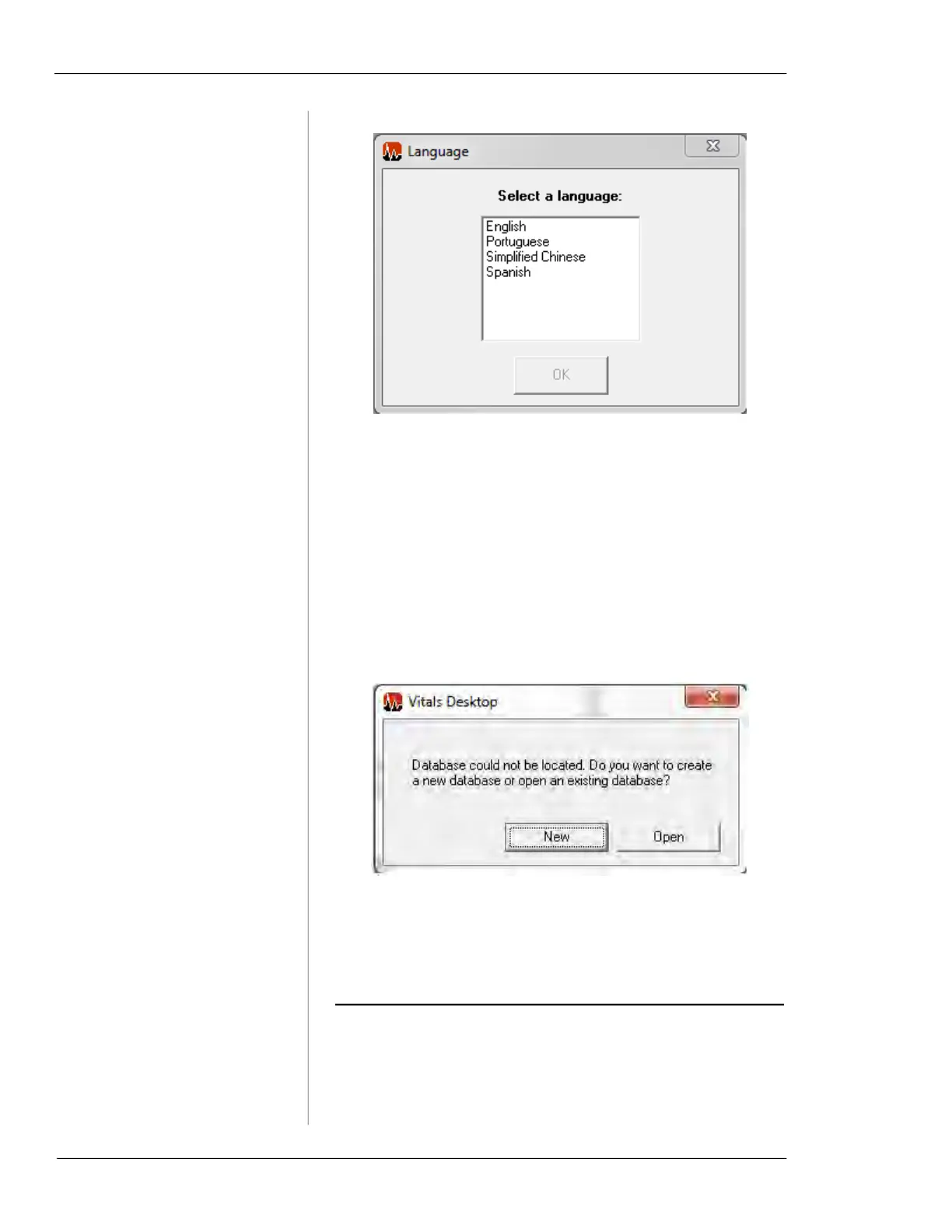
Figure 7-1. Select Default Language
The language you select will be automatically set on the
handheld controller when you set it up with Vitals Desktop.
When you install Vitals for the first time on a computer, you
will be asked to create a new database or locate an existing
database the first time you start the program. (See “Data-
base File Location” below for creating or locating a Vitals
database file.)
Figure 7-2. When you install Vitals for the first time
and start the program, it will prompt you to create or
find a database.
DATABASE FILE LOCATION
By default, Vitals Desktop creates its database file in the
program’s directory (
Program Files/Vitals Desktop/db/). If
the database is deleted, or moved to a different location,



 To Next Page