Vitals Reference Manual
158 Part No. 79-MAN-04, Rev. I E.H. Wachs
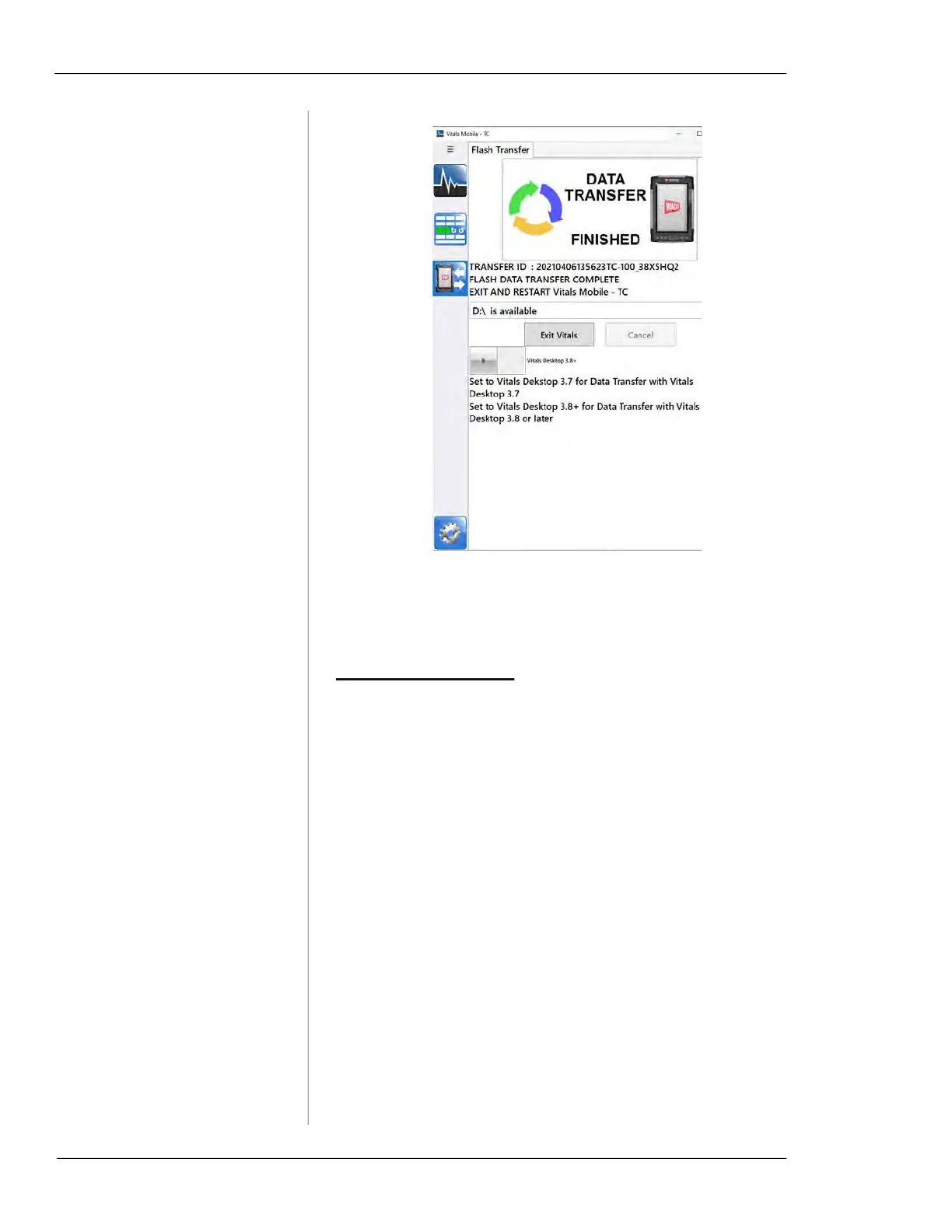
Figure 7-28. When the data transfer is finished, exit
Vitals and restart.
15.
Restart Vitals Mobile-TC.
TC-100 Local Transfer
You can perform a local transfer between Vitals Mobile-TC
and Vitals Desktop if you have the optional TC-100 Office
Dock and you are running Vitals Desktop on the TC-100.
(In this usage scenario, you are running Vitals Mobile-TC in
the field for data logging, and running Vitals Desktop on the
same TC-100 when in the office. To run Vitals Desktop on
the TC-100, you must have it mounted in the Office Dock
with external monitor, mouse, and keyboard, running it as a
desktop PC.)
1.
Exit Vitals Mobile-TC on the TC-100.
2.
Mount the TC-100 in the Office Dock.
3.
Launch Vitals Desktop.
4.
Click Data Transfer. The Data Transfer screen appears.
Click the
Connect to menu and select Local.



 To Next Page