Vitals Reference Manual
142 Part No. 79-MAN-04, Rev. I E.H. Wachs
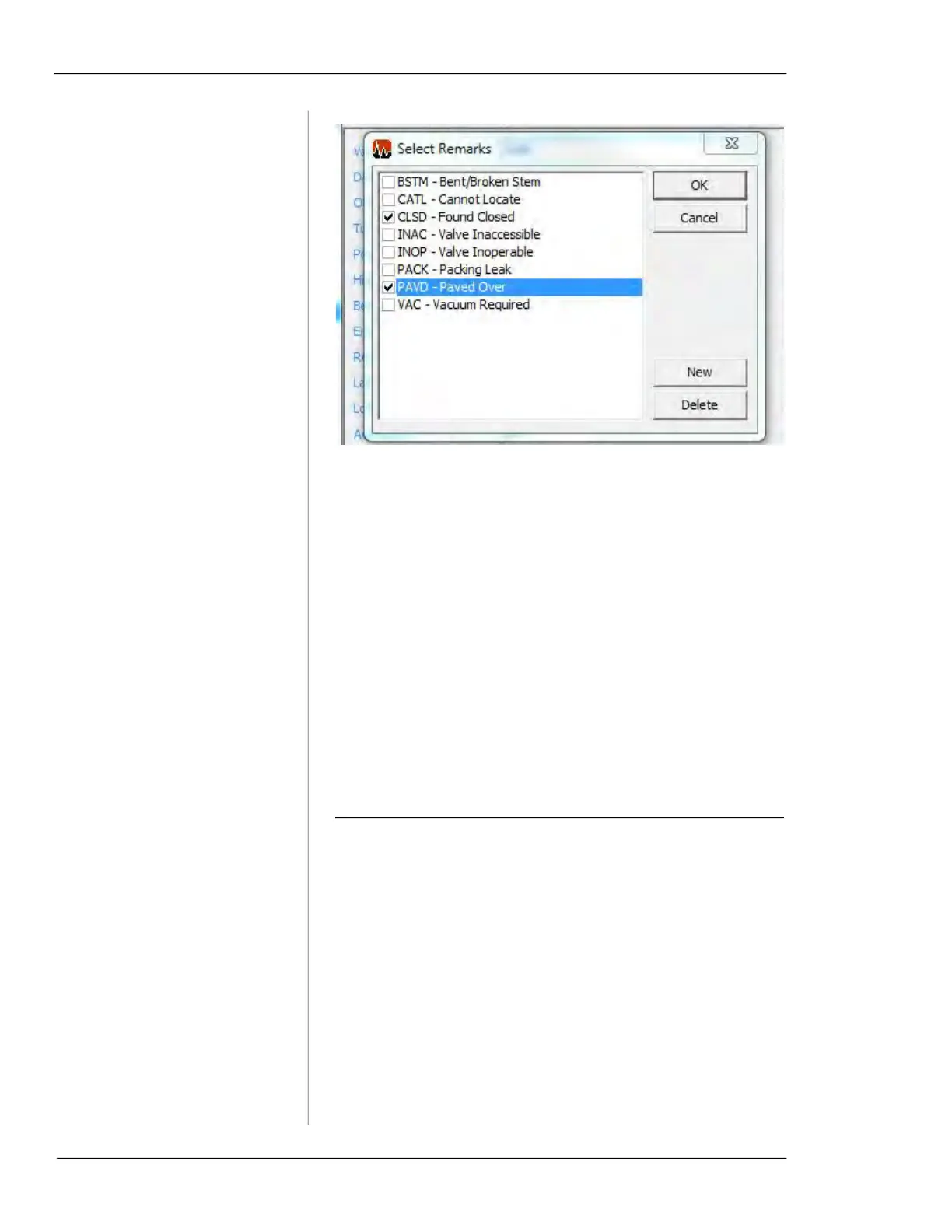
Figure 7-10. Select/Create Remarks
• The Select Remarks window is accessible by choosing
the
Remarks dropdown section in a New/Edit Activity
window. (You can also access this window by clicking
Remarks List in the Database Setup window.)
• Click
OK or Cancel to close the Select Remarks window.
• Click
New to enter a new remark.
• Click
Delete to remove the highlighted remark from the
list. You will be prompted to confirm that you want to
delete the remark.
• The four-letter remark ID displays the ID of the remark.
You cannot edit an existing remark ID.
• The remark description displays the description of the
remark. The description can be up to 20 characters.
ANALYZING VALVE DATA
Displaying Valve/Activity Records
1.
To display all the valve or activity records in the cur-
rently open database, click either the
Browse Valves or
Browse Activities button in the Menu Section on the
left-hand side of Vitals Desktop.



 To Next Page