Vitals Reference Manual
44 Part No. 79-MAN-04, Rev. I E.H. Wachs
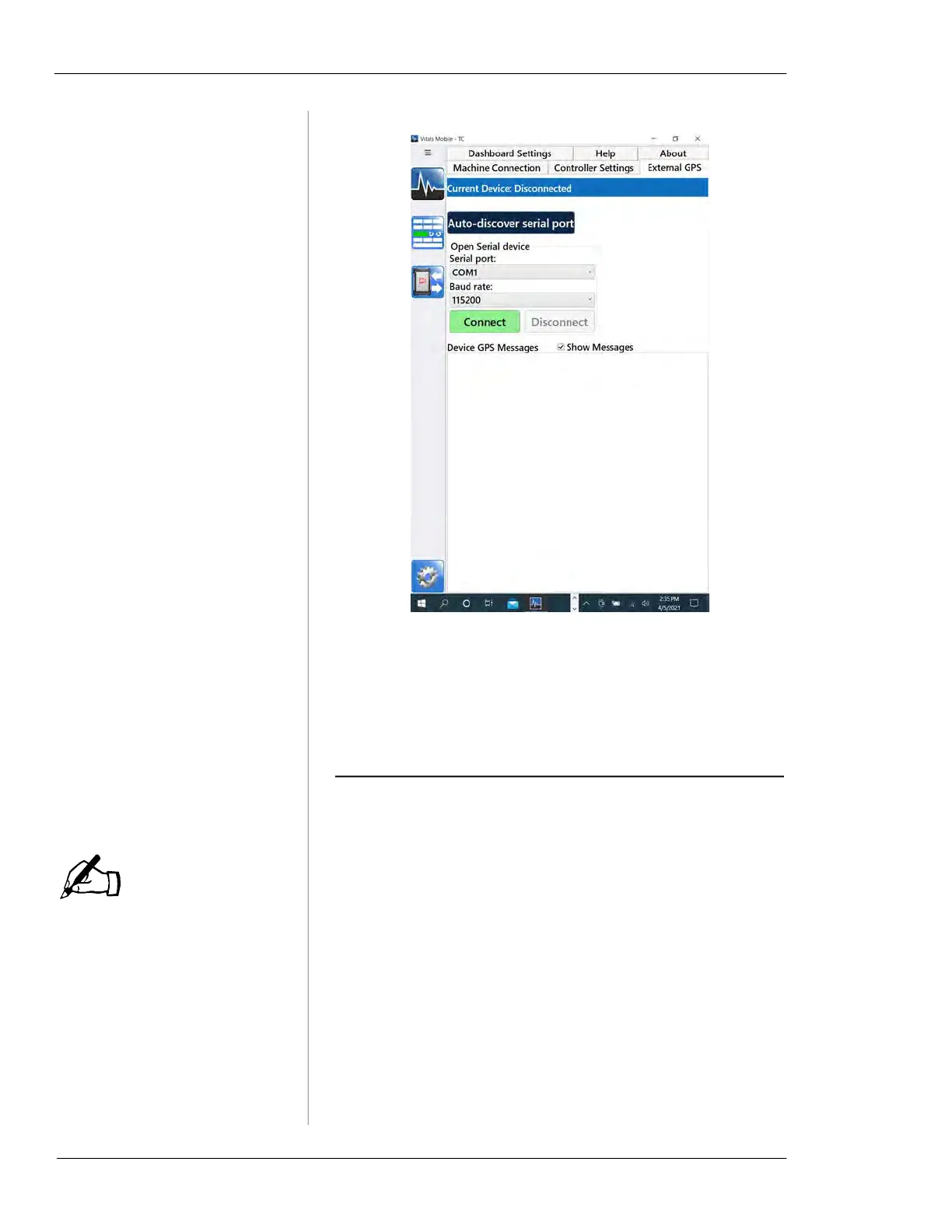
Figure 5-18. Use the Auto-discover serial port button
to find the GPS device,
5.
Tap Connect. When the connection is complete, return
to the Home screen or start a valve activity.
DISPLAYING AND SEARCHING VALVE
I
NFORMATION
You can hide the Dashboard
to create more room to dis-
play valve data.
You can sort and display valve and activity data on the
Home screen.
1.
When you open Vitals Mobile-TC, the Home screen
appears with Query results for All Activities.
NOTE



 To Next Page