Vitals Reference Manual
182 Part No. 79-MAN-04, Rev. I E.H. Wachs
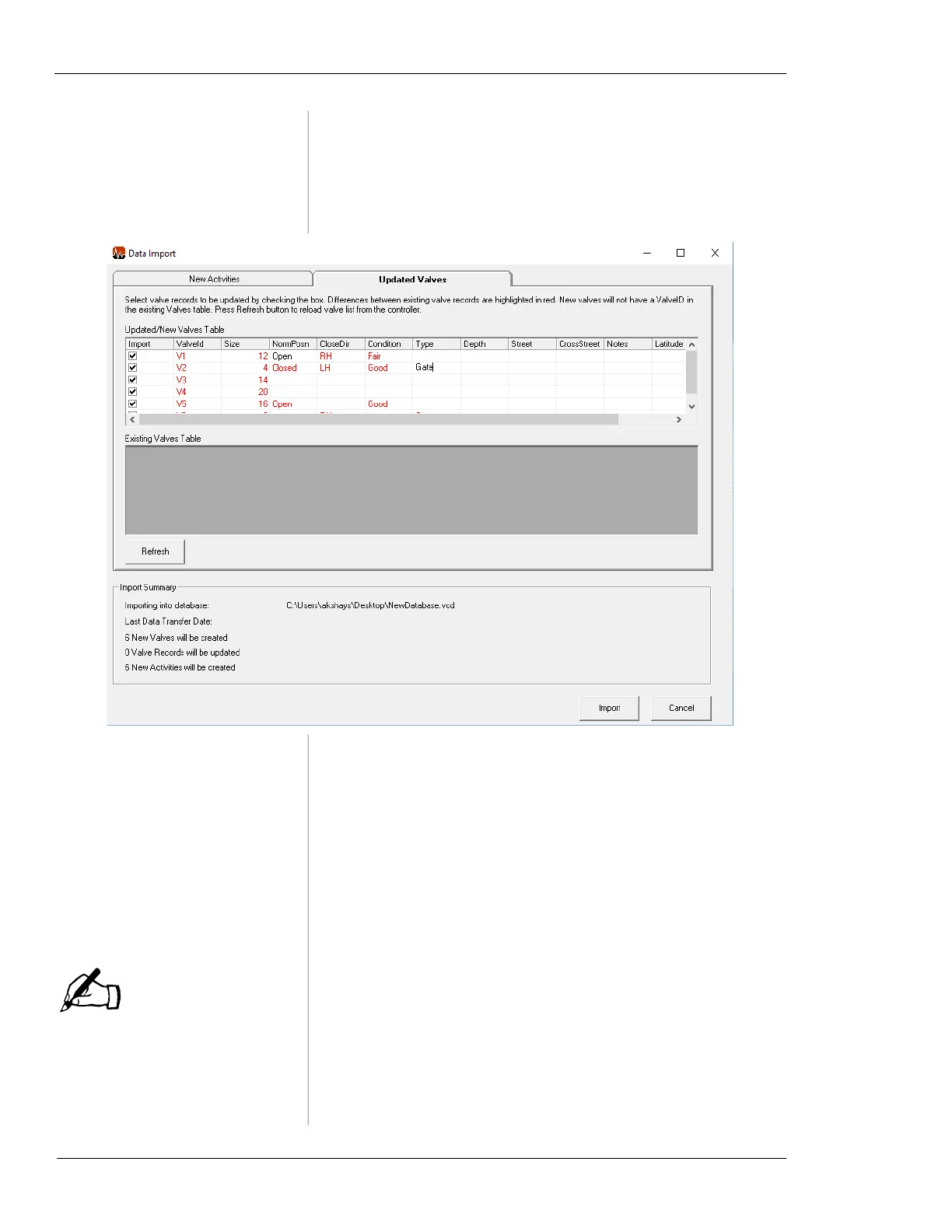
You can edit details of the valve data on the Updated Valves
tab before completing the import.
Figure 7-56. Data that you have added or edited
appears in black text on the
Updated Valves tab.
Any additions or changes will be saved to the Vitals data-
base. The Import Summary highlights the changes. After
you have reviewed the activity and valve data, click the
Import button to import it. All valves are displayed.
Uploading Large Databases
Slow performance may also
occur on the TC-100 control-
ler in Legacy mode.
On the HC-100 controller, responsiveness diminishes as the
valve database size grows. Uploading data sets with more
than 50,000 valves creates a slight lag.
If your database is over 50,000 valve records, a message
will appear recommending you to select a range to upload.
(You may still upload your entire database if you wish)
NOTE



 To Next Page