Chapter 7, Using Vitals Desktop: Transferring Data Between Vitals Desktop and Vitals Mobile
E.H. Wachs Part No. 79-MAN-04, Rev. I 183
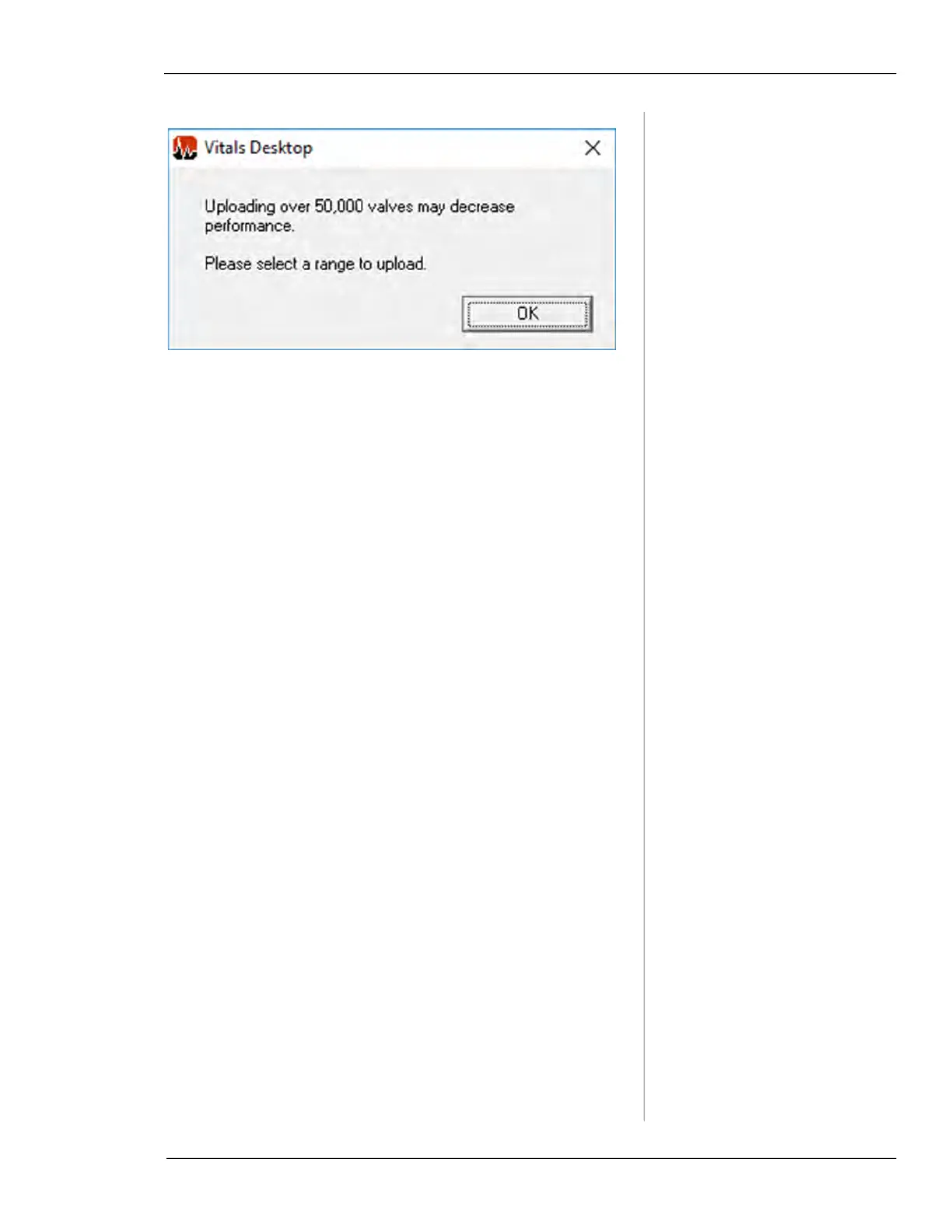
Figure 7-57. Over 50,000 Valve Record Message
To split your database into smaller sections for upload, per-
form the following steps.
1.
Create a new field in your Valves table to identify dis-
tinct sections of your valve record structure, such as
Grid. In this example, different Grid choices could be
A, B, C, etc. Refer to “Customize Data Fields” in the
“Database Options” section for more information on
creating custom data fields.
2.
Add the appropriate Grid choice for each valve record
by editing the valve record information. Refer to
“Valve Record” in the “Creating and Editing Valves
and Activities” section for more information on edit-
ing valve records.
3.
Start a Data Transfer and select OK when the range
selection message appears. The Export Valve Records
screen appears.



 To Next Page