Chapter 7, Using Vitals Desktop: Creating and Editing Valves and Activities
E.H. Wachs Part No. 79-MAN-04, Rev. I 141
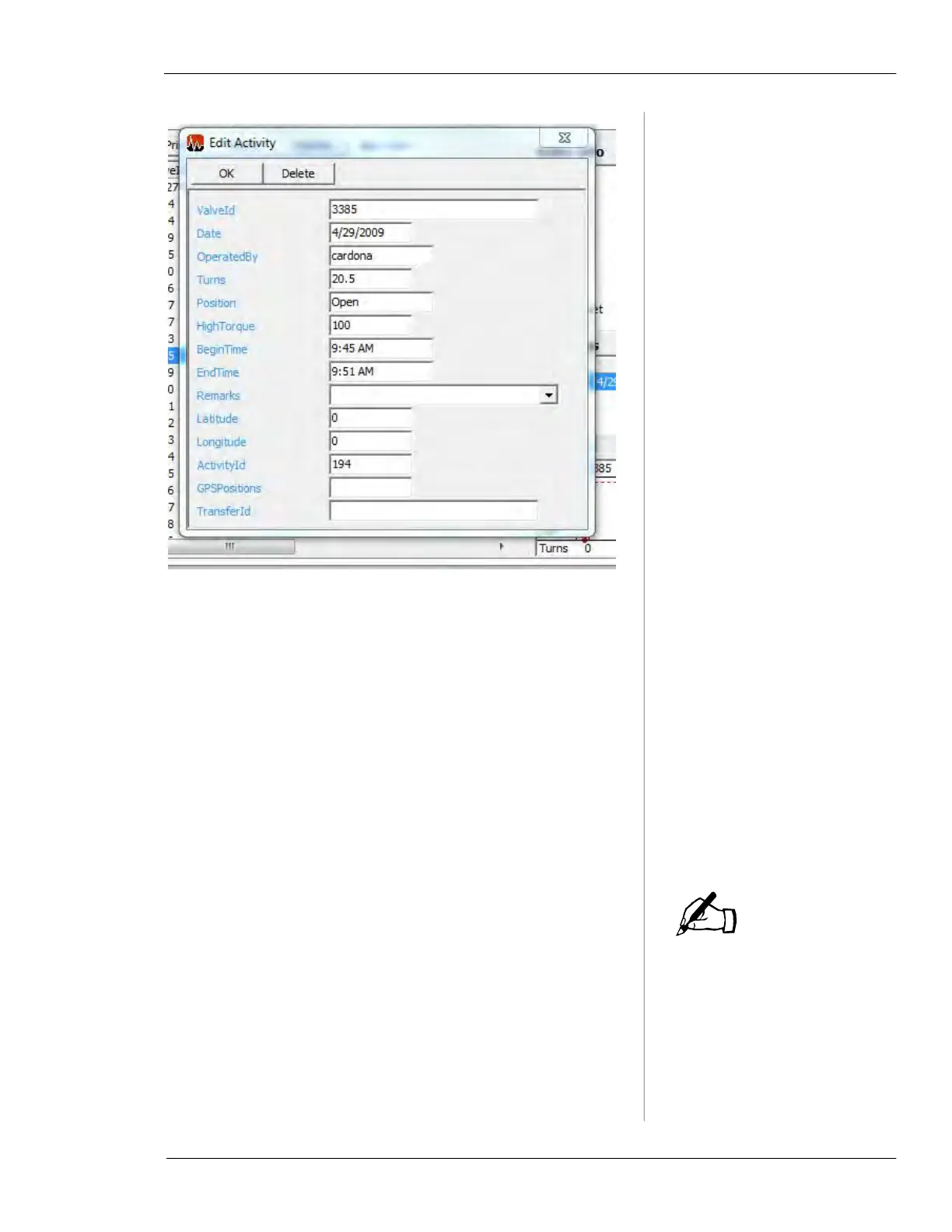
Figure 7-9. Create/Edit Activity
• You can edit the information in the activity record, and
click the
OK button to save changes.
• Click the
Delete button to delete the activity record. You
will be prompted to confirm that you want to delete it.
• You can also access this form and create a new activity
record by clicking the
New Activity button in the Menu
Section on the left-hand side of Vitals Desktop. (When
creating a new activity for a specified valve ID, a valve
with that ID must exist in the database.)
Remarks List Window
When the user selects
remarks on the handheld
controller during an activity,
the selected remarks are
copied into the activity
record.
The Select Remarks window displays the remarks you have
defined and allows you to create new remarks.
NOTE



 To Next Page