Vitals Reference Manual
140 Part No. 79-MAN-04, Rev. I E.H. Wachs
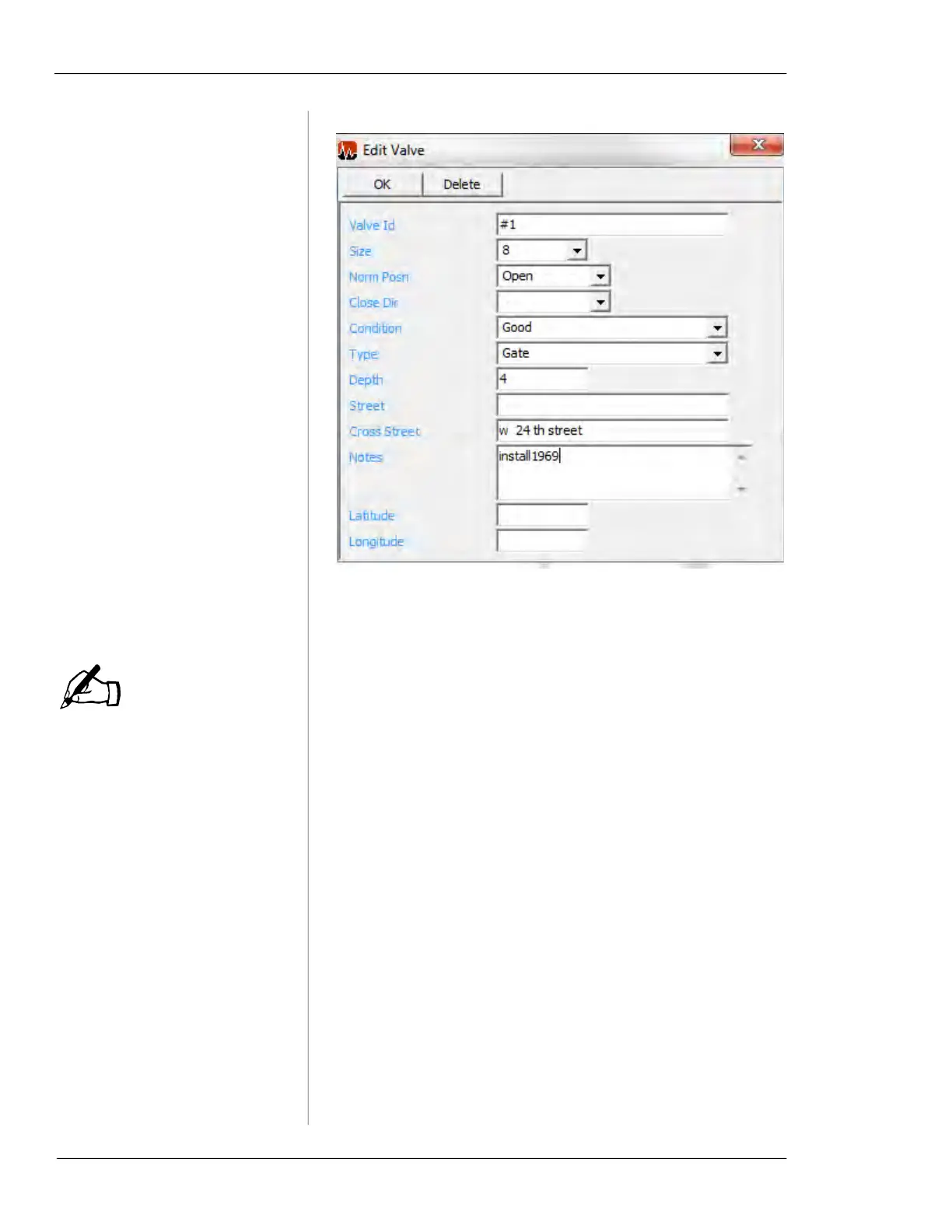
Figure 7-8. Create/Edit Valve
• You can edit the information in the valve record, and
click the
OK button to save changes.
Latitude and Longitude val-
ues are not required, but are
recommended for GPS
searches.
• Enter the Latitude and Longitude for the valve. The val-
ues in the valve record must be entered manually (or
imported during a database import); use your most accu-
rate GPS data for the valve.
• Click the
Delete button to delete the valve record. You
will be prompted to confirm that you want to delete it.
• You can also access this form and create a new valve
record by clicking the
New Valve button in the Menu
Section on the left-hand side of Vitals Desktop.
Activity Record
Double click on any activity in the Activities section to dis-
play the activity record window.
NOTE



 To Next Page