Vitals Reference Manual
94 Part No. 79-MAN-04, Rev. I E.H. Wachs
If no COM ports are avail-
able, you may need to
remove unused COM port
assignments. See “No COM
ports are available for Blue-
tooth pairing” in Chapter 7,
“Troubleshooting Guide”.
9.
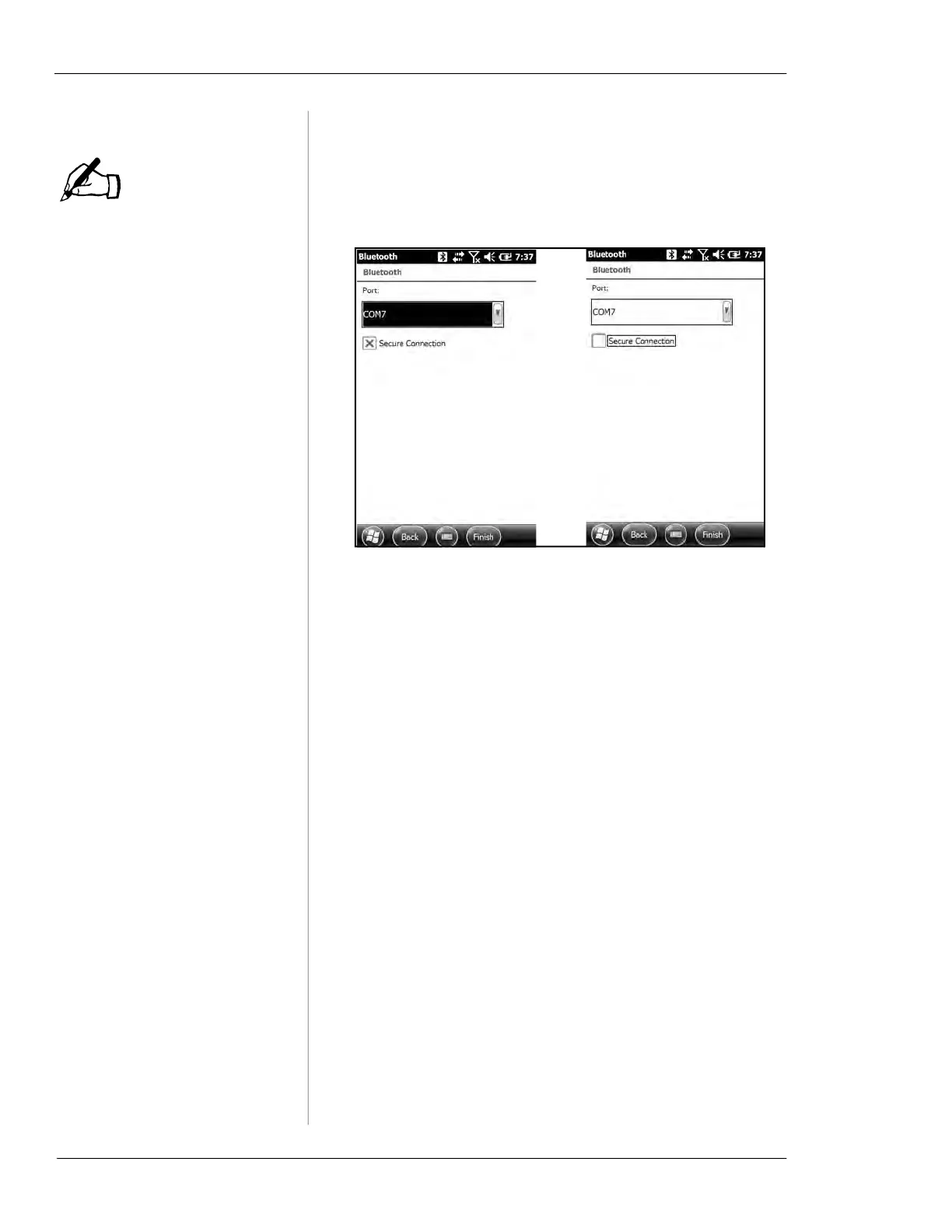
Select the COM Port (any unused port except COM0 or
COM8). Uncheck the Secure Connection box. Tap Fin-
ish
.
Changing Bluetooth Device Names
If you change the name of a Bluetooth device, include the
text “ERV”, “TM”, or “Wachs Machine” in the Display
name. Vitals Mobile will only display devices with one of
those text strings in the name. (This is to prevent connecting
to any other, non-Wachs, Bluetooth devices.)
1.
Tap the Settings button on the HC-100 home screen.
NOTE



 To Next Page