Chapter 5, Using Vitals Mobile-TC (TC-100 Controller): Starting Up
E.H. Wachs Part No. 79-MAN-04, Rev. I 43
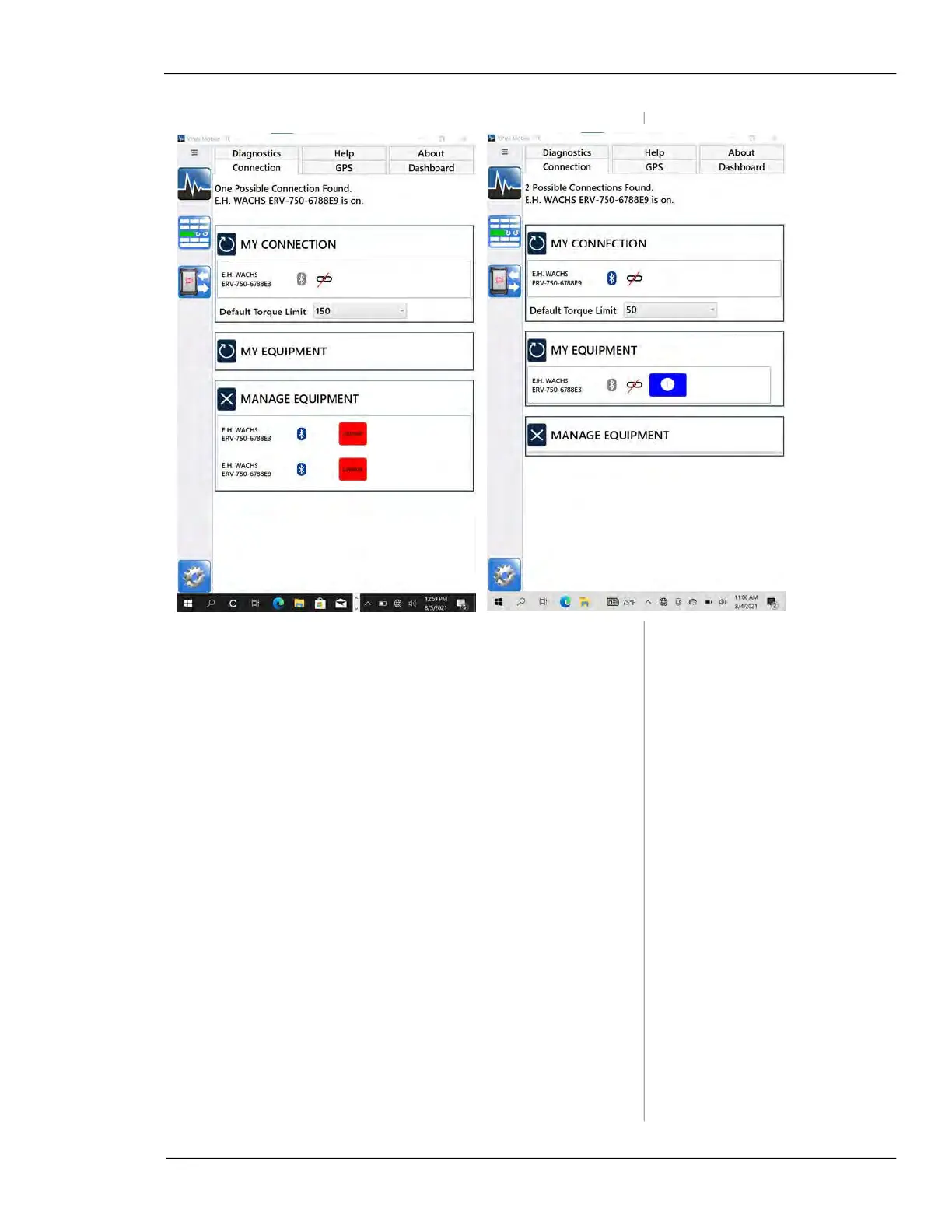
Figure 5-17. To change the connection, tap the new
valve operator under
MY EQUIPMENT.
Adding External GPS
Before this procedure, make a Bluetooth connection from
the TC-100 to the GPS device, as described above.
1.
Turn on the GPS device and locate it close to the TC-
100.
2.
Open Vitals Mobile-TC. Tap the Settings icon and
then tap the
GPS tab.
3.
Tap Auto-discover serial port. Vitals Mobile-TC will
scan the available serial ports until it finds the GPS
device.
4.
You can also connect manually, by selecting a COM
port and choosing the required baud rate for your GPS
device.



 To Next Page