Vitals Reference Manual
80 Part No. 79-MAN-04, Rev. I E.H. Wachs
Changing Controller Settings
You can select the valve operator controller, the GPS
(embedded or external), and USB data connection.
1.
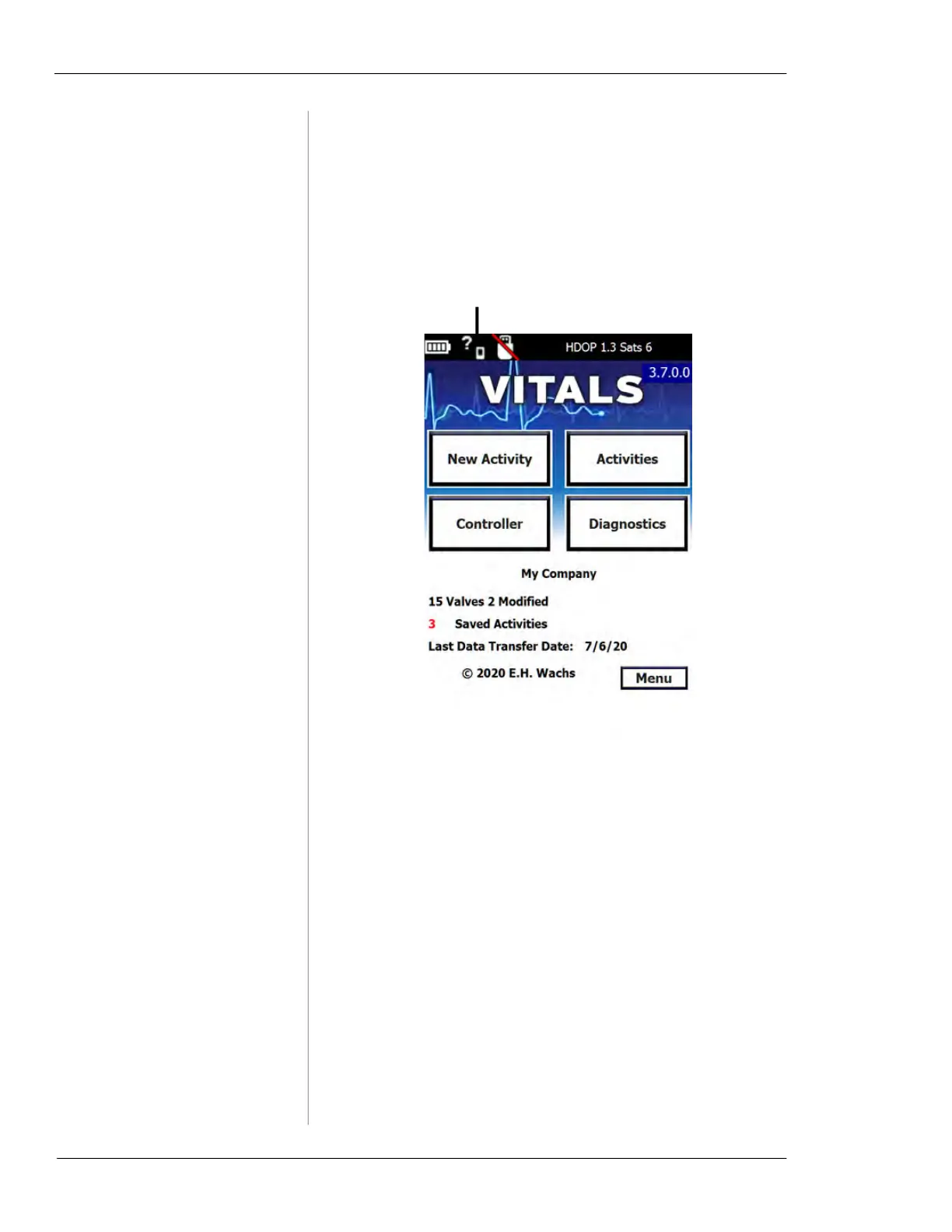
Tap the Controller Settings icon at the top of the Vitals
home screen.
Figure 6-6. Tap the
Controller Settings icon.
2.
The Controller Settings screen appears.
Controller Settings



 To Next Page