Chapter 6, Using Vitals Mobile-HC (HC-100 Controller): Starting Vitals Mobile
E.H. Wachs Part No. 79-MAN-04, Rev. I 79
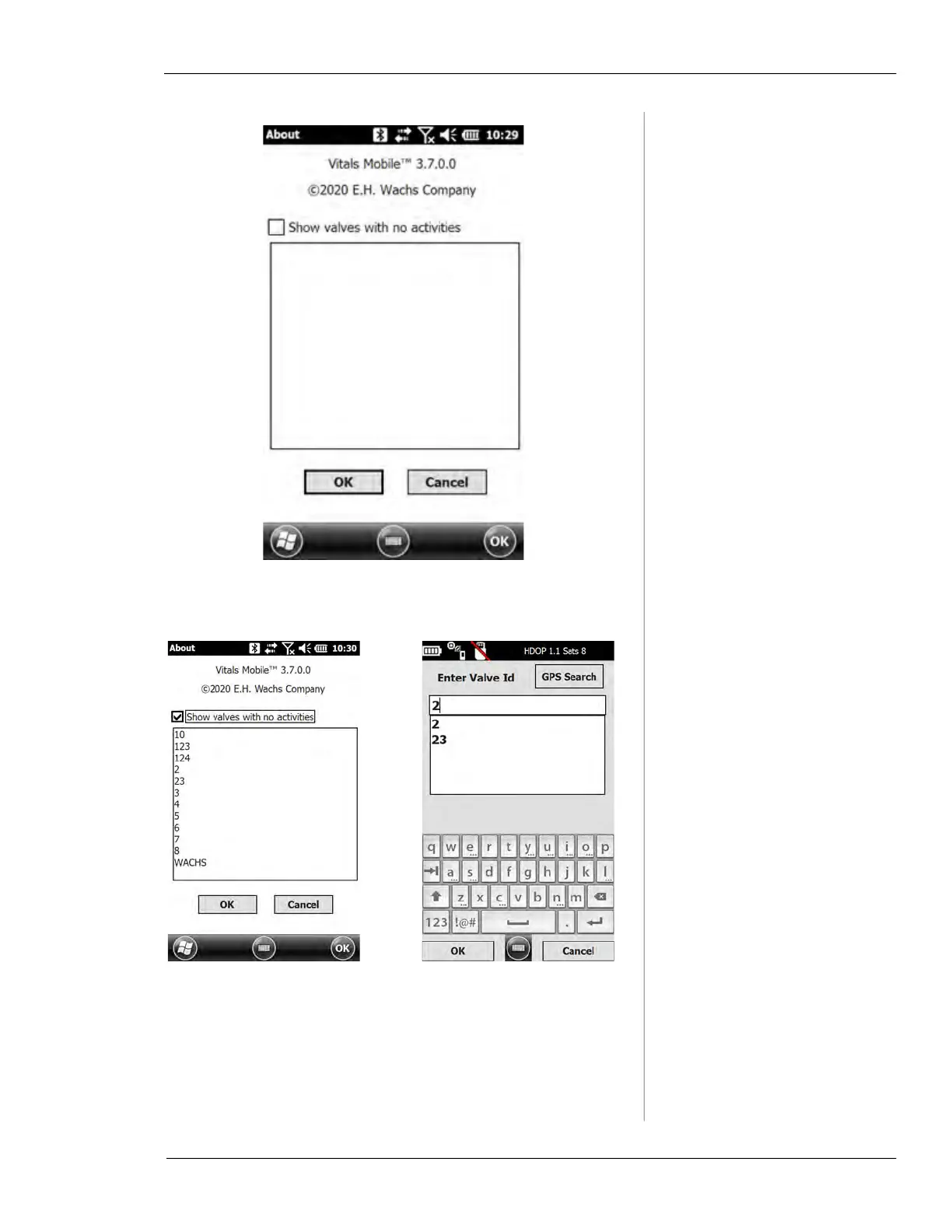
Figure 6-4. The About screen displays version infor-
mation.
Figure 6-5. Tap the
Show valves with no activities
checkbox to display a list of valve in the database that
have no activity records. Tap the Valve ID you want.
The Enter Valve ID screen appears with the valve
selected; tap OK to continue.



 To Next Page