Chapter 7, Using Vitals Desktop: Transferring Data Between Vitals Desktop and Vitals Mobile
E.H. Wachs Part No. 79-MAN-04, Rev. I 181
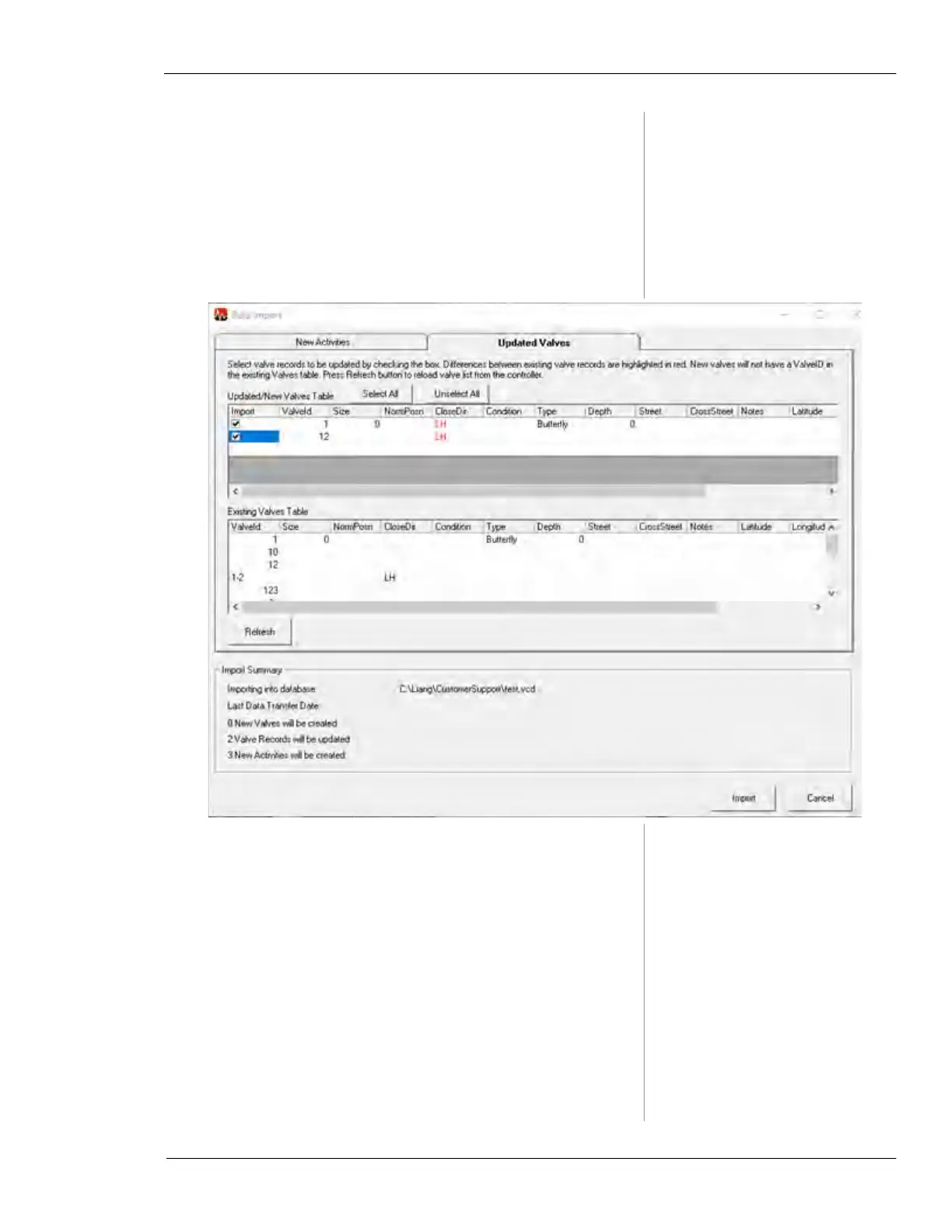
Click on the Updated Valves tab to review valve data that
has been changed. Text in red indicates differences between
data from Vitals Mobile and the data in the Vitals Desktop
database. Valve records in red indicate new valves that are
not in the database.
Figure 7-55. New valve data appears in red text on
the
Updated Valves tab of the Data Import screen.



 To Next Page