Chapter 5, Using Vitals Mobile-TC (TC-100 Controller): Displaying and Searching Valve Information
E.H. Wachs Part No. 79-MAN-04, Rev. I 45
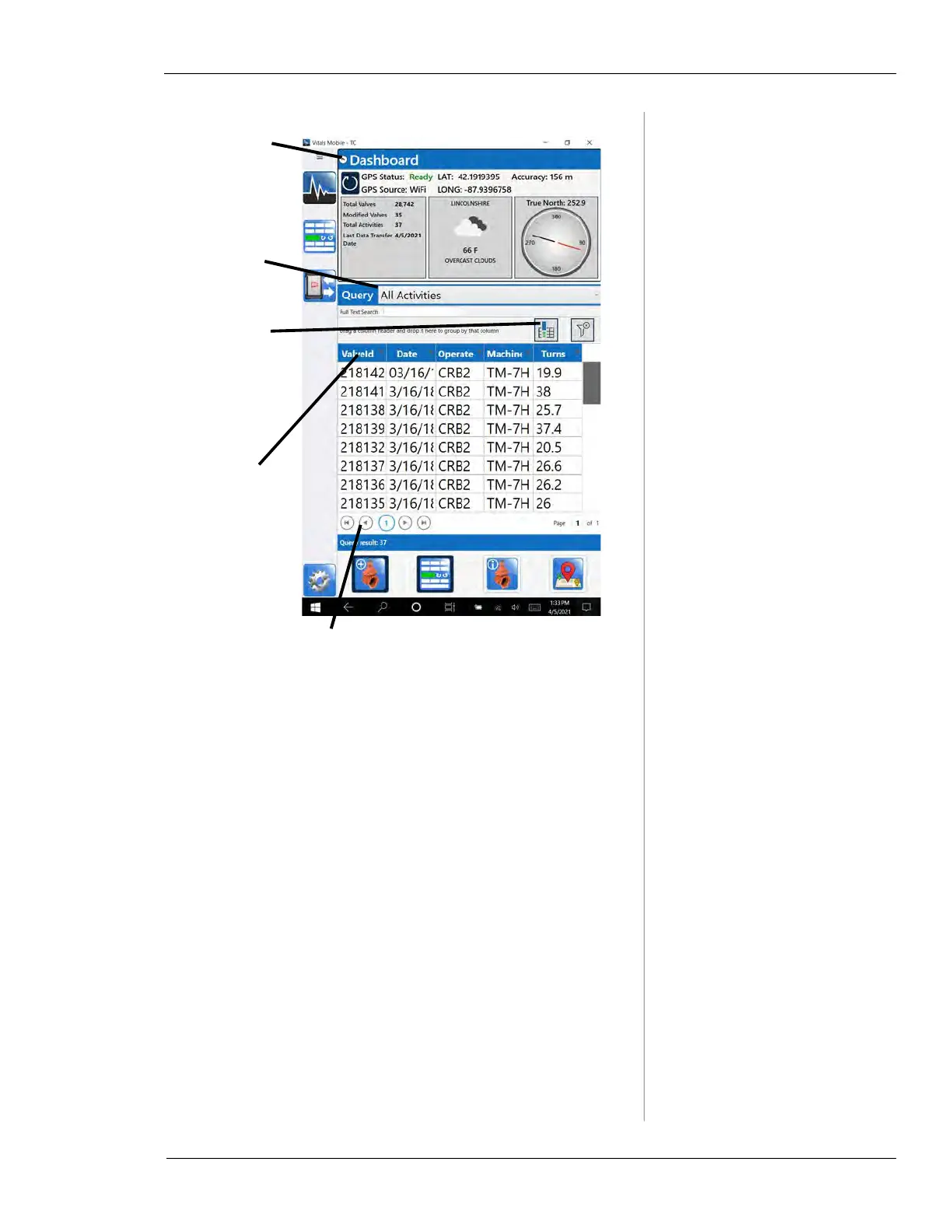
Figure 5-19. Vitals Mobile-TC Home Screen
Tap if you
want to hide
Dashboard to
see more
results
Query menu—
tap to select
search type
Controls for moving from screen to screen
—Each screen displays 250 records
—Screen controls only appear when there are
more than 250 records in the search results
Tap column
headings to
reverse sorting
order
Tap to go to
Dashboard
Settings and
change what
fields are dis-
played



 To Next Page