Vitals Reference Manual
46 Part No. 79-MAN-04, Rev. I E.H. Wachs
2.
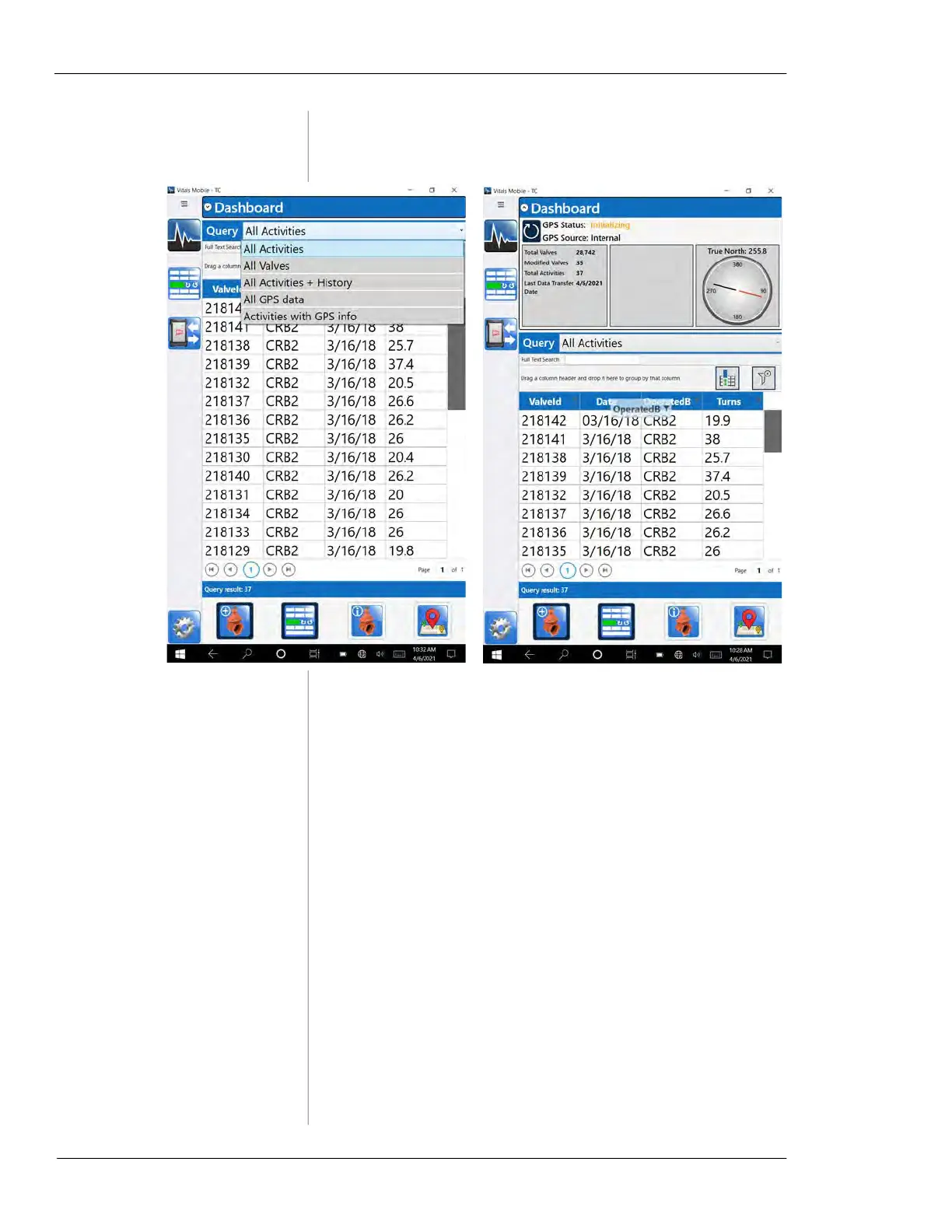
To change the Query type, tap on the Query menu and
select the type of search.
Figure 5-20. Tap the Query menu to select the data
search (left). You can move the columns in the list by
dragging the column headers left or right (right).
• All Activities—lists all activity records stored on the
TC-100. You can select fields for display in the Dash-
board Settings.
• All Valves—lists all valve records stored on the TC-
100. You can select fields for display in the Dashboard
Settings.
• All Activities + History—lists activities with
ValveID,
Date, OperatedBy, and Turns fields.
• All GPS Data—lists valve records that have GPS data,
with
Latitude, Longitude, ValveID, Dist. from, and Head-
ing
.
• Activities with GPS info—lists valves that have activi-
ties with GPS data, with
Latitude, Longitude, ValveID,
Dist. from, and Heading.



 To Next Page