Chapter 7, Using Vitals Desktop: Analyzing Valve Data
E.H. Wachs Part No. 79-MAN-04, Rev. I 143
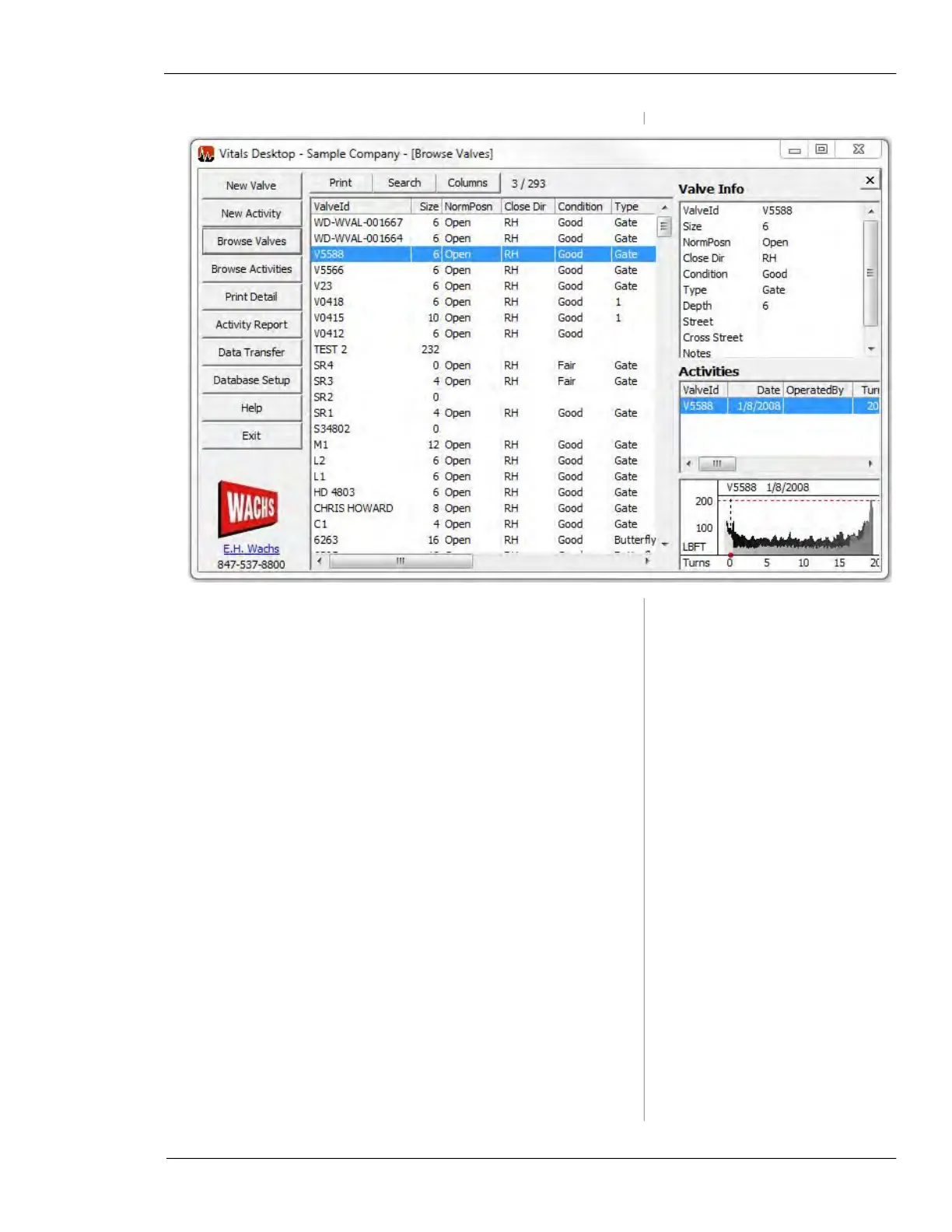
Figure 7-11. Browse Valves
• To display the torque chart for an activity, click on the
activity in the Activities section of the screen. The
torque chart appears below.
• To view a larger version of a torque chart animation in
its own window, double-click the torque chart graphic in
the Torque Chart display section. To animate the torque
chart, right-click the graphic and select
Animate.
2.
To search for valves/activities matching specific crite-
ria, click the
Search button in the All Valves/Activities
section.



 To Next Page