Vitals Reference Manual
116 Part No. 79-MAN-04, Rev. I E.H. Wachs
3.
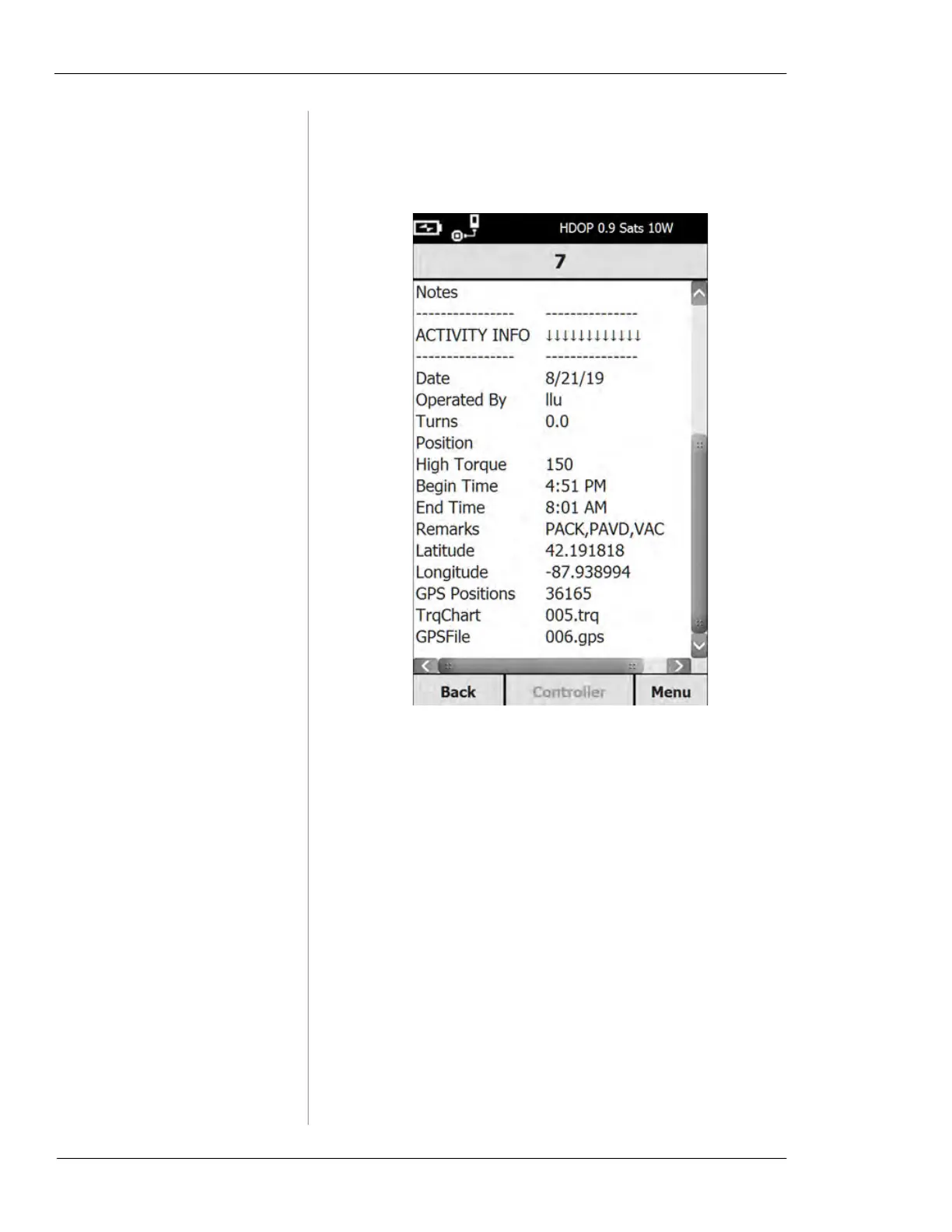
To edit a saved activity, highlight the desired valve
and tap the
Open button. The valve record screen will
appear.
4.
To edit the activity information, tap a field and update
the information, as described above in “Starting a
New Valve Activity”. To save the activity, tap the
Save button. The Controller button is disabled to pre-
vent overwriting a completed activity.
5.
If you tap TrqChart, the TrqChart screen appears. You
can search for a torque chart for the selected valve ID,
and display the chart.



 To Next Page